Home Apps Productivity Adobe Acrobat Reader: Edit PDF
Adobe Acrobat Reader: Edit PDF

Adobe Acrobat Reader: Edit PDF Rate : 4.3

  • Category : Productivity
  • Version : 24.9.4.35580
  • Size : 109.7 MB
  • Developer : Adobe
  • Update : Apr 28,2025
Download
Application Description

Adobe Acrobat is your go-to solution for managing PDF files, offering a seamless experience to view, edit, convert, and sign documents right from your device. Whether you're on the go or at your desk, Adobe Acrobat Reader ensures you can handle your PDFs anytime, anywhere.

Key Features:

  • Edit, Sign, and More: Transform your PDFs like a pro with editing, signing, and other advanced capabilities.
  • Enhanced Viewing with Liquid Mode: Enjoy a superior PDF viewing experience as the content reflows to fit your screen perfectly.
  • Effortless Collaboration: Share files easily and collaborate by adding comments or simply viewing documents together.
  • Free with Premium Options: Use the app for free or unlock advanced features with a premium subscription.

Why Choose Adobe Acrobat Reader?

With over 635 million installs, Adobe Acrobat Reader is the world's most trusted PDF viewer. It's designed not just to view but also to store your files online, making them accessible wherever you are. The app allows you to:

  • View and Share: Open and review PDFs, share them for commenting or viewing, and collaborate effectively.
  • Annotate: Add notes, comments, highlights, and even drawings directly onto your PDF documents.
  • Edit and Convert: With a premium subscription, edit text and images, convert files to and from PDF, and utilize other advanced features to create, combine, and organize PDFs.
  • Fill and Sign Forms: Easily fill out forms and add e-signatures to streamline your document workflow.
  • Manage Files: Store and access your files across devices, link to online storage services like OneDrive, Dropbox, and Google Drive, and quickly access your favorite documents with the star feature.

Additional Capabilities:

  • Google Drive Integration: Connect your Google Drive for easy access to your PDFs and other files, and leverage subscription features to create, edit, combine, compress, and export documents.
  • Work with Scanned Documents: Open scanned PDFs from the Adobe Scan app, and fill, sign, comment, or share them as needed.
  • In-App Purchases: Enhance your PDF experience with subscriptions that offer mobile and web compatibility, including editing, combining, creating, exporting, compressing, and protecting your PDFs.

Enterprise-Friendly:

The Adobe Acrobat Reader mobile app is optimized for businesses with Enterprise Mobility Management (EMM) enabled, ensuring secure and efficient document management within your organization.

Legal Information:

Your use of the app is subject to Adobe's General Terms of Use (http://www.adobe.com/go/terms_en) and Privacy Policy (http://www.adobe.com/go/privacy_policy_en). For more information on data privacy, visit Adobe's Do Not Sell My Personal Information page (https://www.adobe.com/go/ca-rights).

Conclusion:

Adobe Acrobat Reader is your comprehensive PDF tool, turning your device into a powerful office suite. From viewing to editing, converting JPGs to PDFs, creating fillable forms, and adding e-signatures, this app simplifies working with PDF documents like never before.
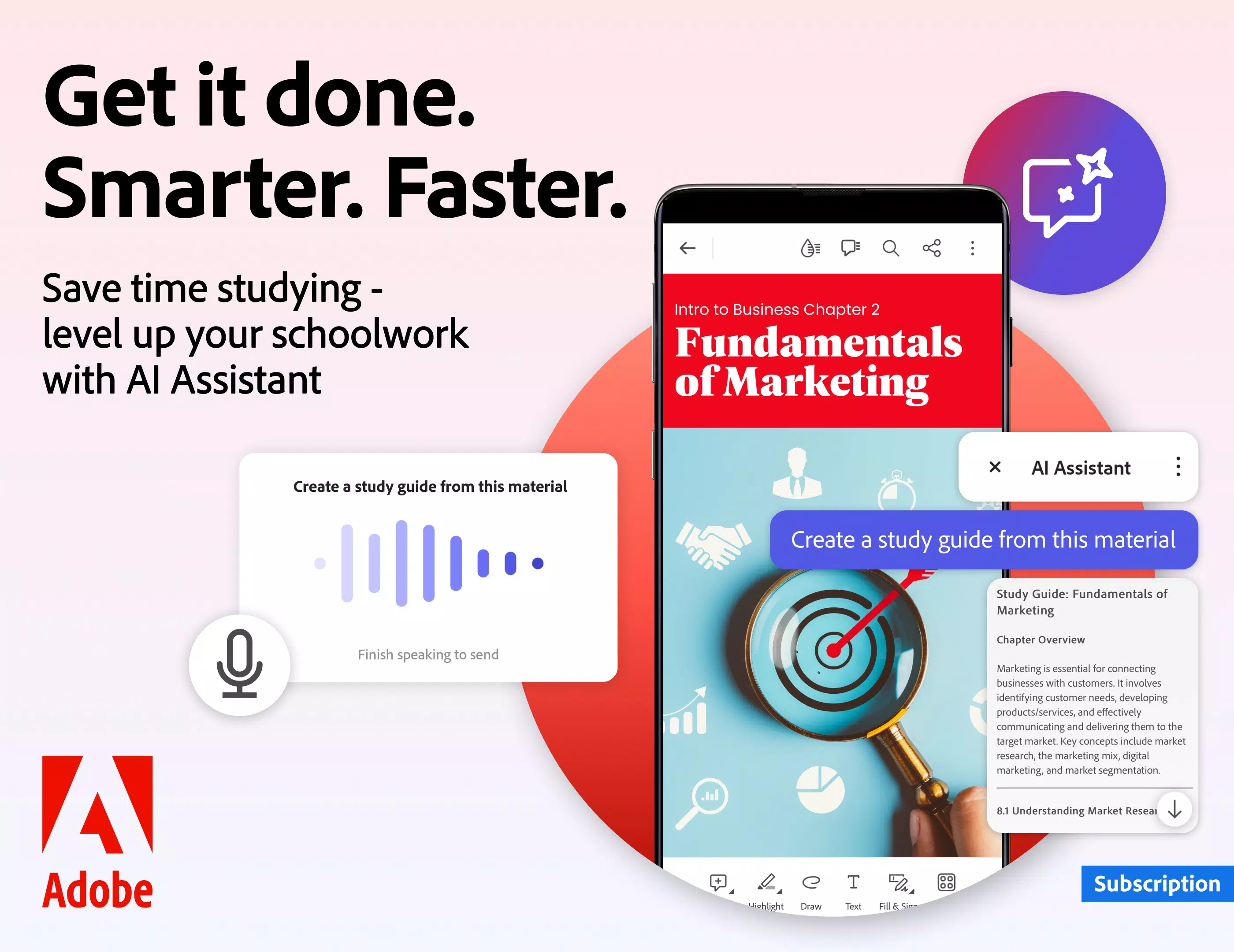
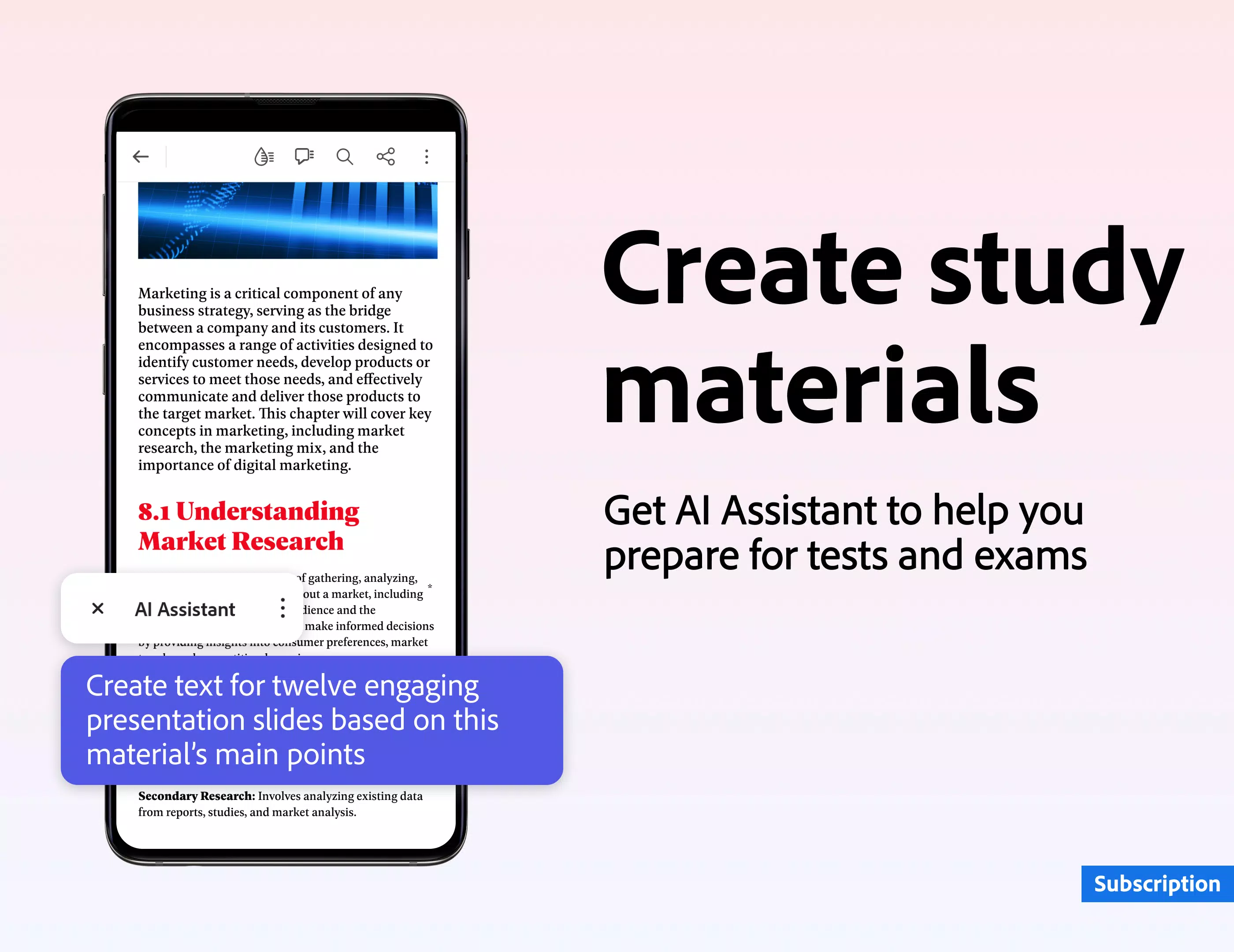
Screenshot
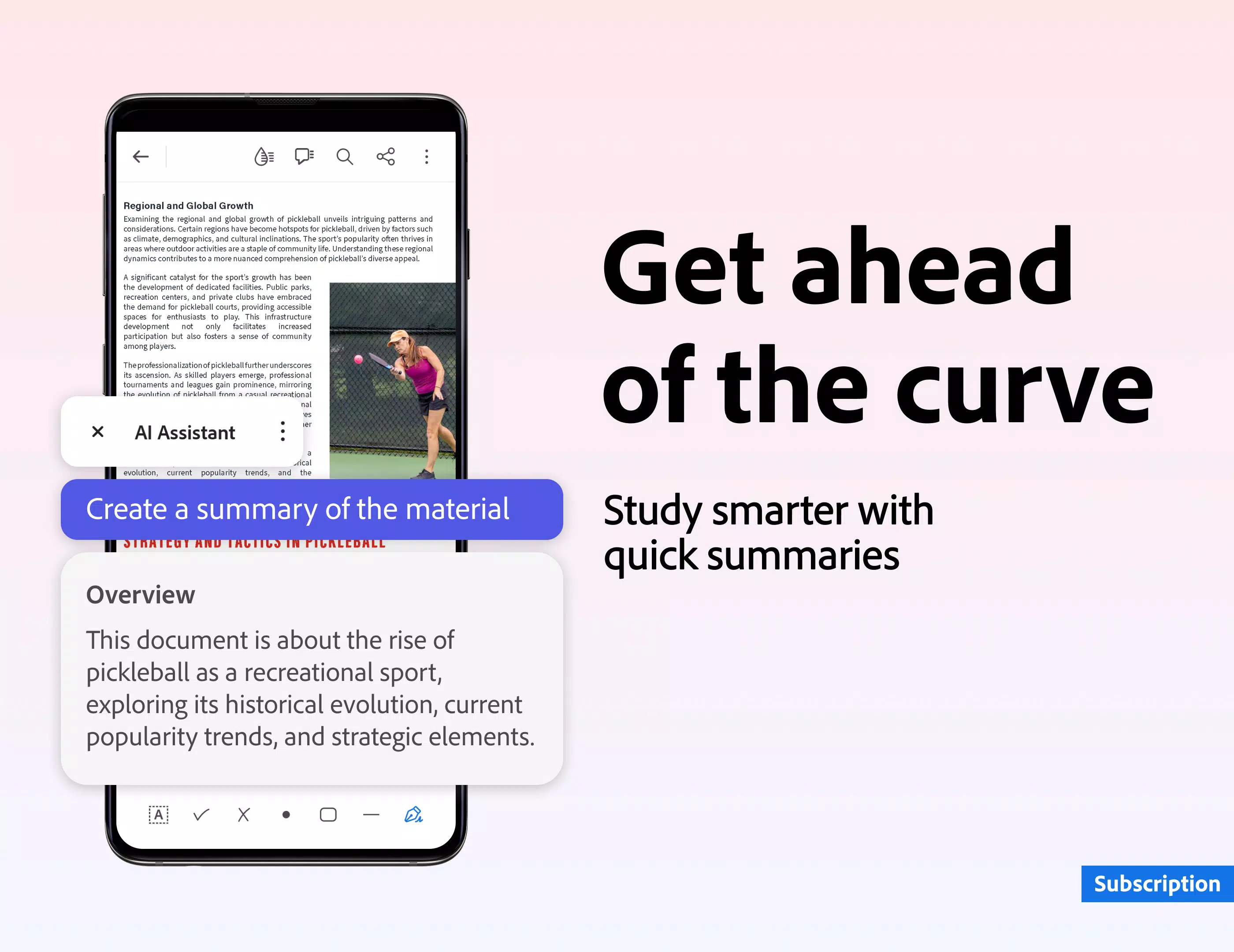
Adobe Acrobat Reader: Edit PDF Screenshot 0
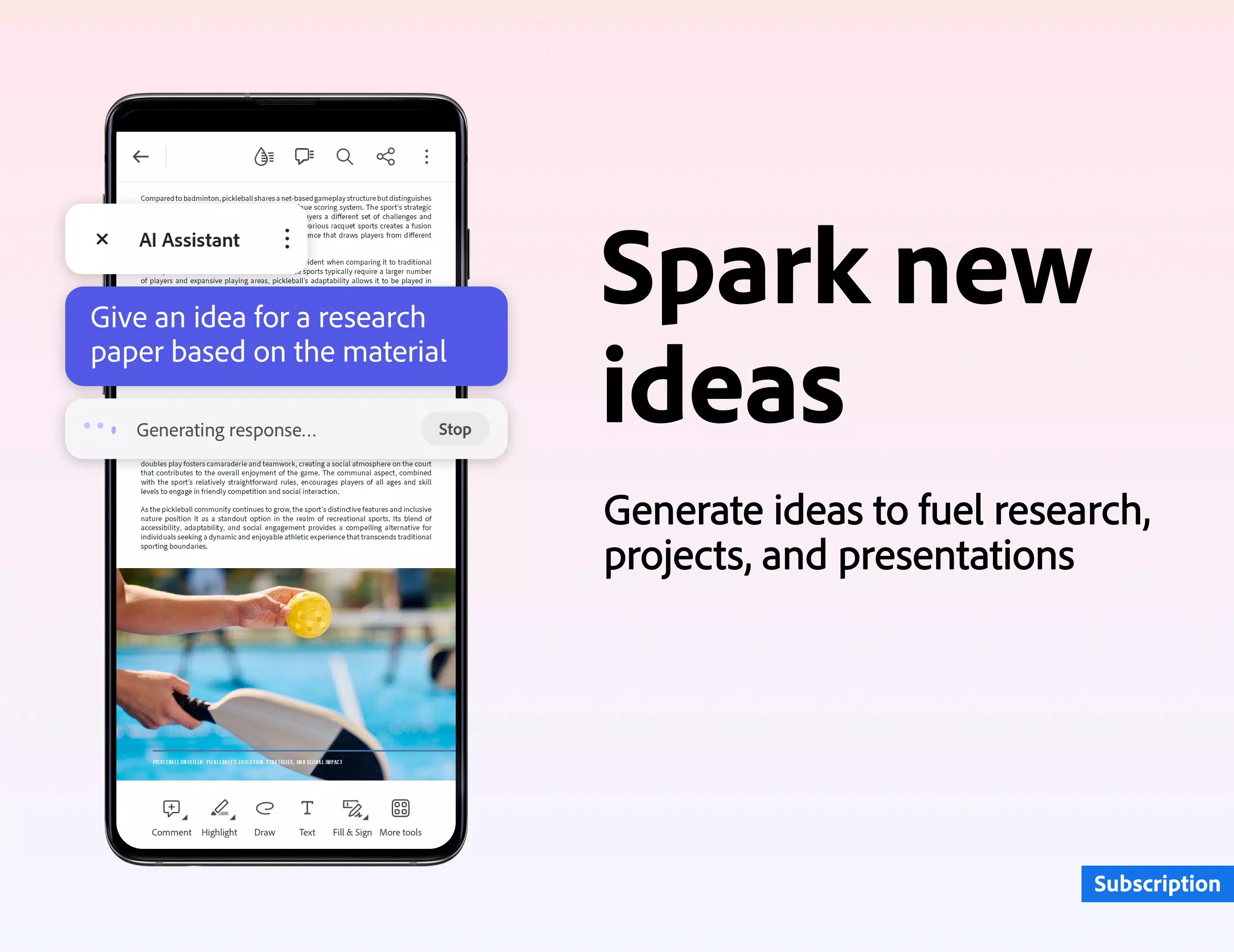
Adobe Acrobat Reader: Edit PDF Screenshot 1
Adobe Acrobat Reader: Edit PDF Screenshot 2
Adobe Acrobat Reader: Edit PDF Screenshot 3
Reviews Post Comments
PDF专家 May 21,2025

Adobe Acrobat是管理PDF文件的最佳工具!我可以轻松查看、编辑、转换和签署文档。无论我在家还是在路上,应用程序都运行流畅。对于任何处理PDF文件的人来说,这都是必备的!

PDFPro May 16,2025

Adobe Acrobat is the best tool for managing PDFs! I can view, edit, convert, and sign documents with ease. The app works seamlessly on my device, whether I'm at home or on the go. It's a must-have for anyone dealing with PDFs!

DocumentosFaciles May 14,2025

Adobe Acrobat es la mejor herramienta para manejar PDFs. Puedo ver, editar, convertir y firmar documentos sin problemas. La aplicación funciona bien en mi dispositivo, ya sea en casa o en movimiento. Es imprescindible para quien trabaje con PDFs.

Apps like Adobe Acrobat Reader: Edit PDF More+
Latest Articles More
  • Dungeon Delights Manga Box Set Hits Amazon Low

    It's no secret that Delicious in Dungeon has rapidly become one of the most popular manga series available. With the anime's release fueling its rise and a second season in production, its fanbase continues to grow. While manga collecting can be an e

    Dec 17,2025
  • Grab an iPhone 17 Screen Protector for $5 on Amazon

    Apple has officially unveiled the iPhone 17, showcasing major upgrades including a redesigned Pro model with a vapor chamber for superior cooling during intense gaming, and the eagerly anticipated iPhone Air, a model rumored for years.While these new

    Dec 17,2025
  • MindsEye Dev Racing to Improve Performance Post-Steam Reviews

    The MindsEye development team acknowledged performance issues raised by Steam reviewers and confirmed ongoing optimization efforts.Build A Rocket Boy's inaugural release debuted June 10th with 'Mixed' Steam reviews and peaked at 3,302 concurrent play

    Dec 17,2025
  • Silver & Blood: Redeem Codes July 2025

    In Silver and Blood: Requiem, redemption codes serve as valuable tools for players to obtain premium items without purchases. Developers regularly distribute these codes during special occasions, game achievements, partnerships, and marketing initiat

    Dec 16,2025
  • Bose Smart Ultra at 50% Off With Dolby Atmos

    Bose has activated a 10% discount coupon code "REFURB10" for select refurbished items at its official eBay store. A standout deal is on the flagship Bose Smart Ultra Soundbar, its largest and most advanced model featuring Dolby Atmos and Bose TrueSpa

    Dec 16,2025
  • Infinity Nikki 1.5 Compensation Plan Announced

    Infinity Nikki Version 1.5 Update FalloutPlayers Receiving Diamond CompensationThe launch of Infinity Nikki's Version 1.5 proved disappointing as developer Infold Games failed to deliver on promised features while introducing multiple technical issue

    Dec 16,2025