Stay online during remote work with our active mouse solution :)
Prevent your computer screen from locking with Mouse Jiggler!
Description:
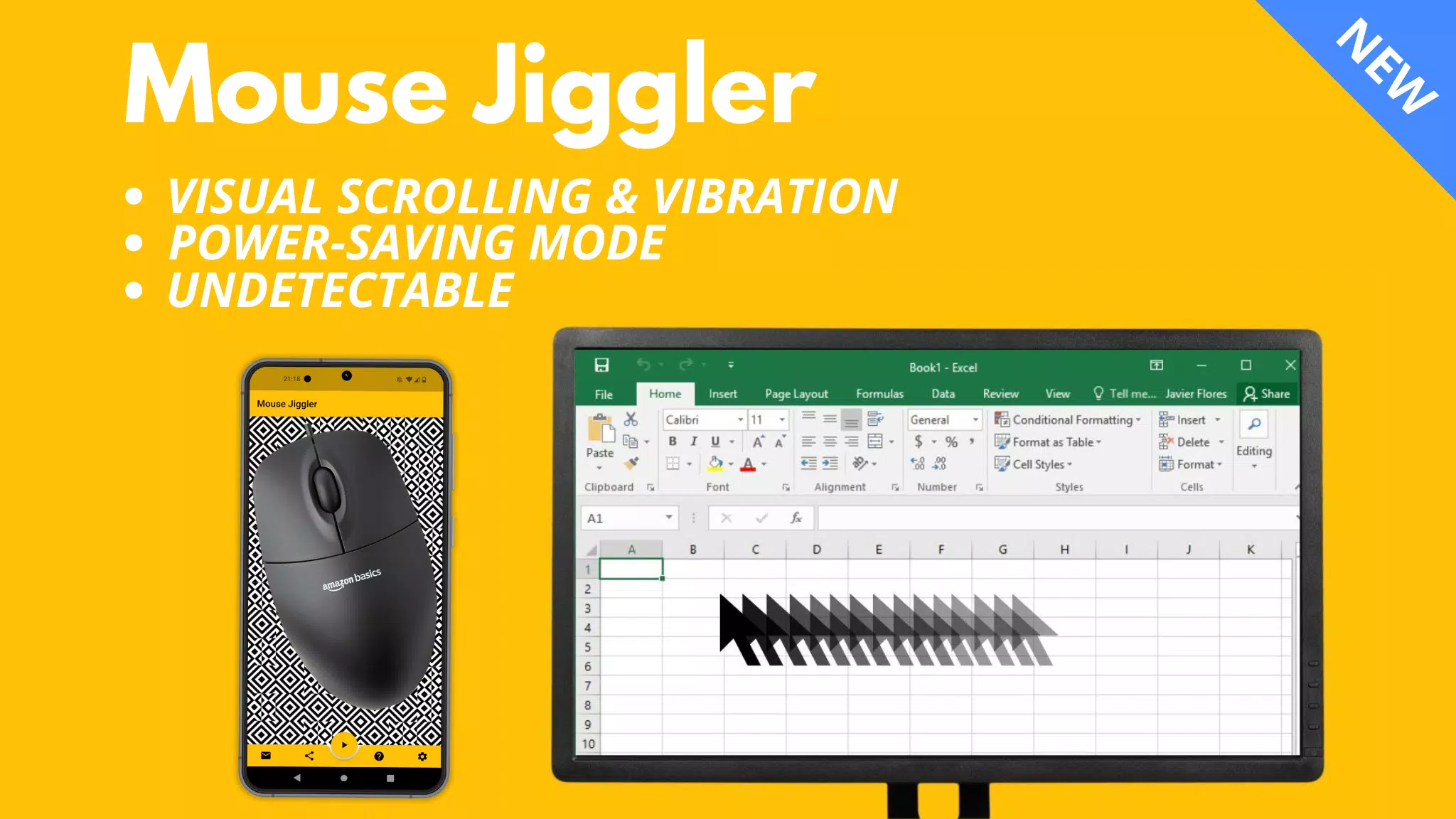
Mouse Jiggler is a versatile application designed to keep your computer screen from locking during remote work. Compatible with both Windows and Mac OS, this app subtly moves your mouse cursor a few millimeters at regular intervals to maintain activity.
⚠️ Compatibility:
Mouse Jiggler works seamlessly with most mice that use a red light. However, its effectiveness may decrease with mice that use invisible light. This isn't a bug in the application, but rather a matter of the mouse sensor's sensitivity and the phone's maximum brightness and vibration capabilities.
If you face any issues, consider switching to a mouse with a red light. Alternatively, explore my new "Bluetooth Mouse Jiggler" app, which requires no mouse:
https://play.google.com/store/apps/details?id=be.mm.mousejiggler2
Main Features:
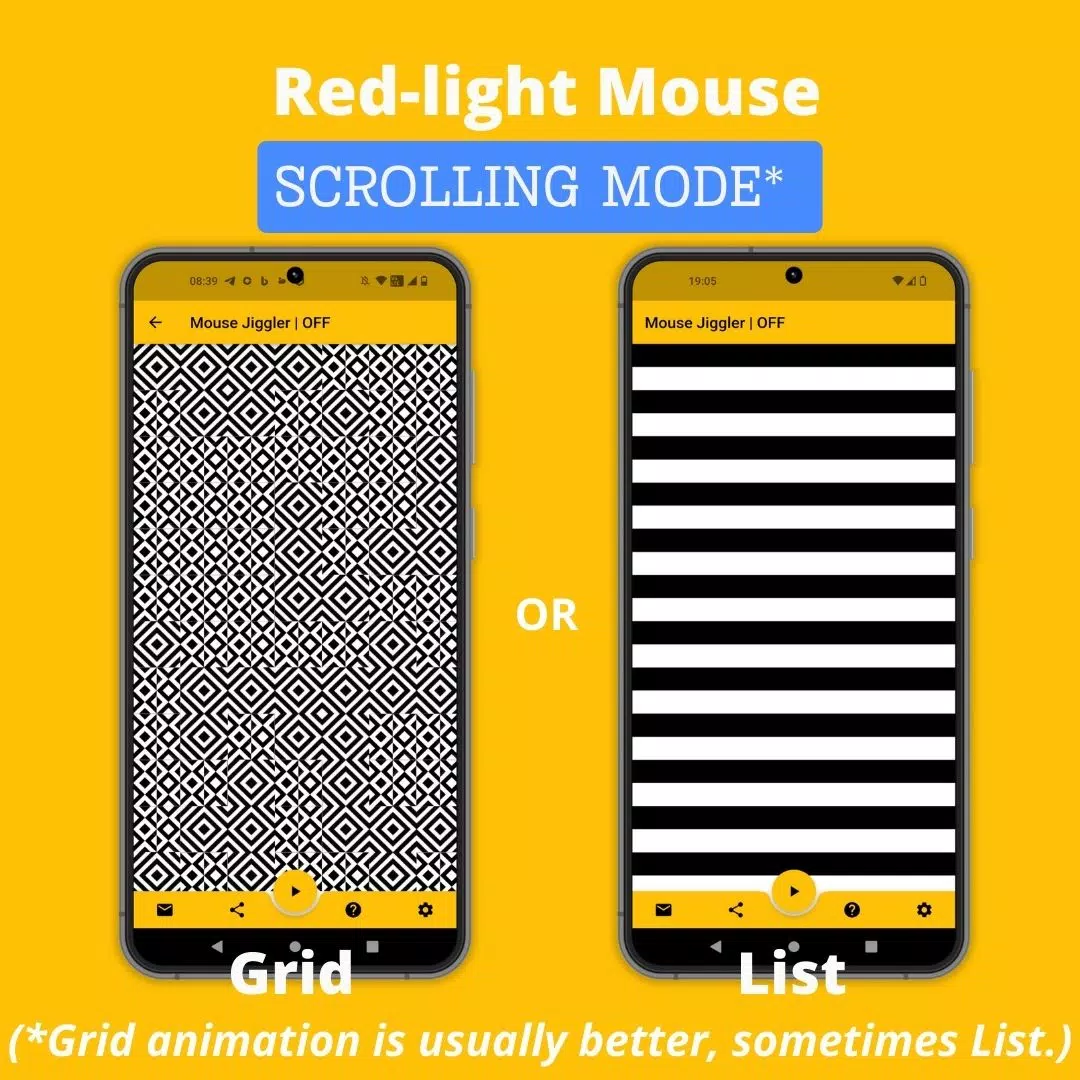
Scrolling Mode: For mice with a red light, the app scrolls an image at set intervals to move your cursor.
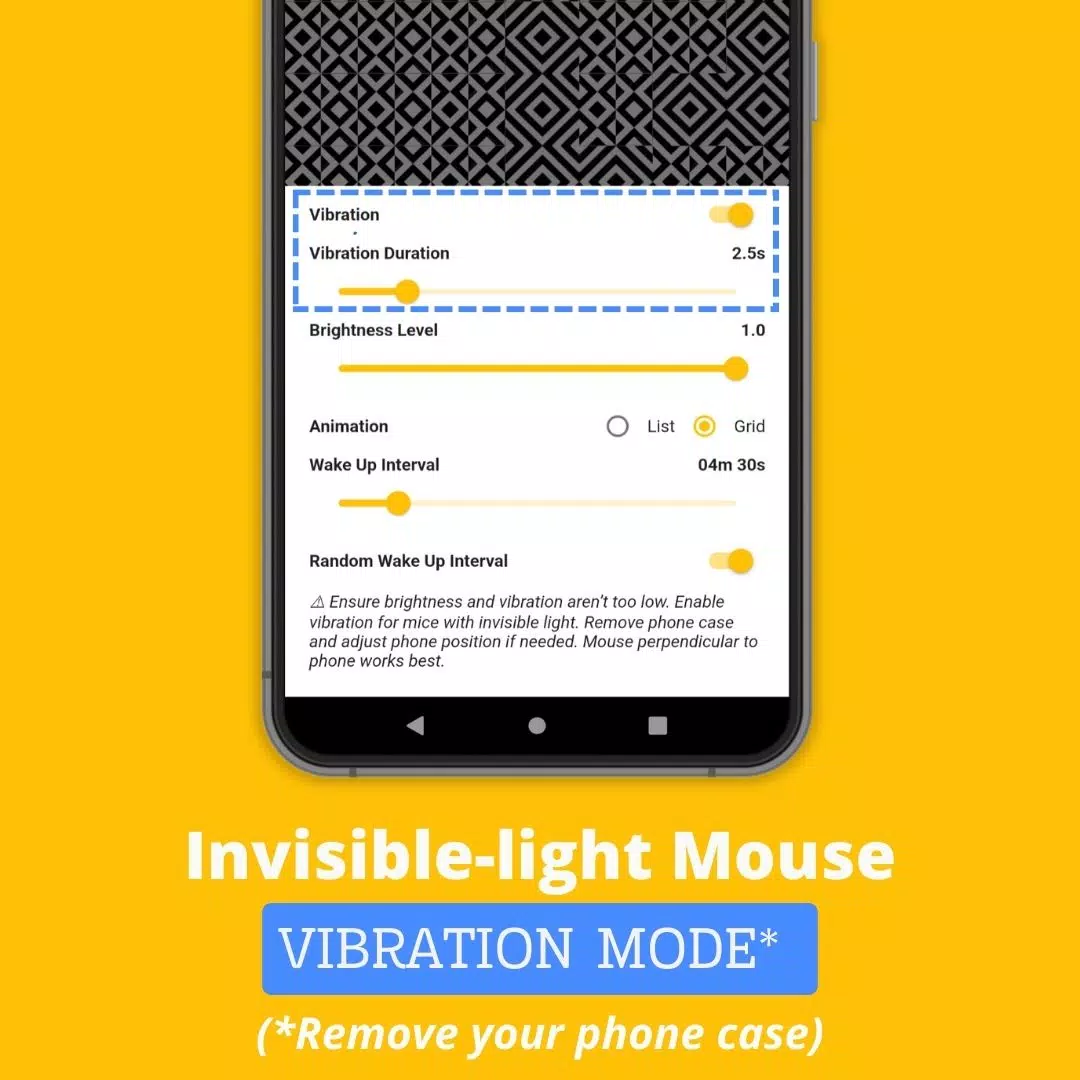
Vibration Mode: For mice with invisible light, the app uses your phone's vibrations at regular intervals to move the cursor.
How to Use Mouse Jiggler:
Determine if your mouse uses a red or invisible light.
For mice with invisible light, enable "Vibration" mode in the app settings. Remove your phone case to enhance vibration strength.
Position your mouse on your smartphone.
Initiate scrolling or vibration by tapping the ► icon.
Advanced Settings:
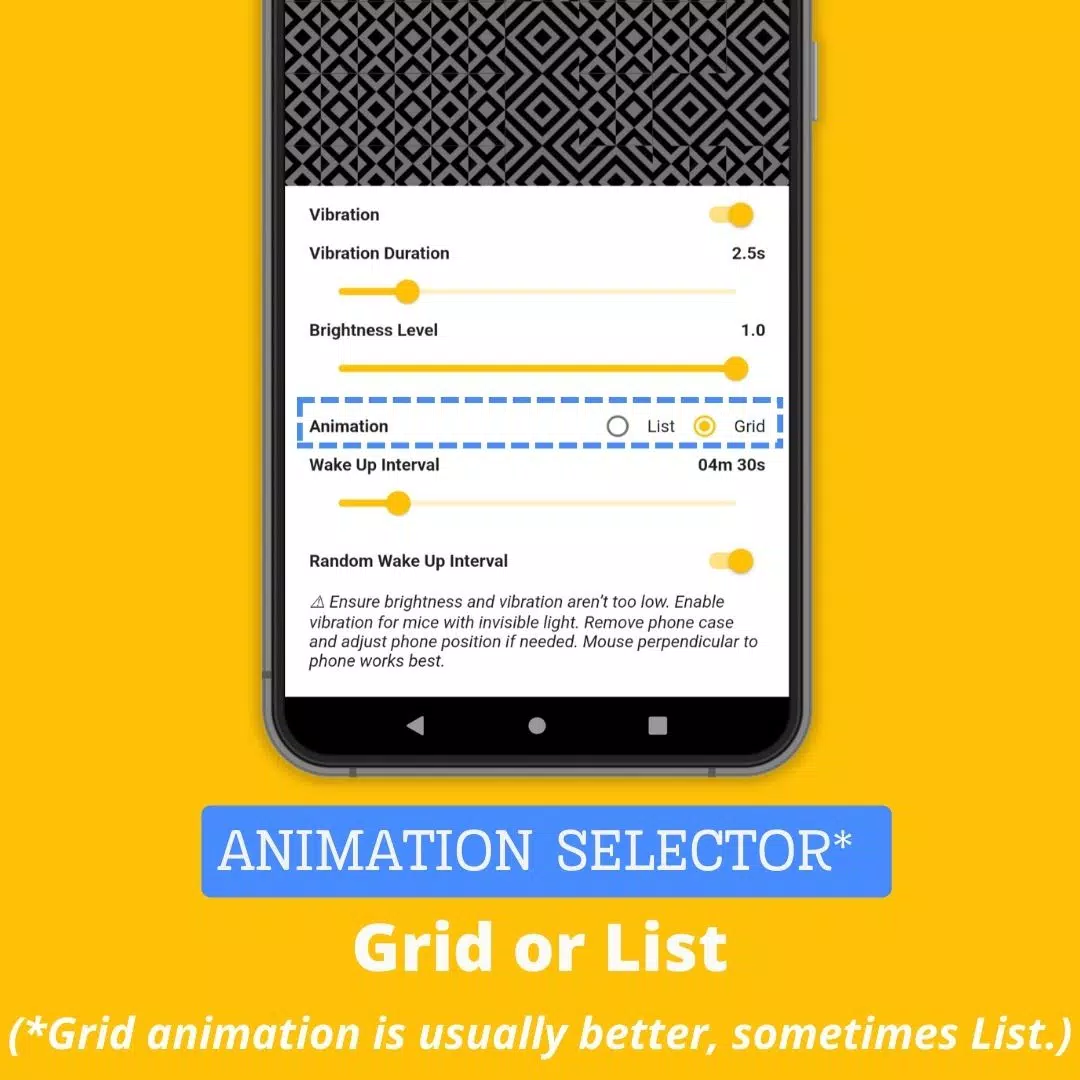
- Vibration: Toggle vibration mode on or off.
- Vibration Duration: Adjust the length of each vibration; avoid setting it too low, or the app may not function.
- Wake Up Interval: Set the time between scrolling or vibration actions.
- Brightness Level: Control the maximum brightness when the app activates; keep it sufficiently high for effective operation.
- Random Wake Up Interval: Enable random delays between actions, ranging from 0 to the set "Wake Up Interval" value. This helps avoid detection of the Mouse Jiggler usage.
Why Choose Mouse Jiggler Mobile App?
Mouse Jiggler stands out among other screen-locking prevention tools due to its unique benefits:
- Convenience: No need for extra hardware; just use your smartphone and existing mouse.
- Undetectability: As a mobile app, it doesn't leave digital footprints that IT departments might detect, making it ideal for company laptops.
- Cost-effective: The app is free, offering a budget-friendly alternative to costly mouse jiggling platforms or dongles.
Website: https://mousejiggler.lol/