
Call of Duty: Black Ops 6 has arrived, but not without its glitches. A frustrating issue prevents players from joining friends' games due to version mismatches. Here's how to resolve the Black Ops 6 "Join Failed Because You Are on a Different Version" error.
Troubleshooting the Black Ops 6 Version Mismatch Error
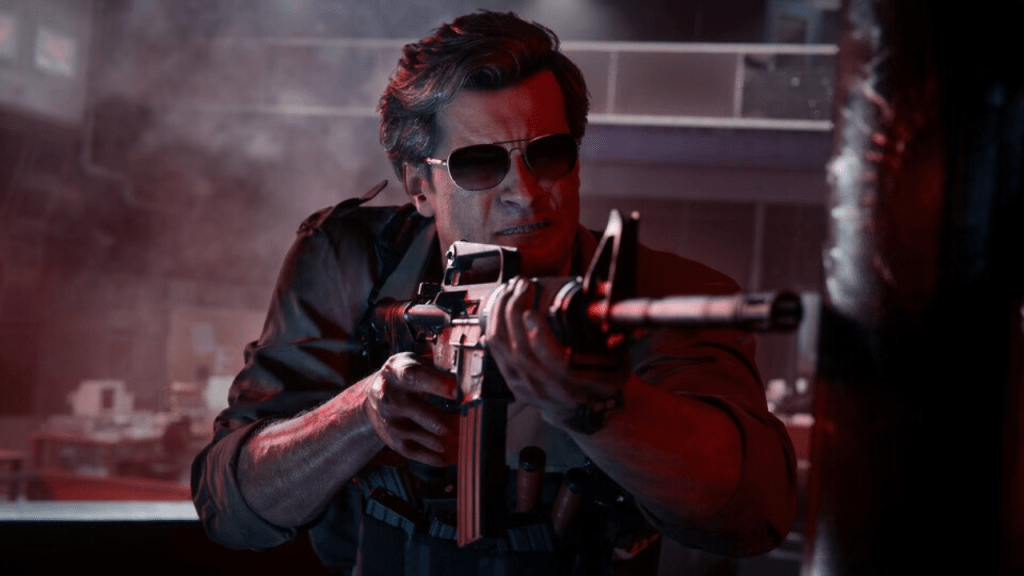 The error message indicates your game isn't fully updated. Returning to the main menu and initiating an update should, in theory, solve the problem. However, many players report this doesn't always work.
The next step is to restart the game. This forces a fresh update check. While this adds a few minutes to your playtime, it's a simple fix worth trying. Ask your friends to wait a moment.
Related: How To Unlock the Dragon’s Breath Shotgun Attachment in Black Ops 6 (BO6)
If the "Join Failed" error persists after restarting, there's another workaround. In my experience, initiating a match search sometimes allowed my friend to join my party. It wasn't instantaneous; a few attempts were necessary, but eventually, we successfully connected.
This covers the common solutions for the Black Ops 6 "Join Failed Because You Are on a Different Version" error.
Call of Duty: Black Ops 6 and Warzone are currently available on PlayStation, Xbox, and PC.

















![City Devil: Restart [v0.2]](https://img.icssh.com/uploads/38/1719554737667e52b102f12.jpg)


