
Did you know you can customize your look in Infinity Nikki, changing not just your hairstyle and outfits, but also your skin tone? It's completely free and surprisingly simple. Let's dive in!
Changing Your Skin Color
First, log into the game. Press the "C" key to open your wardrobe. You might be thinking, "Wait, I'm here to change my skin, not my outfit!" Bear with me; the skin customization is tucked away in this menu.
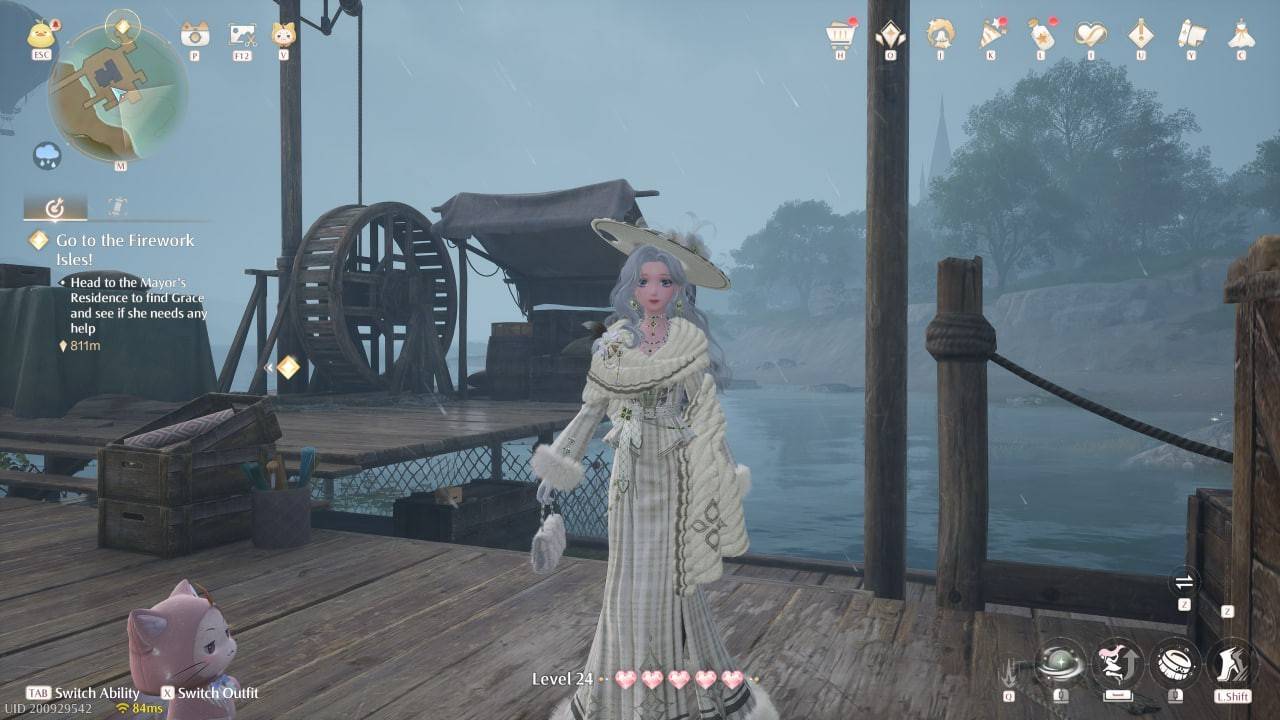 Image: ensigame.com
Scroll down the icons on the right-hand side of the wardrobe menu until you find the cosmetics section (it usually features icons of powder and lipstick). Click it.
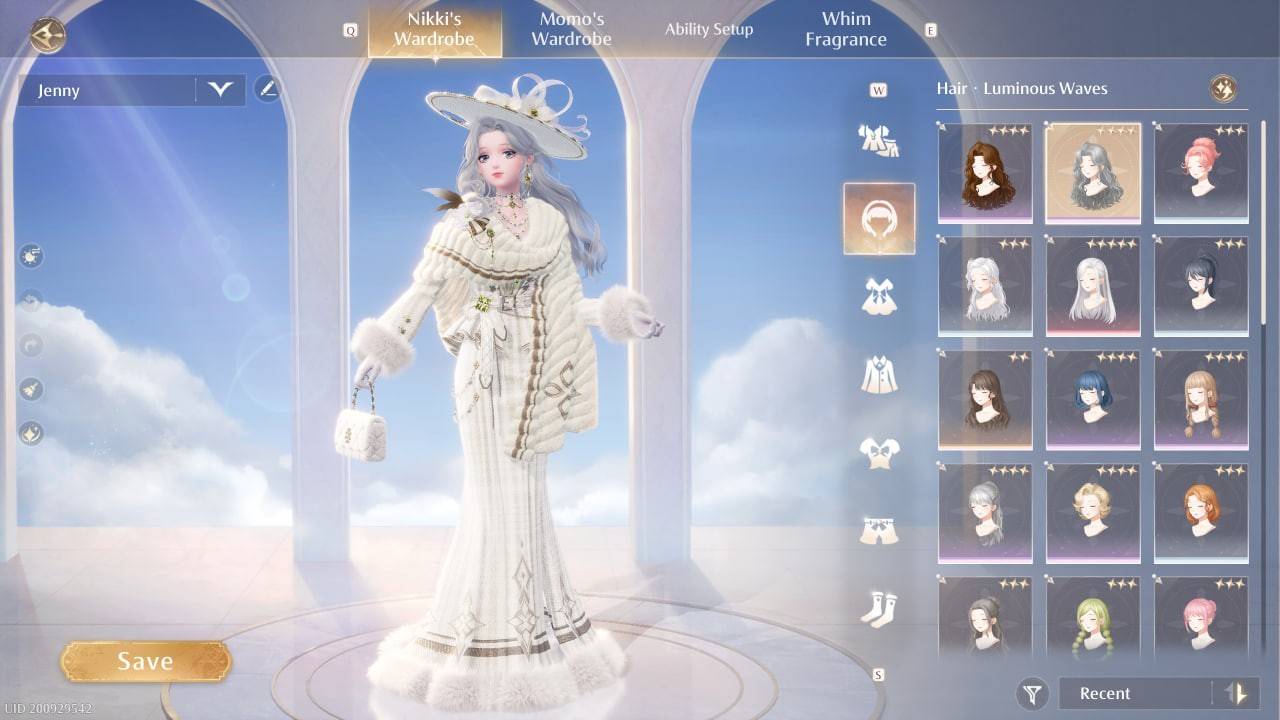 Image: ensigame.com
A smaller submenu will appear. Look for the icon depicting a small figure; click on that.
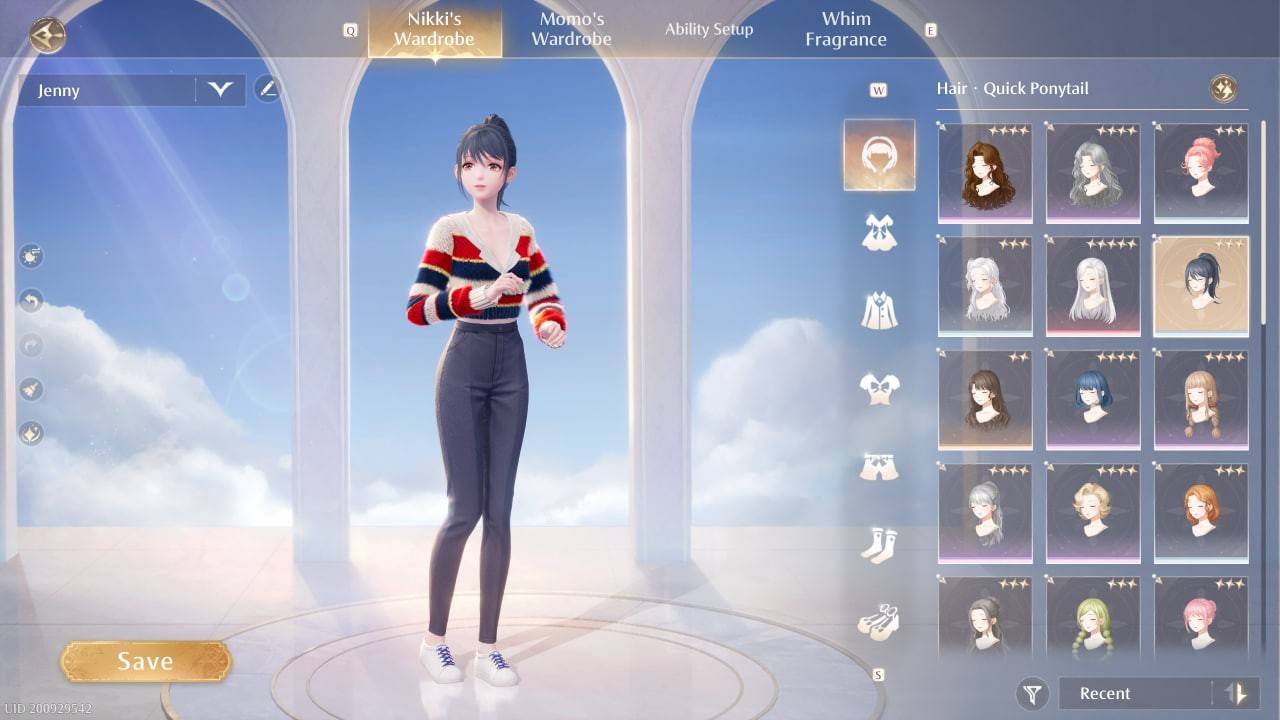 Image: ensigame.com
You'll see three skin tone options to choose from. We hope to see more options added in future updates!
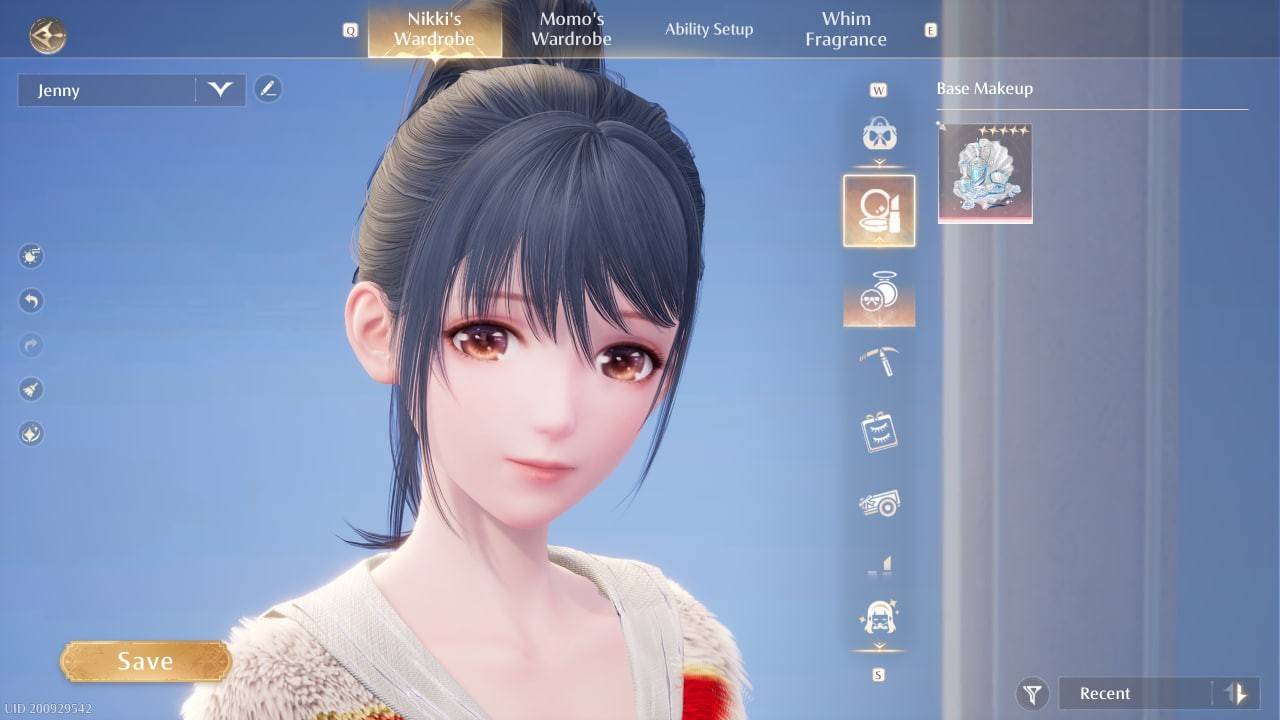 Image: ensigame.com
Select your preferred skin tone and remember to click "Save" to apply your changes.
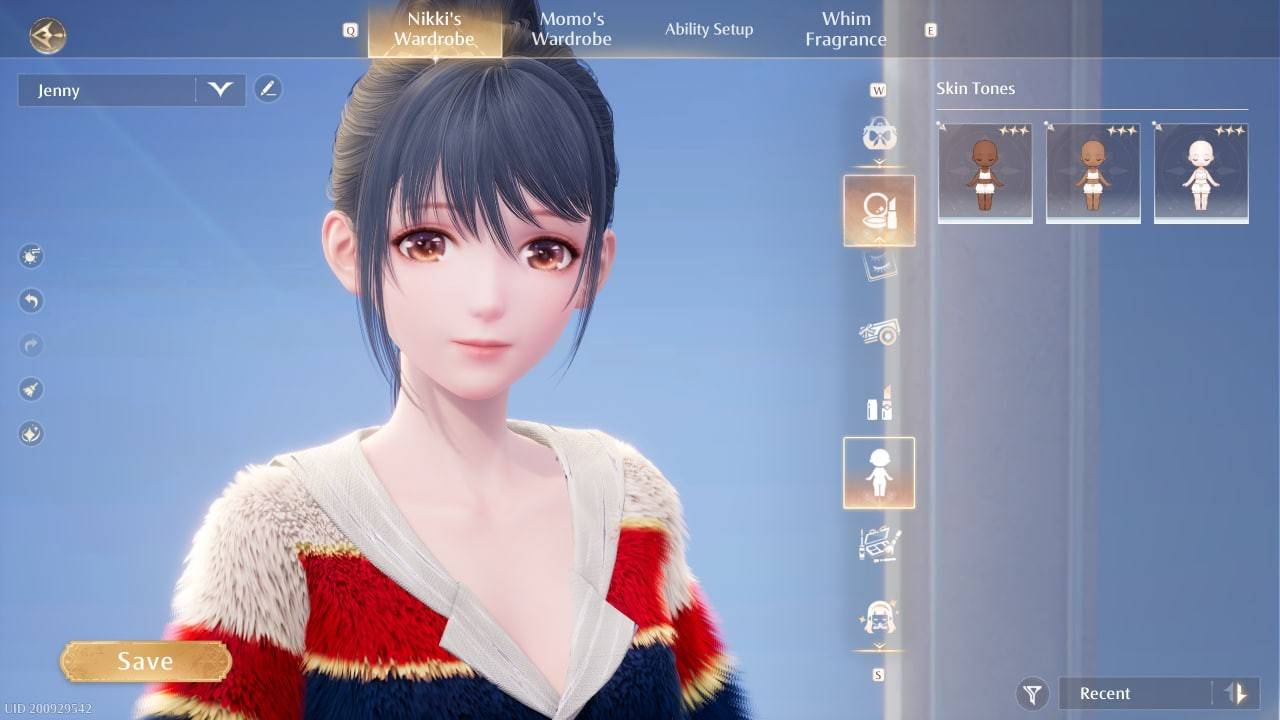 Image: ensigame.com
That's it! Your updated character is ready to continue their adventures. Enjoy your new look!
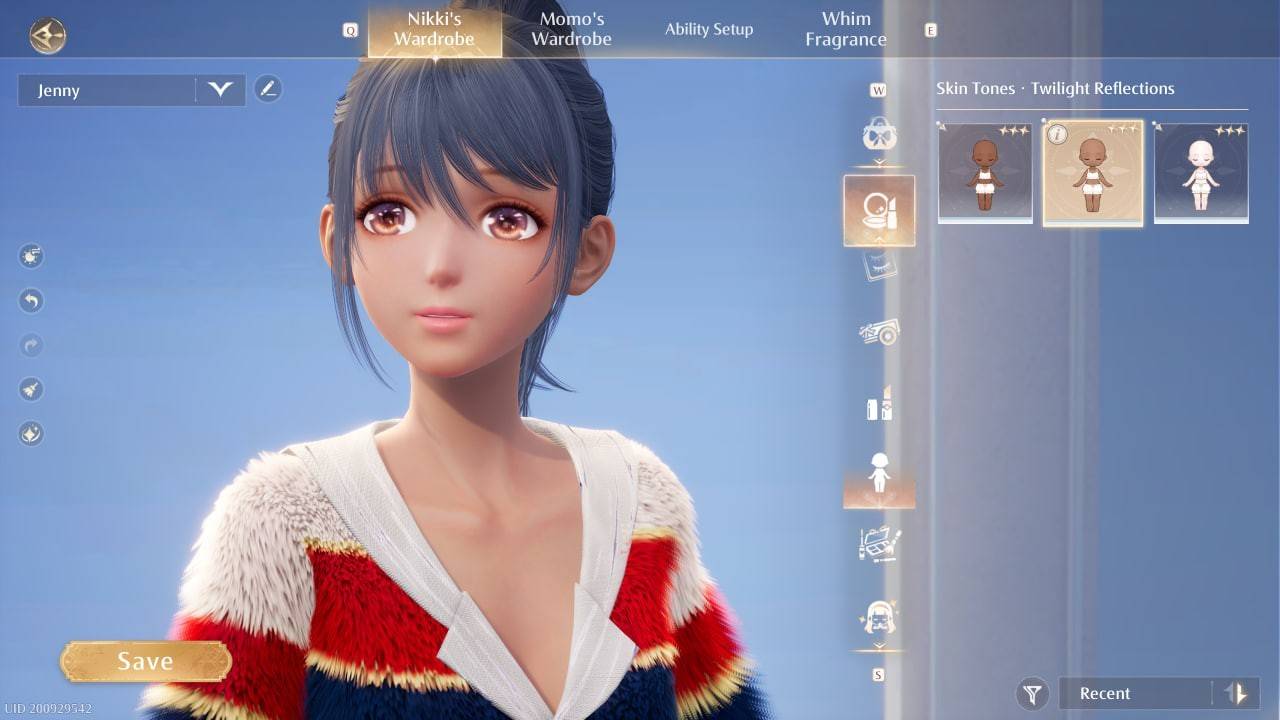 Image: ensigame.com
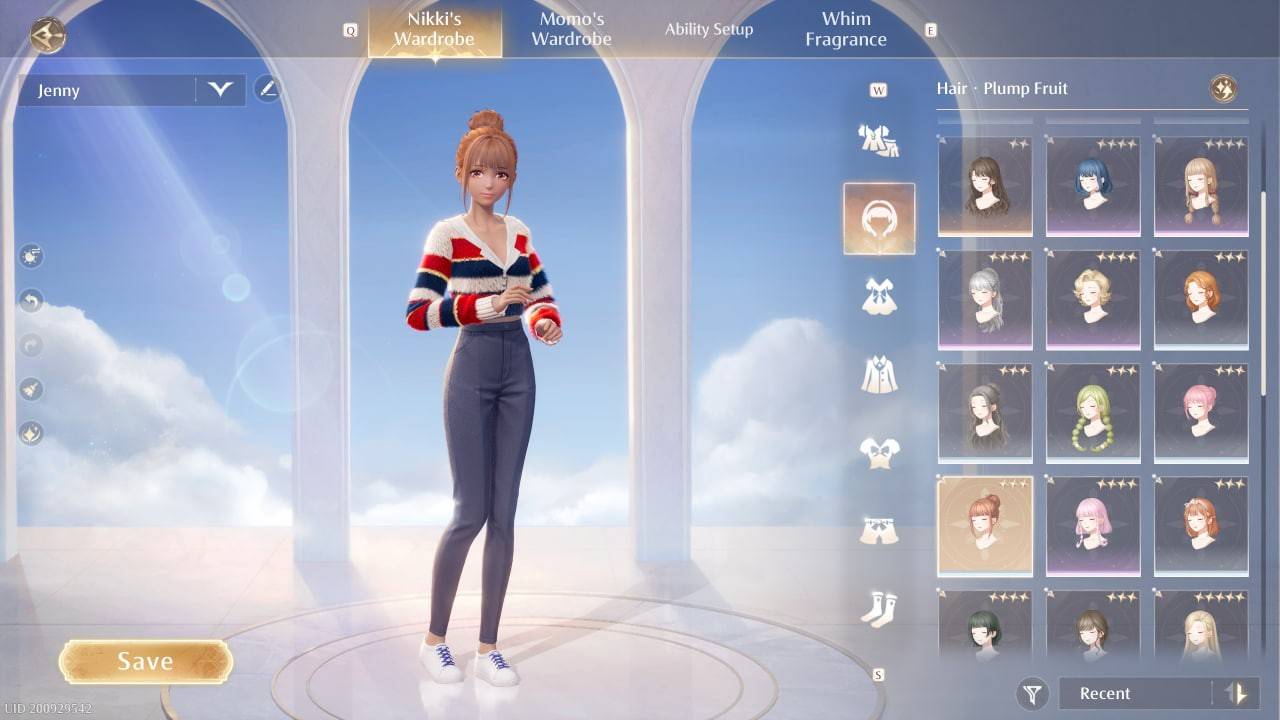 Image: ensigame.com
Now you know how easy it is to change Nikki's skin color—a completely free and straightforward process!

























![City Devil: Restart [v0.2]](https://img.icssh.com/uploads/38/1719554737667e52b102f12.jpg)


