Home News How to Pair PS5 Controller to PC

How to Pair PS5 Controller to PC

Author : Emma Mar 15,2025

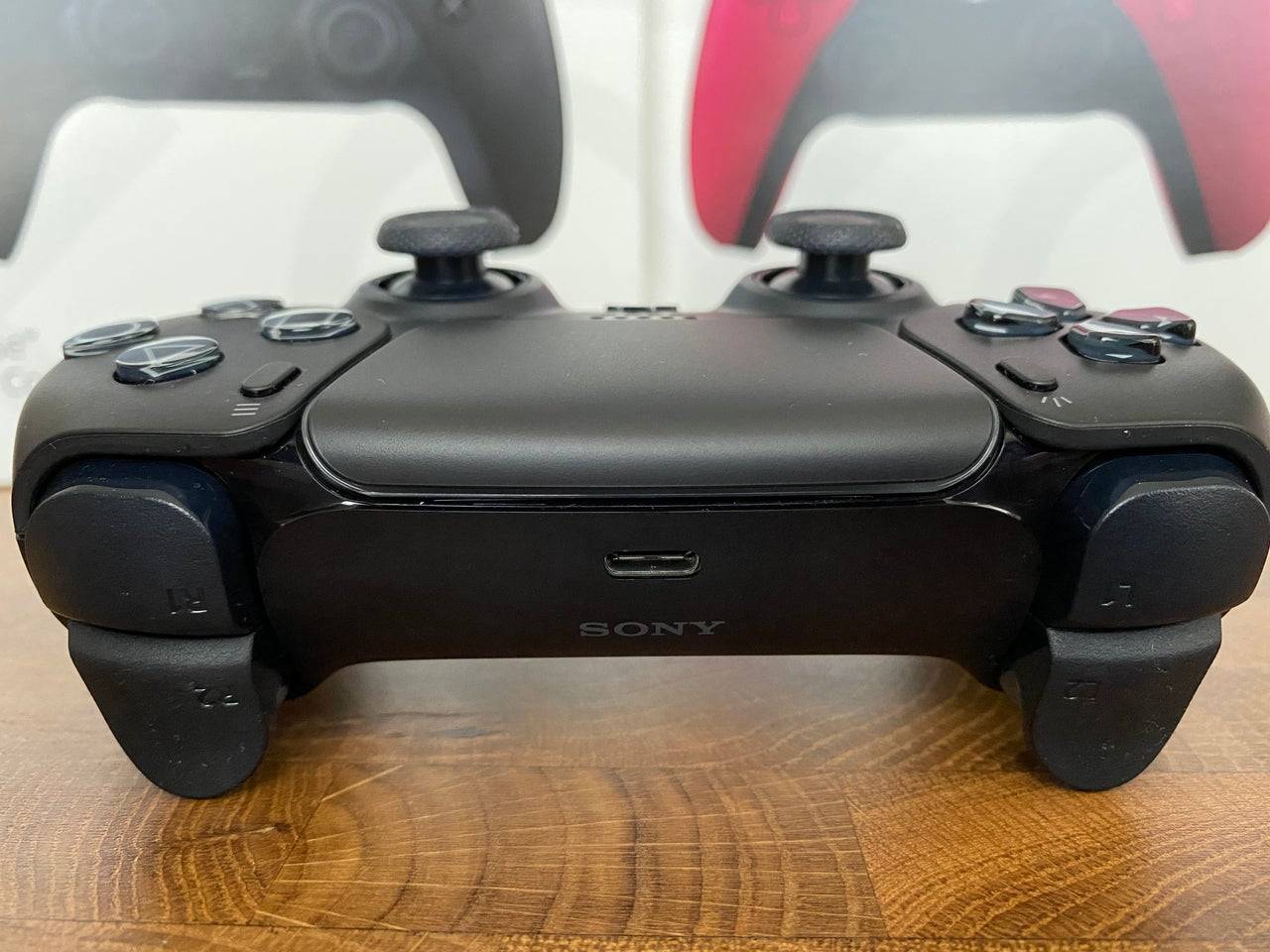
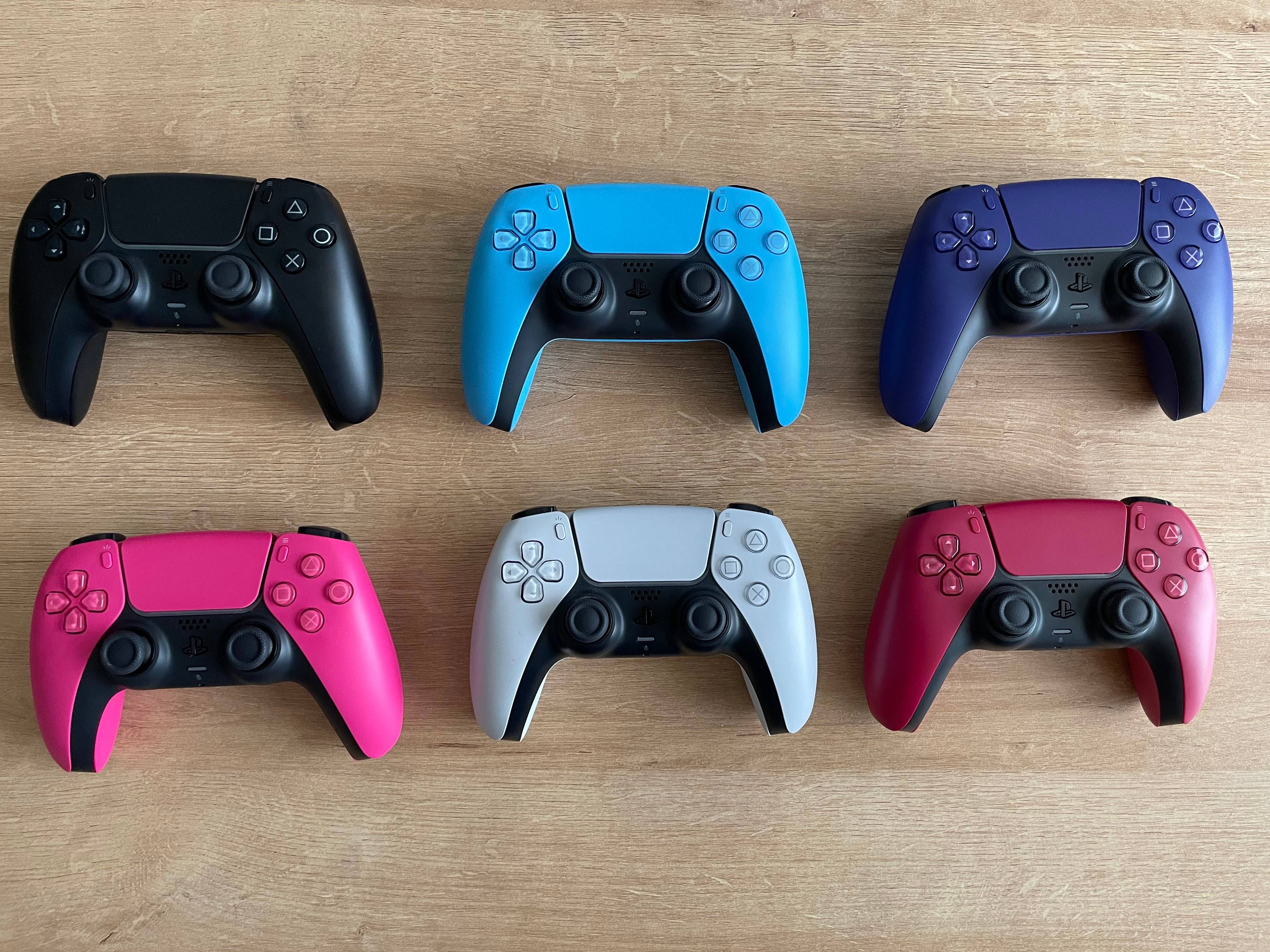
The Sony DualSense, lauded as the best PS5 controller for its innovative features, superior grip, and ergonomic design, elevates PlayStation 5 gaming. Connecting it to a gaming PC, however, wasn't always straightforward, unlike its predecessor, the DualShock 4. Fortunately, the DualSense boasts robust PC support, earning its place among the best PC controllers. Follow these simple steps to connect yours.
Connecting Your PS5 Controller to Your PC: What You'll Need

  • A data-capable USB-C cable (cheaper cables may only provide power). You'll need a USB-C to USB-C cable if your PC has a USB-C port, or a USB-C to USB-A cable for standard USB ports.
  • A Bluetooth adapter (if your PC lacks built-in Bluetooth).

Connecting your DualSense requires either a data-transferring USB-C cable (not all cables support data transfer) or a Bluetooth connection. Since the DualSense doesn't include a cable, and not all PCs have Bluetooth, you may need to purchase these separately.
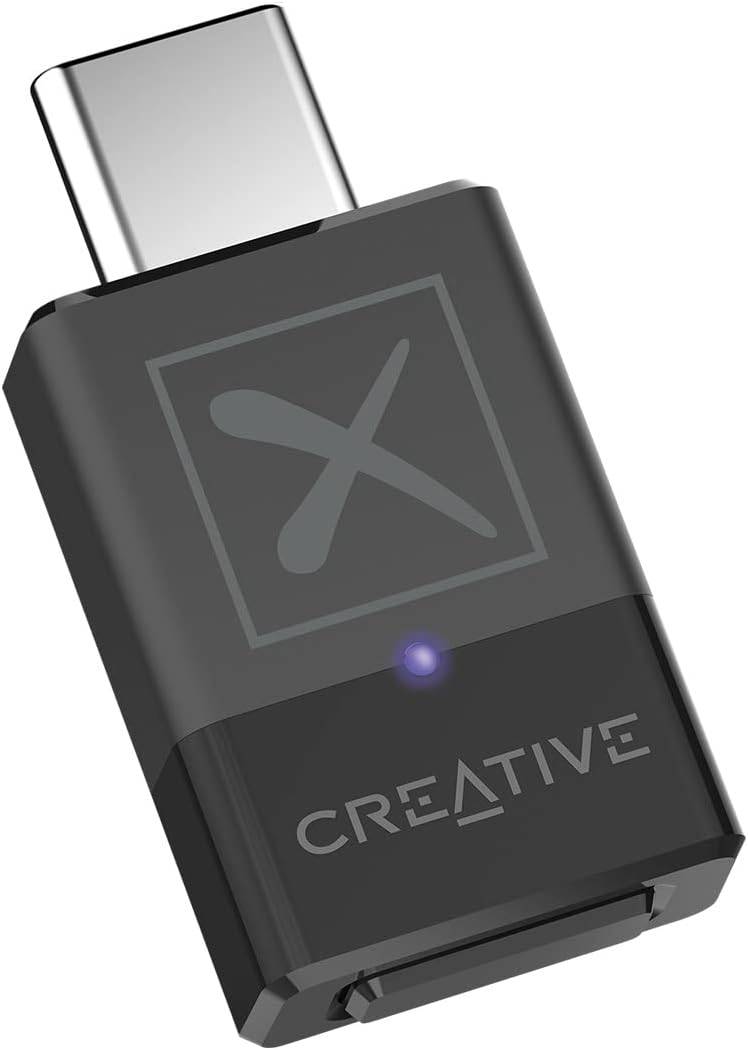
Our Top Pick: Creative BT-W5 Bluetooth Transmitter

See it at Amazon

Connecting via USB

  1. Plug the USB cable into an available port on your PC.
  2. Connect the other end to the USB-C port on your DualSense controller.
  3. Wait for your Windows PC to recognize the DualSense as a gamepad.
Connecting via Bluetooth

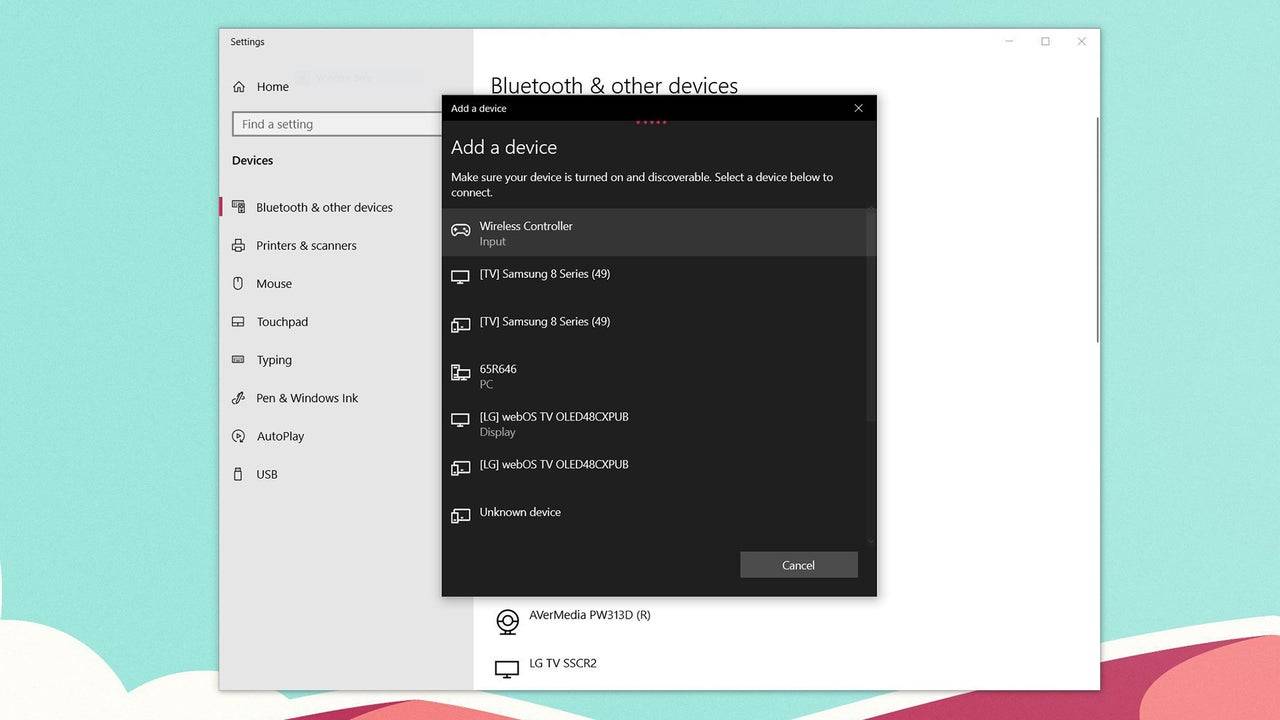
  1. Access your PC's Bluetooth settings (Press the Windows key, type "Bluetooth," and select Bluetooth & other devices).
  2. Select Add Bluetooth or other device.
  3. Choose Bluetooth from the pop-up window.
  4. With your DualSense controller powered off, press and hold the PS button and Create button simultaneously until the light bar under the touchpad blinks.
  5. Select your DualSense controller from the list of available Bluetooth devices on your PC.
Latest Articles More
  • Unison League Collaborates with Vocaloid Stars

    Unison League announced a collaboration featuring the iconic virtual idol Hatsune Miku.Miku will be joined by other popular Vocaloid characters as part of this limited-time event.Players can unlock exclusive branded cosmetics and special collaboratio

    Feb 25,2026
  • Nintendo Cites GameStop Office Space Meme Amid Switch 2 Repair Process

    Nintendo and GameStop have responded to the Switch 2 launch day problem where consoles with cracked screens were sold to customers after receipts were stapled to the boxes.Impacted customers have informed IGN that GameStop has started providing repla

    Feb 23,2026
  • Master Julia: Skills, Builds & Team Tactics in Realms of Pixel

    In Realms of Pixel, Julia stands out as a Mythical-grade hero who masterfully combines offensive versatility with tactical flexibility. Valued for her reliable area-of-effect damage, scalable utility, and seamless synergy with various allies, she has

    Feb 23,2026
  • inZOI Karma System Sparks Ghost Town Concerns

    Cities in inZOI may transform into ghost towns when numerous Zois perish with negative karma. Discover how inZOI's innovative karma mechanics work ahead of its early access launch.inZOI Cities Can Become Overrun By SpiritsPopulation Growth Stalls Whe

    Feb 21,2026
  • "July 2025 Manga Disaster Prediction Spurs Travel Cancellations"

    In recent weeks, a previously obscure manga has captured headlines in Japan and internationally. "The Future I Saw" (Watashi ga Mita Mirai), by author Ryo Tatsuki, suggests Japan will experience a massive natural disaster in July 2025. This forecast

    Feb 20,2026
  • Valhalla Survival challenges your boss-slaying skills with new raid content and Nightmare Mode

    Chapter 6 of Nightmare Mode is now availableNew boss, Idun, Night Eternal joins the frayBalance adjustments includedIf you’ve finished exploring Niflheim last month, Lionheart Studio is kicking off the Halloween season with Chapter 6 of Nightmare Mod

    Feb 19,2026