
This guide details how to play Sega CD games on your Steam Deck using EmuDeck. We'll cover setup, ROM transfer, and optimization for optimal performance.
Pre-Installation: Developer Mode & Essentials
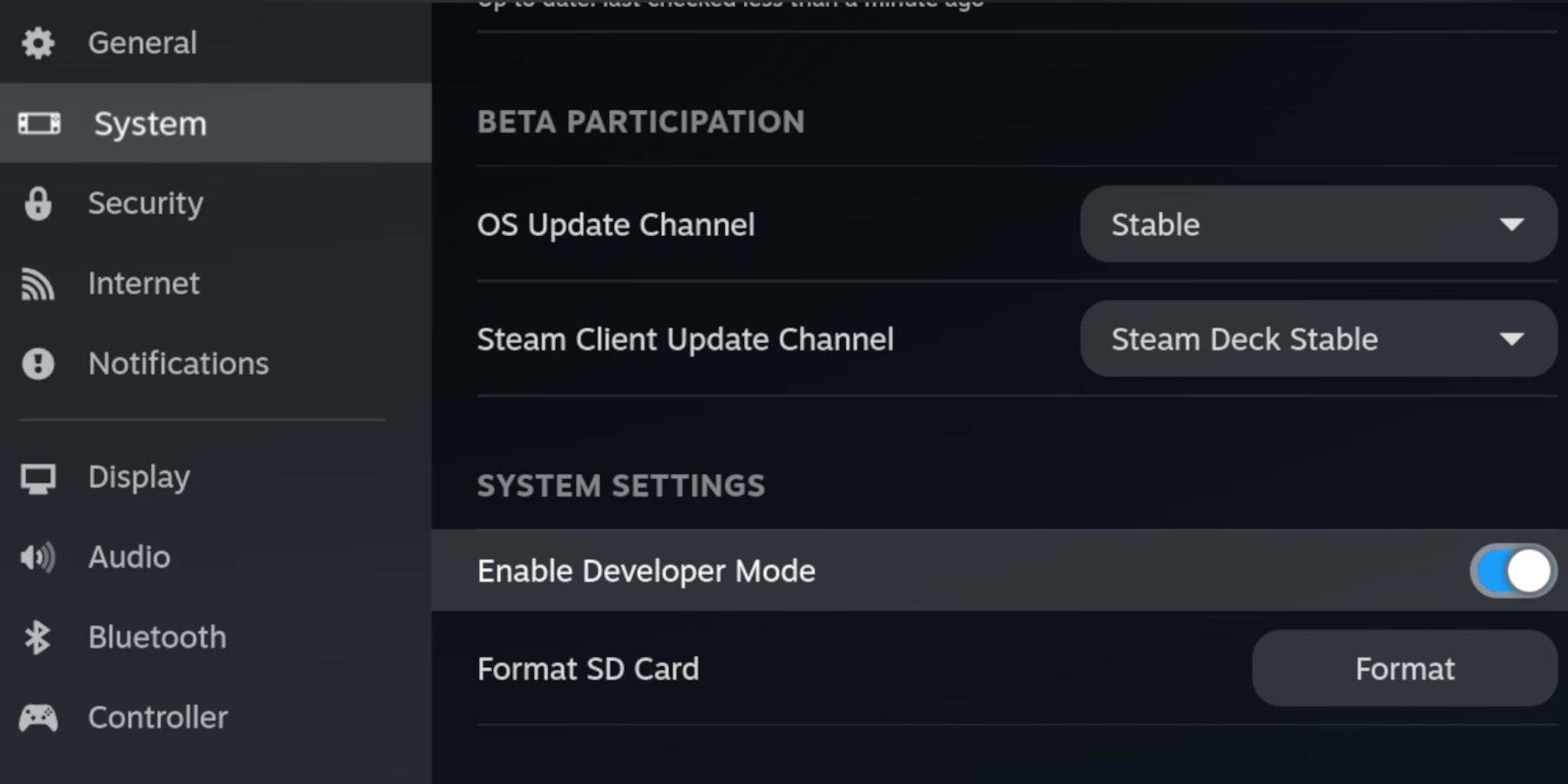 Before starting, enable Developer Mode and CEF Remote Debugging on your Steam Deck for compatibility with EmuDeck updates.
- Power on your Steam Deck.
- Access the Steam Menu (Steam button).
- Navigate to System > Developer Mode and enable it.
- Go to the Developer menu and enable CEF Remote Debugging.
- Press the Steam button, select Power, and switch to Desktop Mode.
Essential Items:
- A fast A2 microSD card for EmuDeck and games. Format this card on the Steam Deck.
- Legally obtained Sega CD ROMs and BIOS files.
- A keyboard and mouse (optional, but recommended for easier file management).
Formatting Your microSD Card
- Insert your microSD card.
- Open the Steam menu, go to Storage, and format the SD card.
Downloading and Installing EmuDeck

- Press the Steam button, select Power, and switch to Desktop Mode.
- Download a browser (from the Discovery Store), and download EmuDeck. Choose the SteamOS version.
- Run the installer, select Custom installation, and choose your SD card as the target.
- Select RetroArch, MelonDS, Steam ROM Manager, and Emulation Station (or install all emulators).
- Complete the installation.
Transferring Sega CD Files
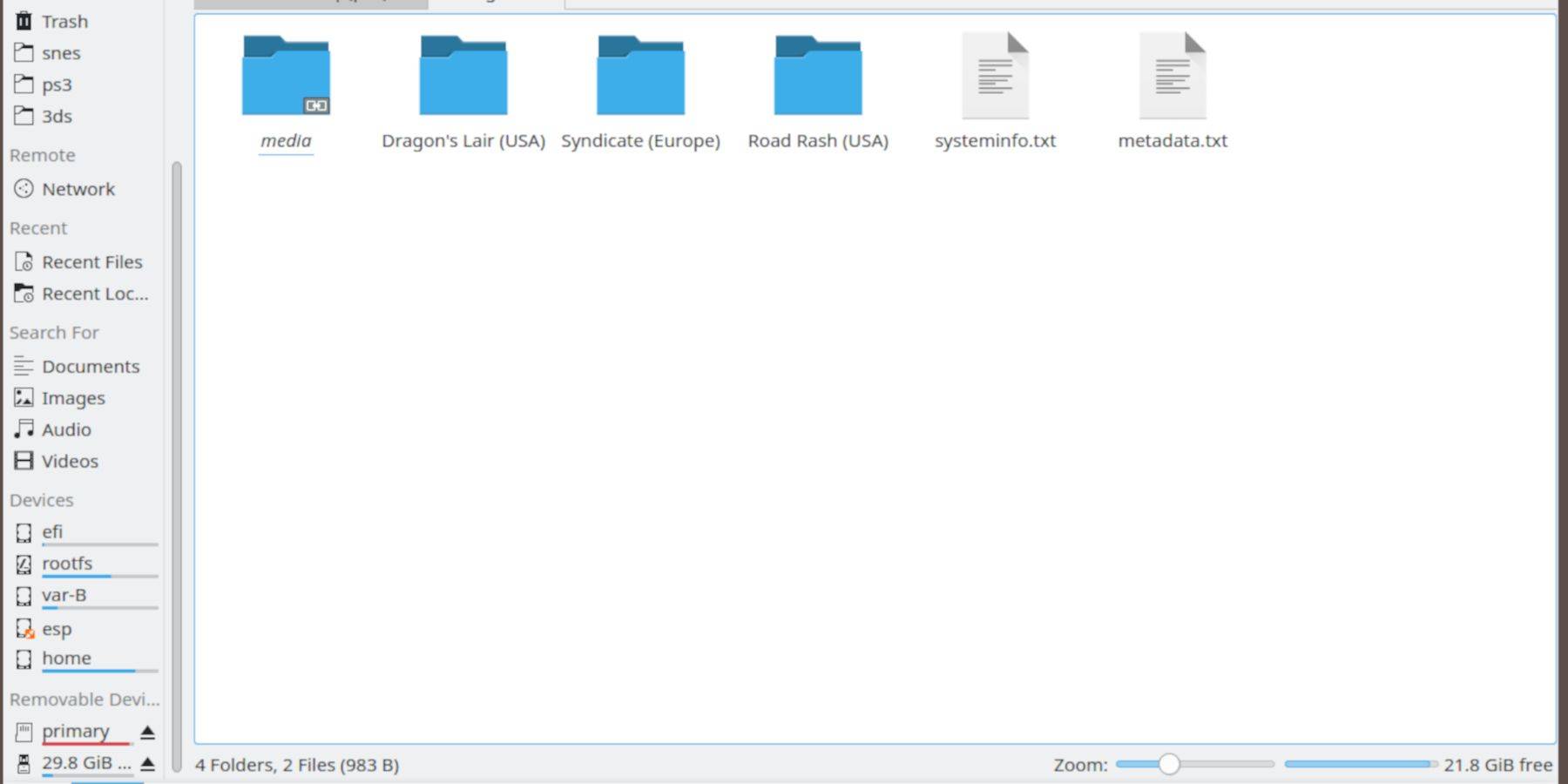
BIOS Files:
- Open the Dolphin File Browser (in Desktop Mode).
- Navigate to your SD card (Primary).
- Go to the
Emulationfolder, thenBIOS, and transfer your BIOS files.
Sega CD ROMs:
- Navigate to
Primary>Emulation>ROMS>segaCD(ormegaCD). - Transfer your ROMs to this folder.
Adding ROMs with Steam ROM Manager
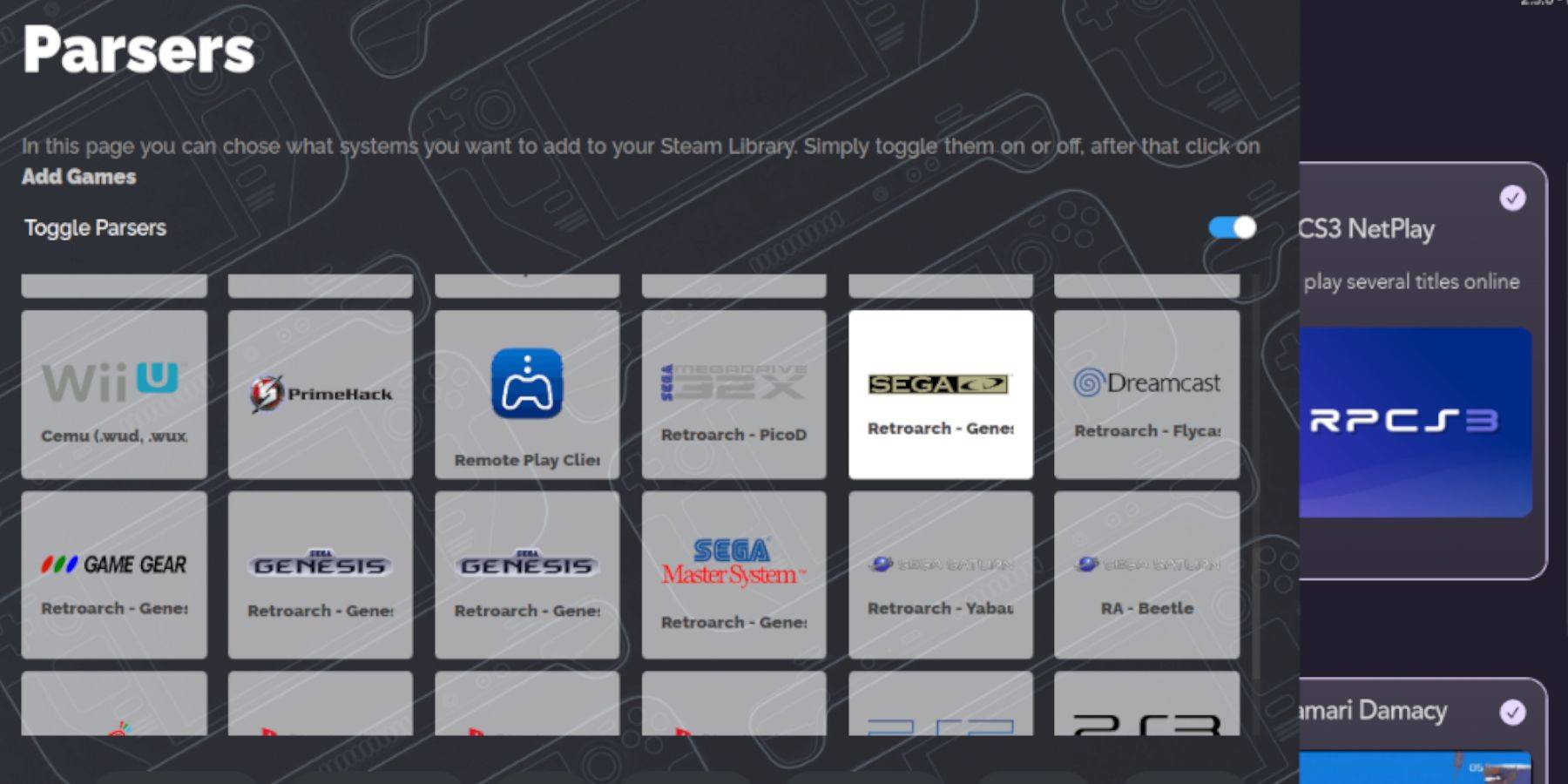
- Open EmuDeck and launch Steam ROM Manager.
- Click Next, then click on the two Nintendo DS windows (this step is necessary, even if not using DS).
- Click Add Games, then Parse. SRM will prepare your games and artwork.
Fixing Missing Covers
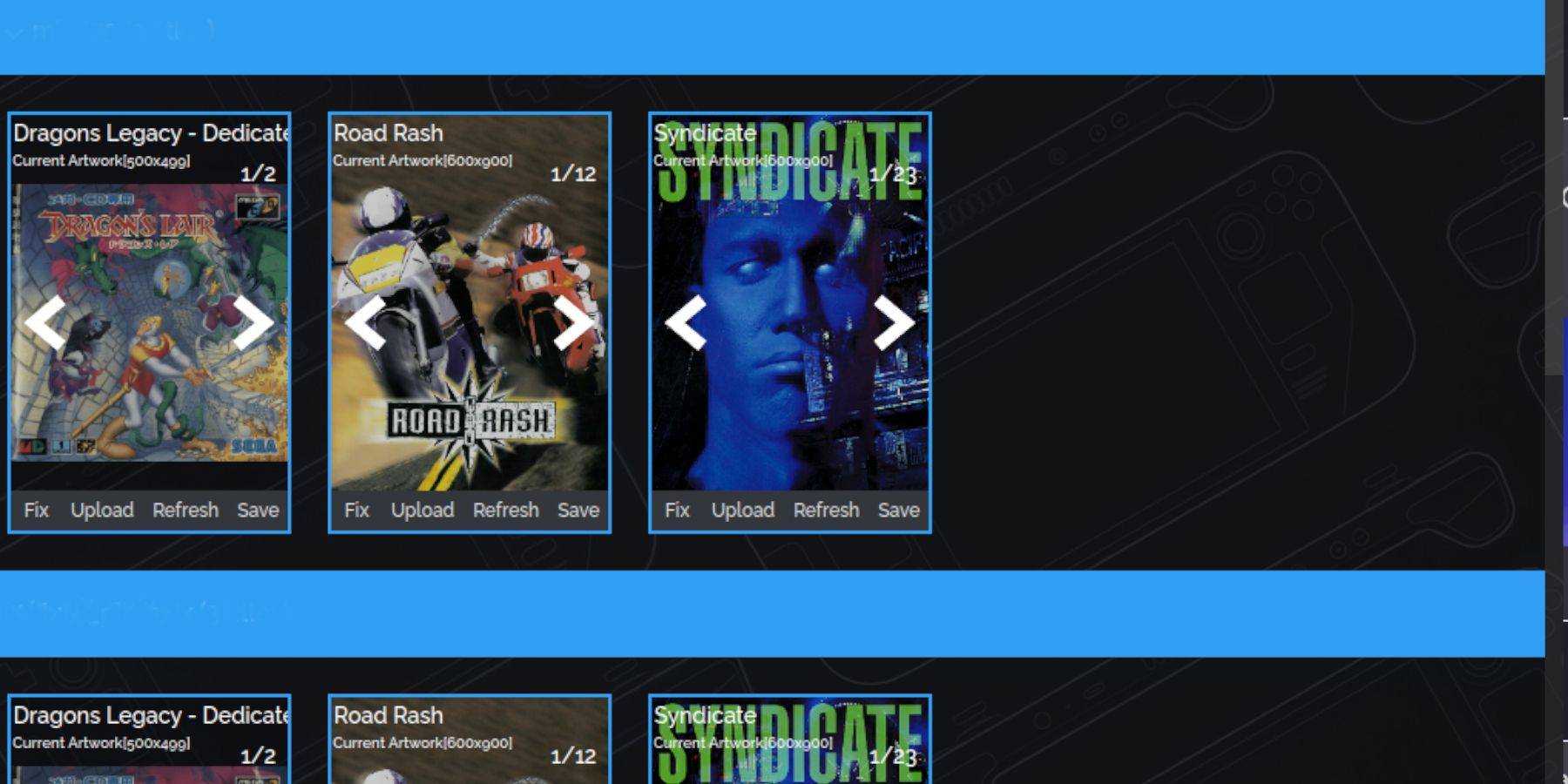
If covers are missing:
- Click Fix. Search for the game title.
- Select a cover and click Save & Close.
Manually Adding Covers:
- Click Upload.
- Locate and add your image.
- Click Save & Close.
Playing Your Sega CD Games
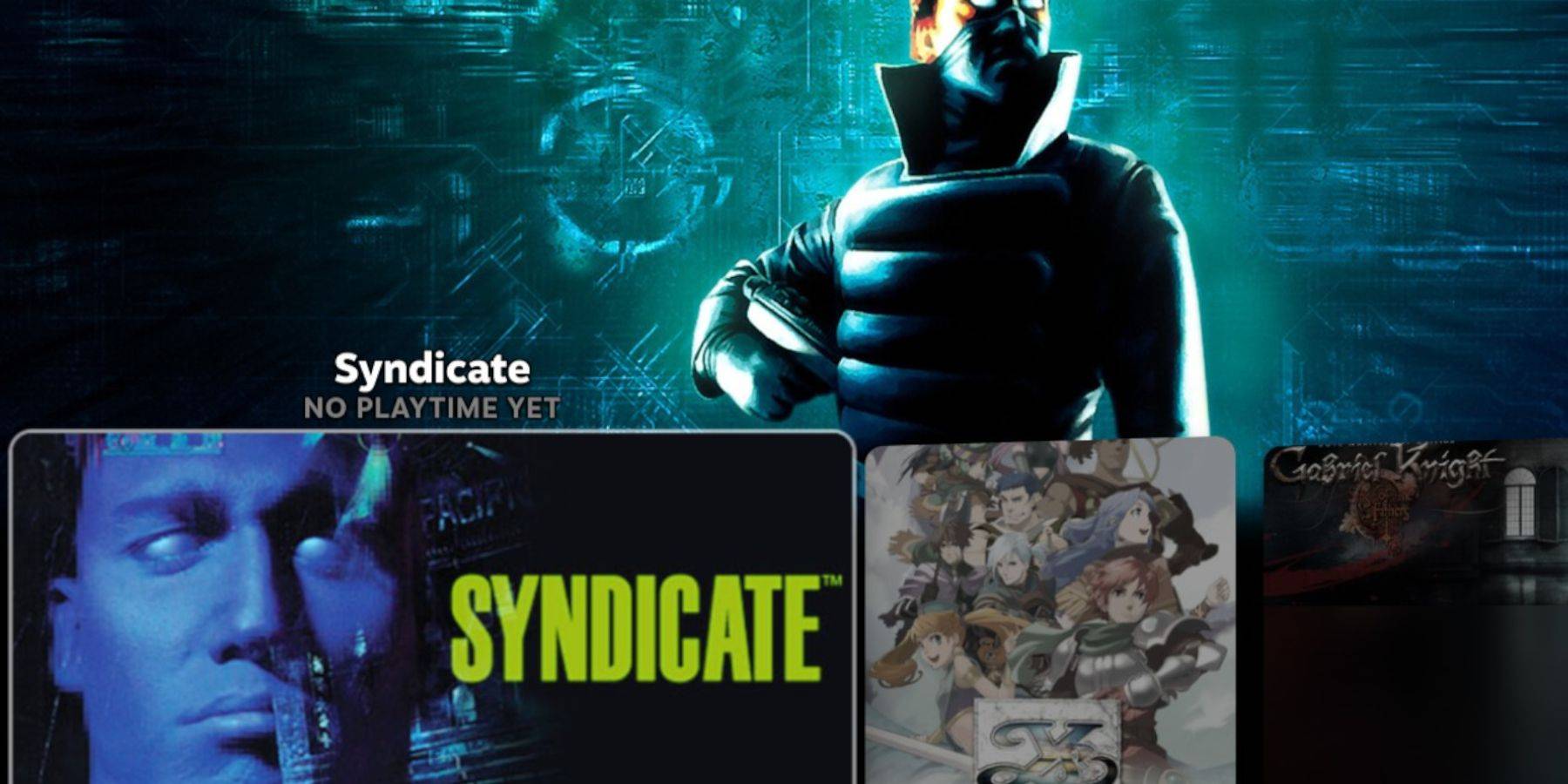
- Press the Steam button, go to Library, then Collections.
- Open the Sega CD folder and launch your games.
Using Emulation Station:
- Press the Steam button, go to Library, then Non-Steam.
- Launch Emulation Station. This is ideal for multi-disc games. Use the Scraper function within Emulation Station to download metadata and artwork.
Installing Decky Loader and Power Tools
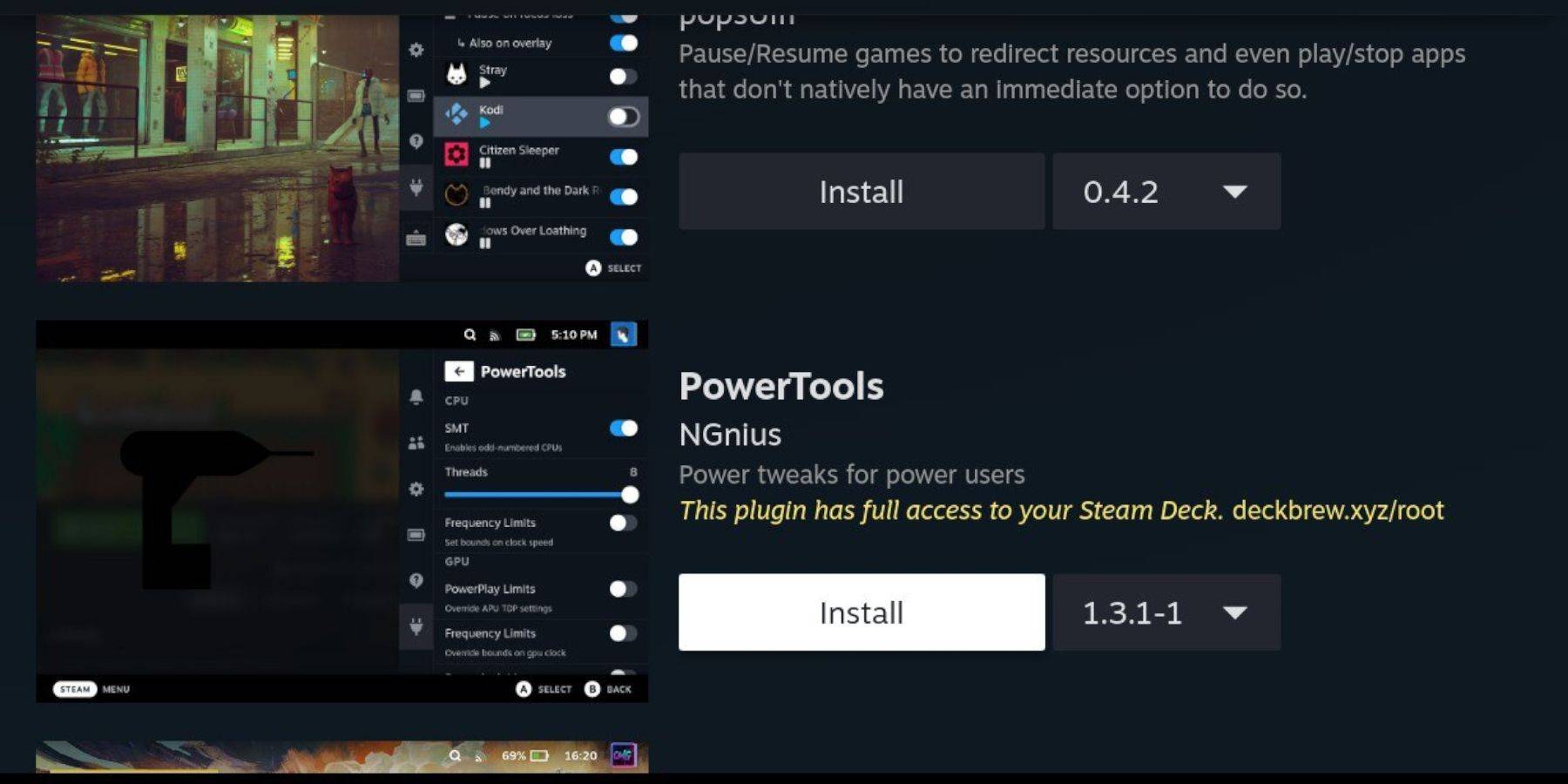
Decky Loader is recommended for Power Tools.
- Switch to Desktop Mode.
- Download Decky Loader from its GitHub page.
- Run the installer and choose Recommended Install. Restart in Gaming Mode.
- Open Decky Loader (QAM button), go to the store, and install Power Tools.
- Optimize Power Tools settings (disable SMTs, set Threads to 4, adjust GPU clock in Performance settings).
Fixing Decky Loader After a Steam Deck Update
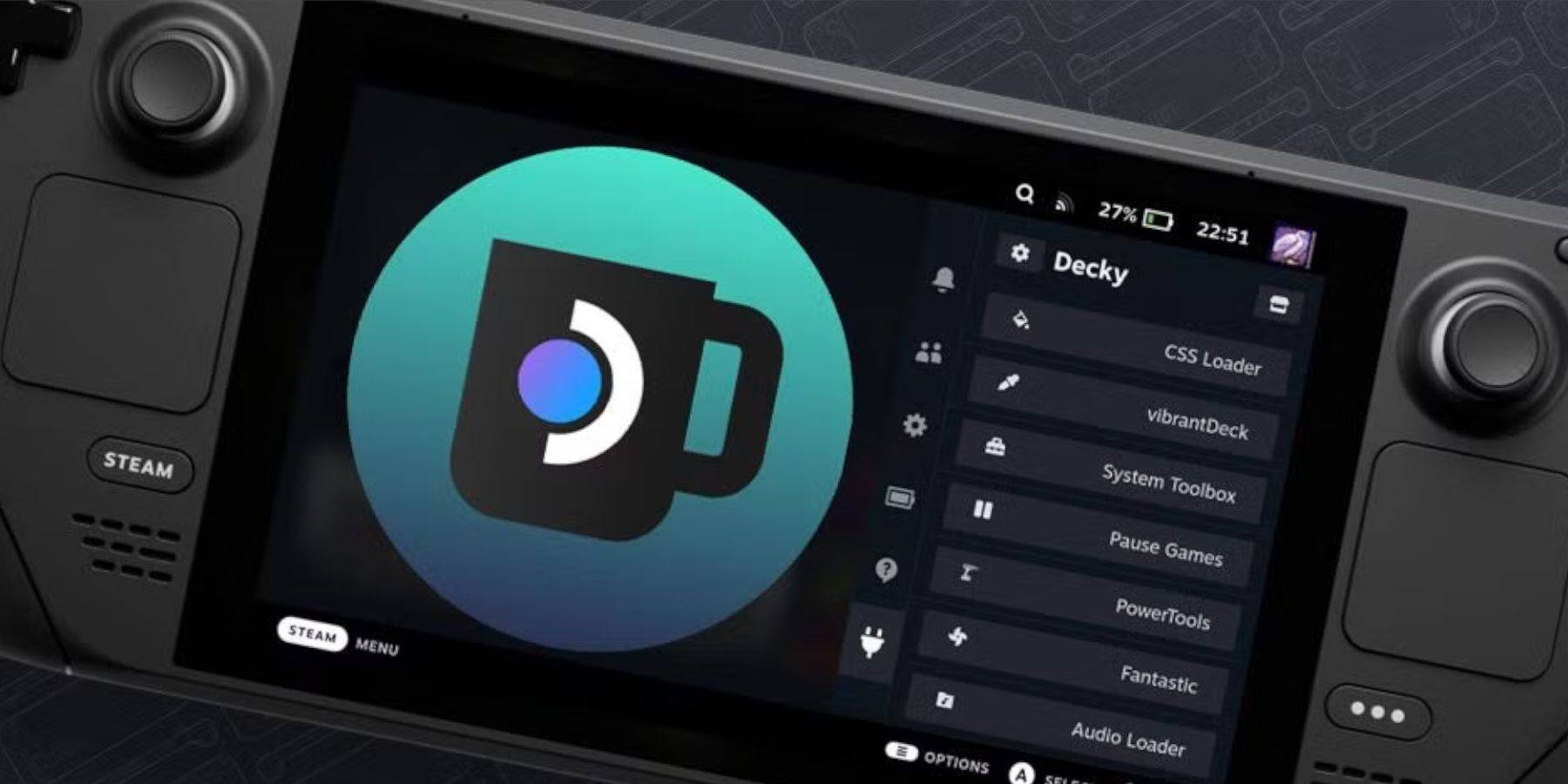
If Decky Loader is missing after an update:
- Switch to Desktop Mode.
- Re-download Decky Loader from GitHub.
- Run the installer using
sudo. You may need to enter your sudo password (or create one). - Restart your Steam Deck.
This comprehensive guide should enable you to successfully set up and play your Sega CD games on your Steam Deck.





















![City Devil: Restart [v0.2]](https://img.icssh.com/uploads/38/1719554737667e52b102f12.jpg)


