Adobe Capture transforms your Android phone or tablet into a powerful tool for graphic design, allowing you to harness the world around you for your creative projects. With Adobe Capture, you can explore your surroundings through your camera to discover patterns, vectors, and fonts, instantly converting them into usable design elements for Adobe Photoshop, Adobe Illustrator, Adobe Premiere Pro, Adobe Fresco, and more. This app empowers you to turn everyday inspirations into the building blocks of your next project, all from the palm of your hand.
**Try the App Before Signing In - It's Free!**
**Remove Backgrounds from Images**
Transform your photo inspirations by removing their backgrounds, creating high-quality graphics perfect for your projects. Whether you're looking to enhance your images or create new design elements, Adobe Capture makes it easy.
**Vectorize on the Go**
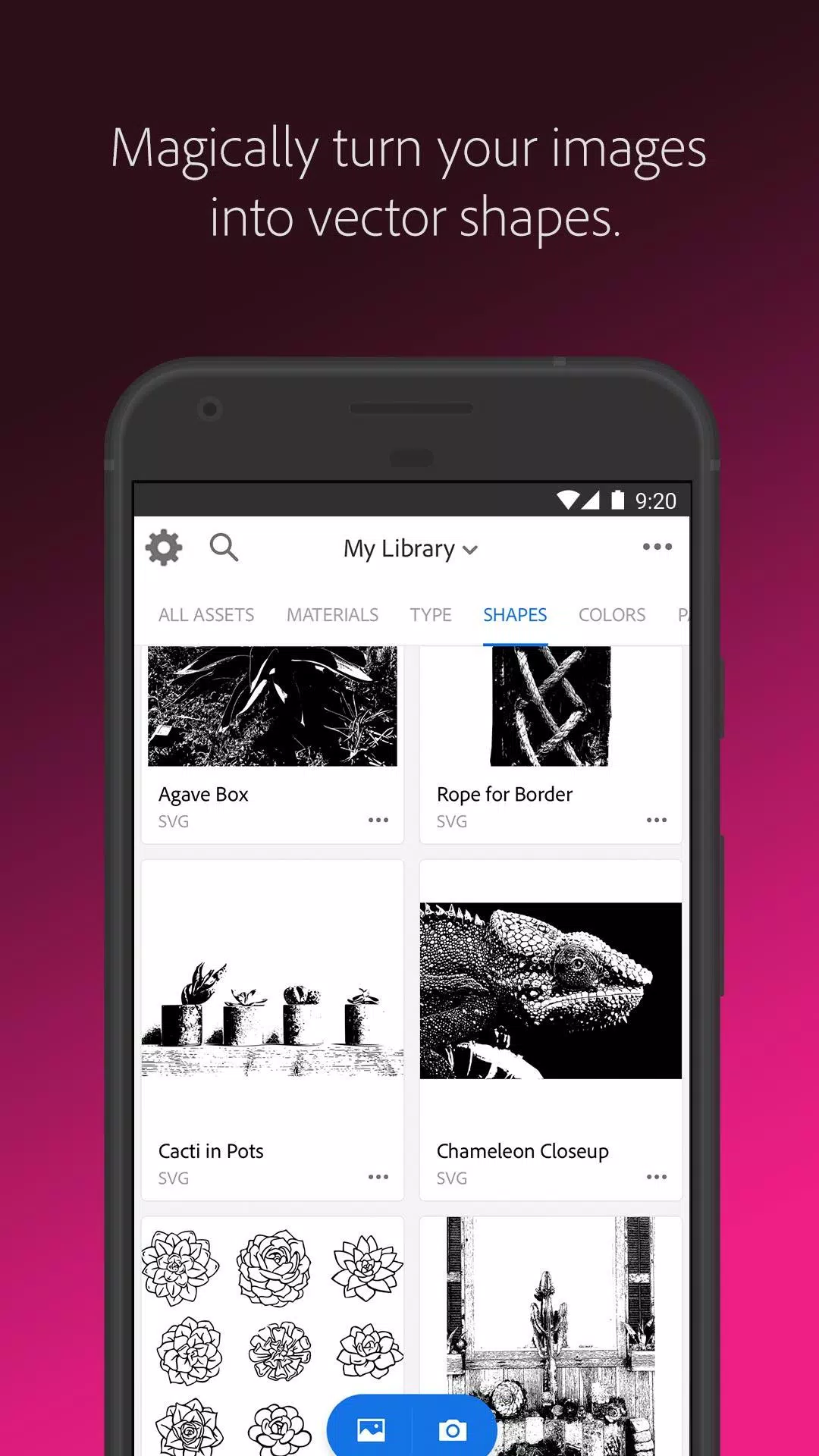
If you're a fan of posters or looking to convert photos into sketches or pencil drawings, Adobe Capture allows you to instantly create vectors. With the ability to turn images into smooth, detailed, scalable vectors using 1-32 colors, you can use these for logos, illustrations, animations, and more. Simply point and shoot at your drawing or upload a photo to see it transform into clean, crisp lines.
**Identify Typography**
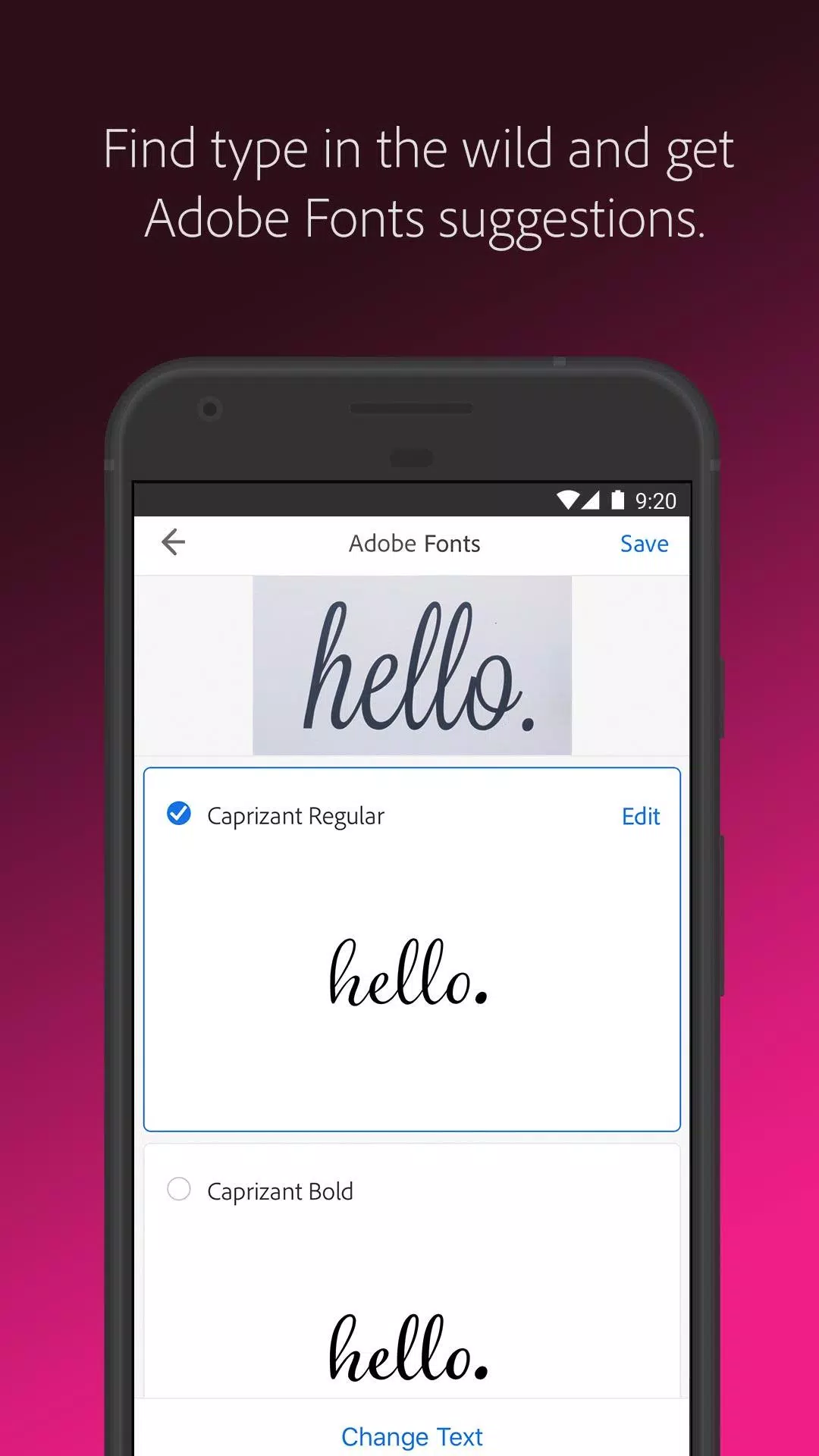
Searching for the perfect font? Adobe Capture's font finder feature lets you take a photo of any type you admire—from magazines to signs—and instantly suggests similar Adobe Fonts.
**Create Color Themes and Gradients**
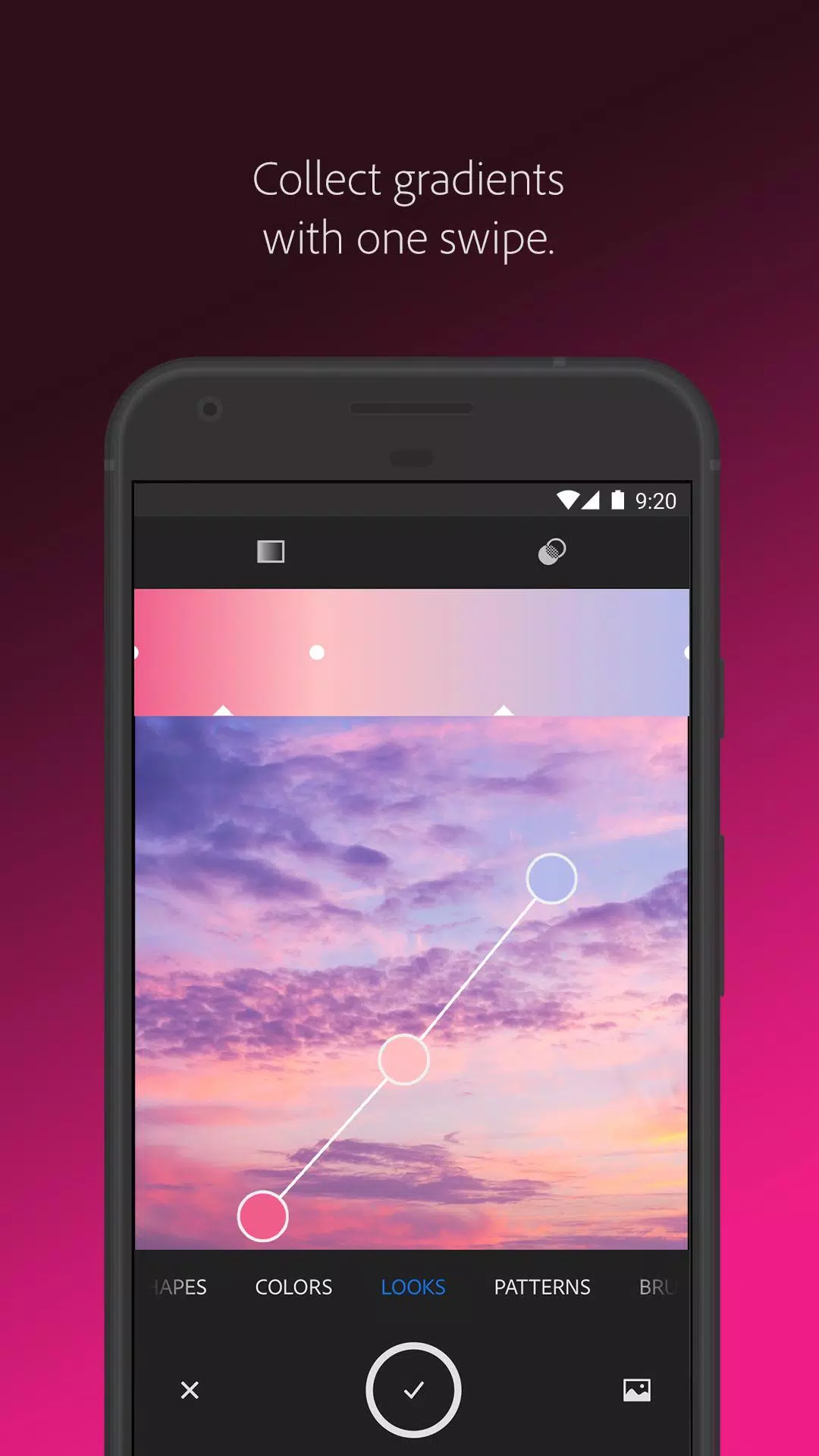
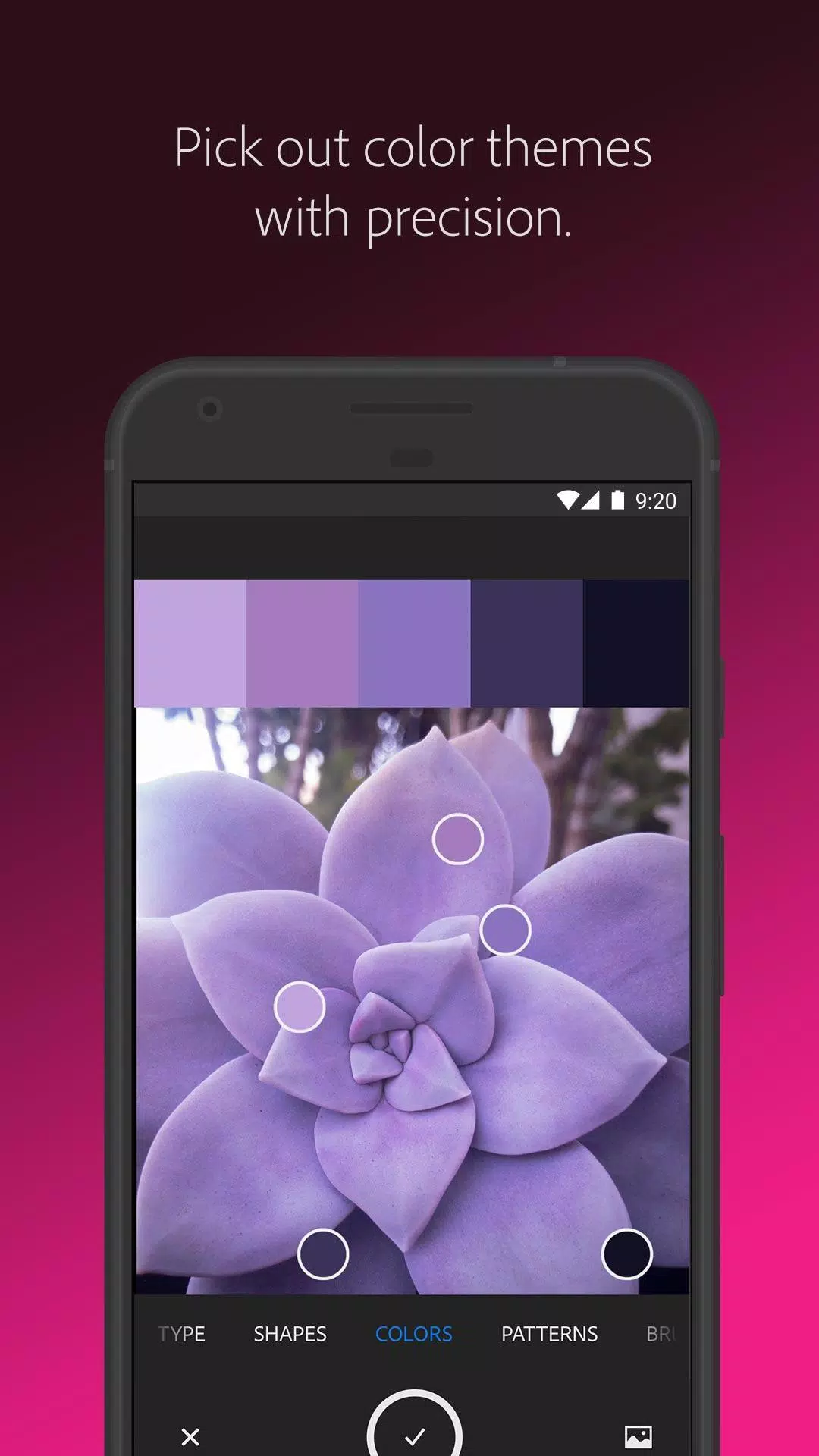
For designers, Adobe Capture is a dream come true. Whether you're looking for customized color palettes, color matching, or a color picker, you can aim your camera at any scene to capture the colors you need for your artwork. Find colors by number or hex, and even grab gradients that inspire you.
**Build Beautiful Digital Brushes**
Can't find the right brush for your painting? Use Adobe Capture to create brushes from photos or images that match your creative vision. These brushes can be used in Photoshop, Illustrator, or Fresco to achieve rich, painterly effects.
**Craft Intricate Patterns**
Love wallpapers or looking for a patternator? Capture inspiring images and generate patterns using Capture's preset geometrics. Easily create beautiful, colorful patterns that complement your creative projects with our precision pattern builder.
**Generate 3D Textures**
Create realistic PBR materials for 3D design directly from your camera. Modify these materials to add more texture or blend the edges for seamless repeat tiling on your 3D objects.
**Capture Light and Color**
Photography enthusiasts can collect light and hue to create beautiful color grading profiles for images and videos with Looks. Capture the magic of a sunset and transfer that ambiance to your photos and video projects.
Adobe Capture is your one-stop solution for all graphic design needs, including color matching, color picking, photo-to-sketch conversion, pattern creation, font finding, pencil sketching, vector graphics, background removal, and more. It's compatible with a wide range of Adobe tools like Photoshop, Fresco, Illustrator, InDesign, and others, as well as third-party apps like Canva.
**Seamlessly Sync Creative Elements**
All your created elements are saved to Adobe Creative Cloud libraries, allowing instant access from your Creative Cloud account across all compatible applications.
Adobe Capture was honored with the MediaPost Appy award in 2016, and comes with a free, basic Creative Cloud membership that includes 2GB of complimentary storage for file syncing and sharing.
For more information, please review Adobe's Terms of Use at https://www.adobe.com/legal/terms-linkfree.html and Privacy Policy at https://www.adobe.com/privacy/policy-linkfree.html.