Kids360 – Your Ultimate Parental Control and Screen Time Management Solution
Kids360 is an intuitive parental control and screen time management app designed to keep your children safe and focused. With enhanced child monitoring features, you can track usage time and promote educational engagement through child-friendly games. Our app empowers you to maintain a secure online environment for your kids by setting time limits, blocking specific apps, tracking their GPS location, and monitoring app activity.
Seamless Integration with Alli360
Kids360 pairs effortlessly with the Alli360 app to deliver a comprehensive suite of parental control tools, including:
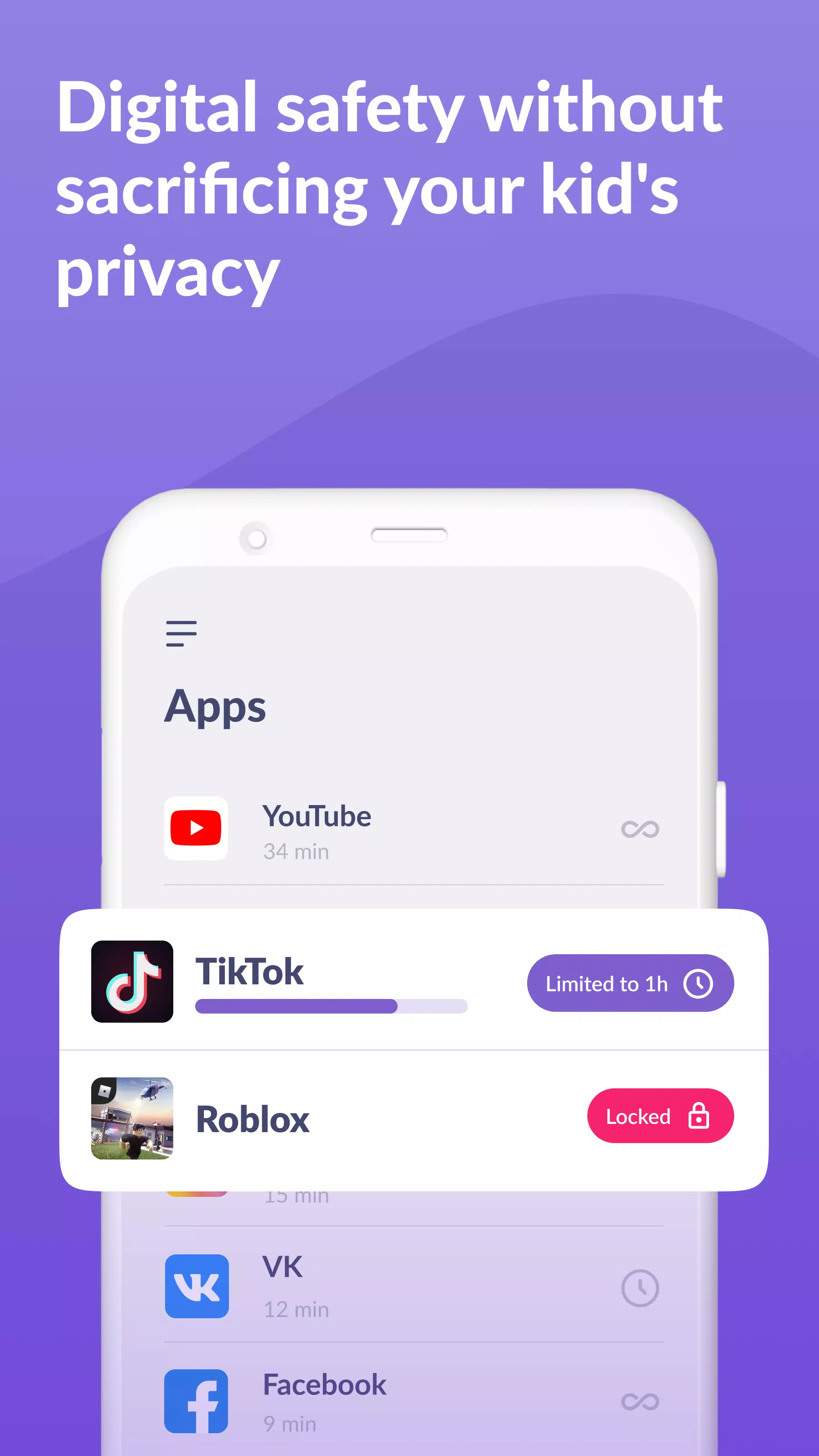
App Usage Limiter: Implement time restrictions on distracting apps, games, and social media, transforming your child's phone into a focused learning tool. Our child lock feature also activates a kids mode for added control.
Usage Schedule: Customize your child's daily schedule to prioritize productive school time and ensure they get sufficient rest at bedtime. Our child monitoring system meticulously tracks and limits time spent on non-educational apps, fostering a balanced digital lifestyle.
App Statistics: Gain insights into the apps your child uses and the duration of each session. This feature helps you identify if your child is playing games during class time instead of focusing on studies.
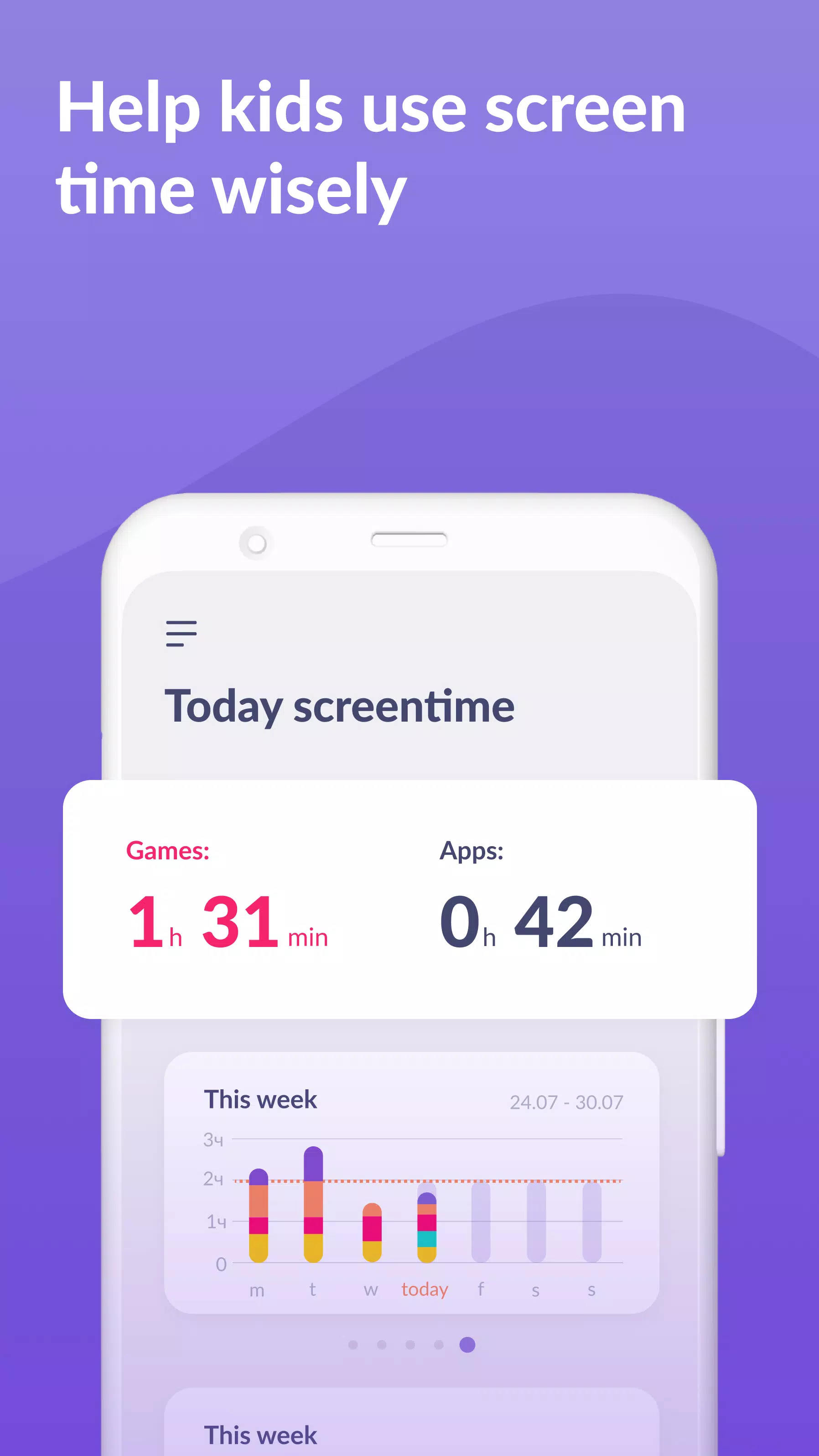
Screen Time Monitoring: Our child monitoring app provides a detailed breakdown of your child's phone usage, highlighting which apps consume the most time and enabling you to implement effective kid control strategies.
Stay Connected: Ensure essential communication apps like calls, texts, and taxi services remain accessible, maintaining uninterrupted contact with your child while restricting non-essential and entertainment-focused apps.
Kids360 prioritizes your child's safety, offering you the tools to monitor their screen time effortlessly. Our mobile app tracker keeps you informed about your child's app usage, gaming habits, and overall phone activity.
Transparency and Compliance
We believe in transparency and consent; the app cannot be installed secretly and requires your child's permission for use. We strictly adhere to data protection laws and GDPR policies to safeguard your family's personal information.
Setting Up Kids360 and Alli360
To start using Kids360 and Alli360:
- Install the Kids360 – parental control app on your phone.
- Install Alli360 on your child’s smartphone and enter the unique code provided by Kids360.
- Enable monitoring of your child's smartphone through the Kids360 app.
Once connected, you can monitor your child's screen time for free. Advanced time management features, such as scheduling and app blocking, are available during a trial period and with a paid subscription.
Required Permissions
To ensure Kids360 functions effectively, the following permissions are necessary:
- Display over other apps: Enables the app to block applications when their allotted time expires.
- Special access: Allows for comprehensive screen time management.
- Access to usage data: Collects detailed statistics on app usage duration.
- Autorun: Ensures the app tracker remains active on your child's device continuously.
- Device administrator: Prevents unauthorized app deletion and maintains kids mode integrity.
24/7 Support
Should you encounter any technical issues, our dedicated support team at Kids360 is available around the clock. Reach out to us at [email protected] for prompt assistance.
With Kids360 and Alli360, you're equipped with powerful tools to guide your child's digital journey safely and effectively.