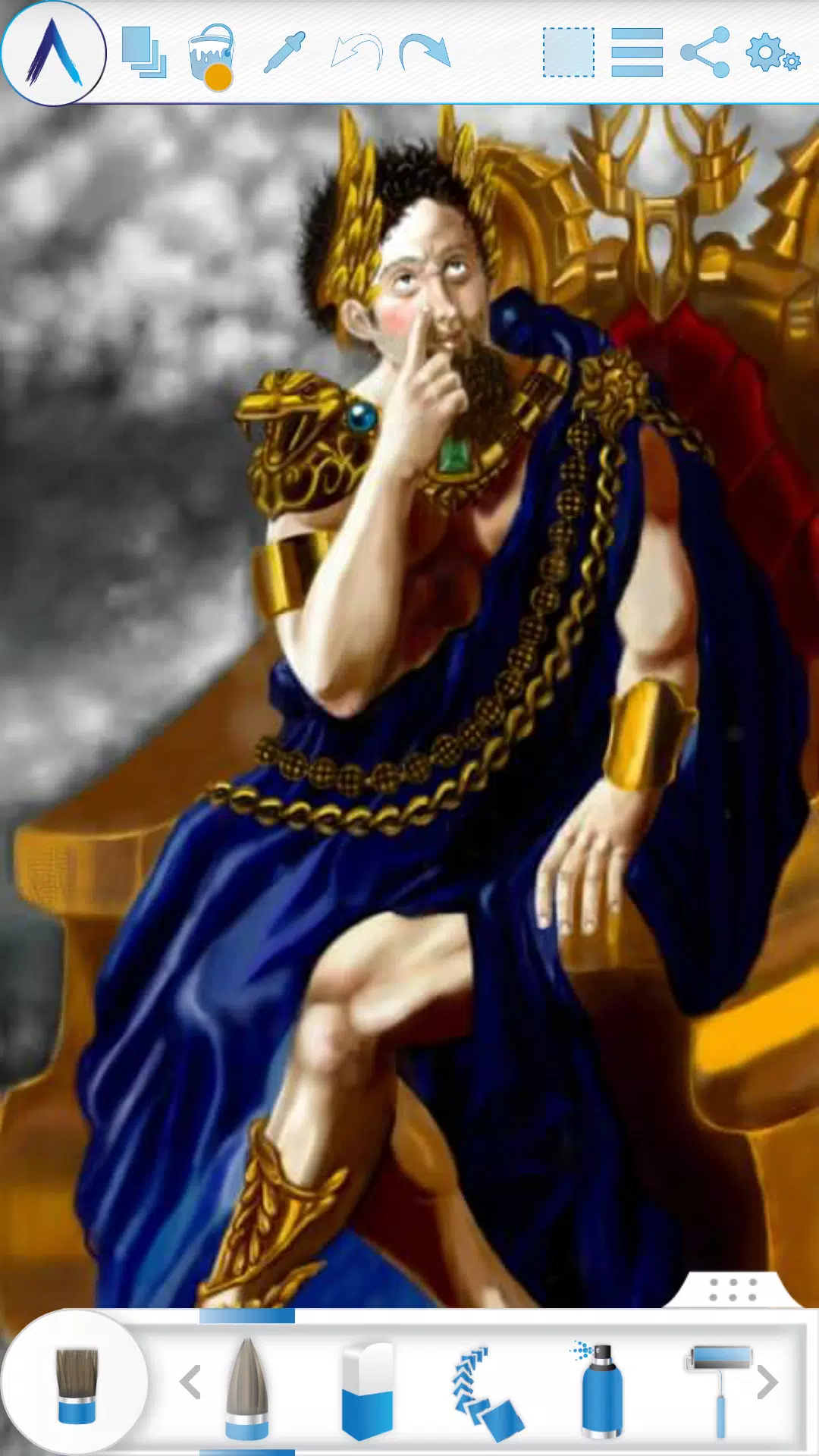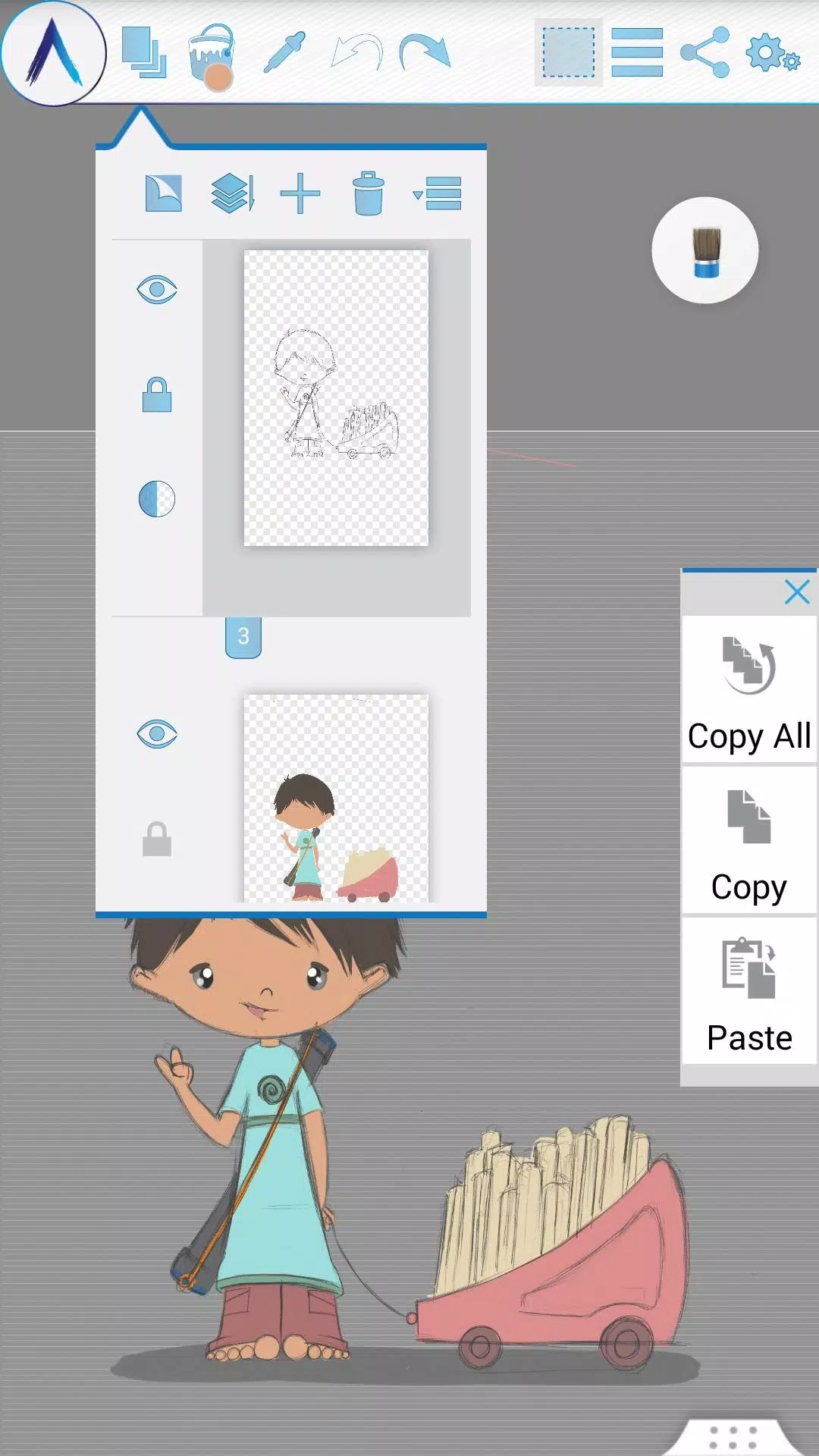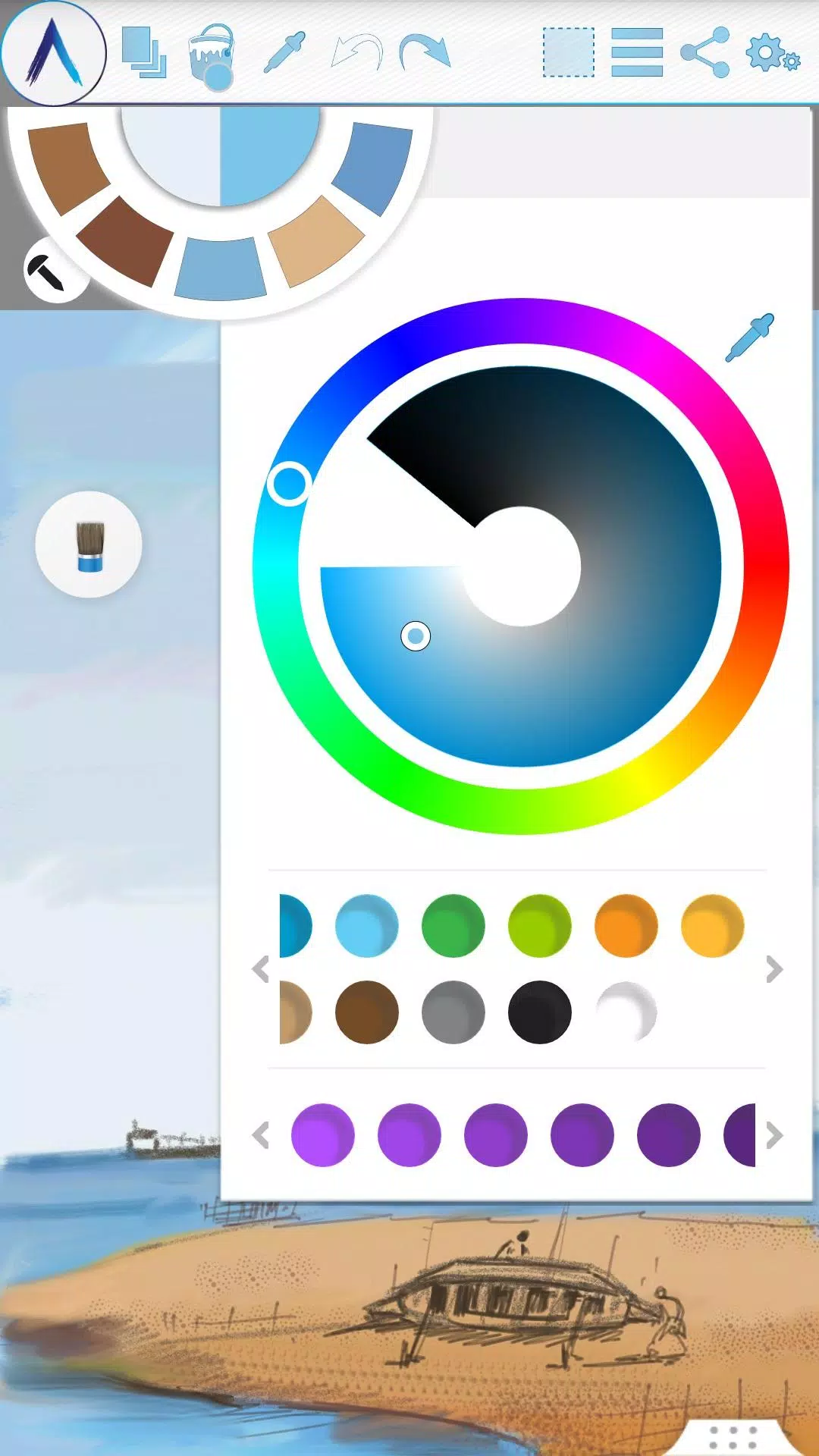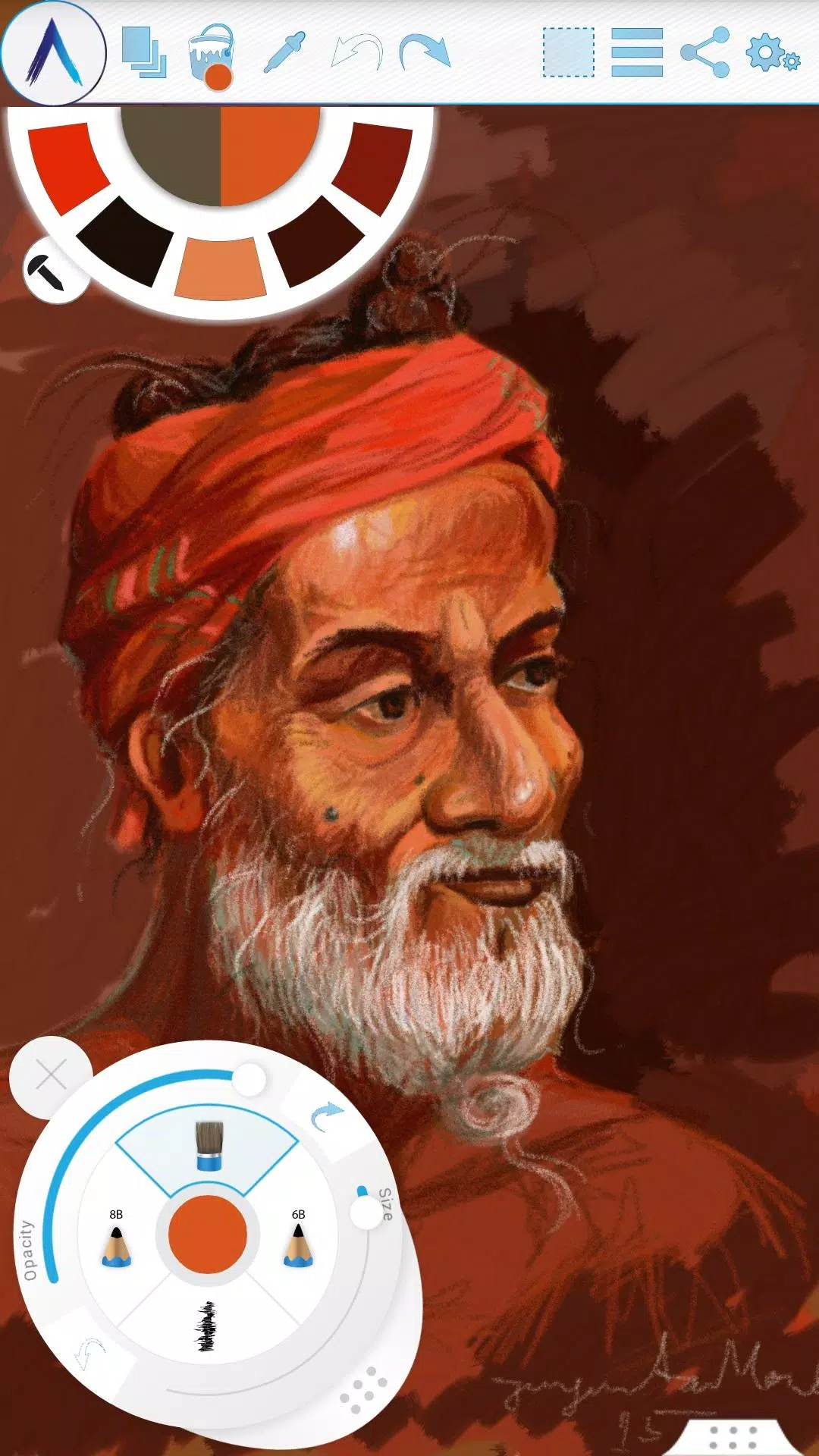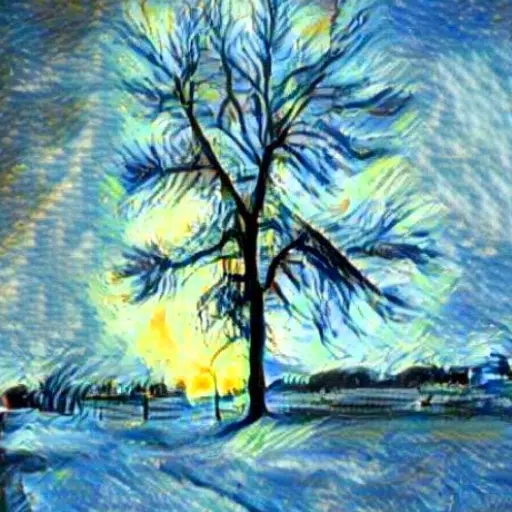
Experience the revolutionary world of digital art with Artecture, where you can sketch, draw, and paint like never before. Whether you're an amateur or a professional artist, Artecture offers an extensive array of over 30 high-quality, realistic tools tailored to your creative needs. Customize these tools to match your personal style and immerse yourself in a truly enjoyable artistic journey. Crafted by art enthusiasts for art lovers like you, Artecture is simple, beautiful, and fun, making it the perfect platform for everything from quick architectural sketches to detailed oil paintings. The realistic feel of the tools will amaze you, and the best part is, it's completely free—no ads, no download requests.
Dive into Artecture and explore a natural and authentic experience of drawing, painting, and sketching on a digital canvas. Enhance your skills and share your creations by joining the vibrant Artecture artist community on Facebook. Connect with fellow artists, learn new techniques, and showcase your work.
Facebook:
Page Name: Artecture Digital Art Community
Link: https://www.facebook.com/artecture.digiart
Main Features:
- A comprehensive suite of drawing tools, including Pencil for realistic sketches, Marker Pen, Oil Brush, Oil Blend brush, Oil real brush, Water Color, Airbrush, Palette Knife with color mixing, Paint Roller, Paint Tube, Eraser, Flood Fill, Glitter Tube, Far brush, Gradient Brush, and Fill Pattern for every tool.
- Multi-Layers functionality with options to create, remove, lock, adjust visibility, opacity, reorder, and merge layers.
- Various image effects on selected layers such as Sepia, Inverse, Blur, Gray, Bright, and Colorize.
- Symmetry features including Vertical, Horizontal, and Concentric options with adjustable center of symmetry.
- Tracing with automatic color pick, Template Coloring, and Import/Export Image capabilities.
- Geometric shape drawing tools for Free, Line, Rectangle, and Circle shapes.
- Pen-Only mode with palm rejection for a more precise drawing experience.
- Canvas rotation for flexible working angles.
- Multi-Touch shortcuts for enhanced efficiency.
- A customizable Color Palette with favorite color defaults and a color picker.
- Floating favorite Color and Tool Palette for easy access.
- Rectangular and Free hand selection options.
- Copy, Paste, Rotate, and Mirror functions for selected areas.
- Text Insertion with options to insert, resize, rotate, and mirror text.
- Export artworks in standard image formats such as .jpeg, .png, and .bmp.
- Auto save feature to prevent loss of your creative work.
- Option to open the last drawing with tool preferences retained.
- Static background options including Texture, Color, and Image.
- Tool presets for quick access to your preferred settings.
Storage:
By default, Artecture saves artworks in the “Artecture” folder on your device storage in .bme file format, which is viewable only in the Artecture Gallery. You can also export to .bmp format for broader compatibility. The app allows you to change the storage location, and the gallery will detect .bme artworks from any location on your device.
Sharing:
Share your creations directly from the canvas or gallery to Facebook and PenUp. You can also share via Bluetooth, WI-FI Direct, MMS, email, Shareit, and other applications installed on your device.
Help & Support:
A quick reference guide is available to help you get started. For additional assistance, feel free to email us at [email protected].
Specialty:
Artecture is a high-performance digital painting tool that's completely free and ad-free, ensuring an uninterrupted creative experience. The app's screenshots feature artworks generously contributed by students and professors from the Fine Art department at Dhaka University, with special thanks to Mr. Gar Cia for his contributions.
Permissions:
Artecture requires the following permissions:
- Required permissions: Storage (used to save drawing files).
- Optional permissions: None.
What's New in the Latest Version 5.2.0.4
Last updated on Feb 8, 2019
Version Number: 5.2.0.4
- Fixed the issue of “Permission required” for non-Samsung devices.
- Resolved crashes and issues with saving files.
Version Number: 5.2.0.2
- Added dynamic permission handling.
- Implemented various bug fixes.
Version Number: 5.1.2.0
- Introduced Auto Save feature for periodic saving of progress.
- Minor bug fixes.