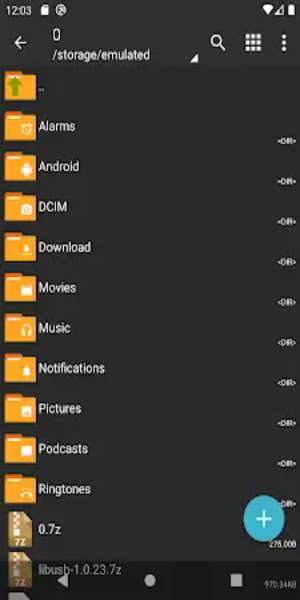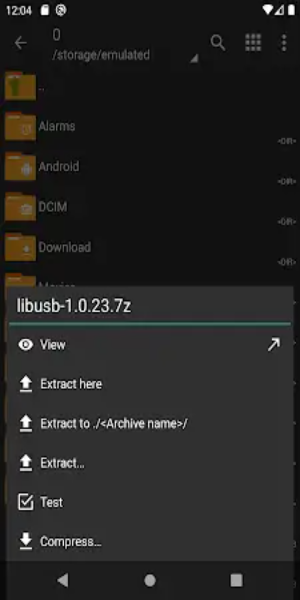

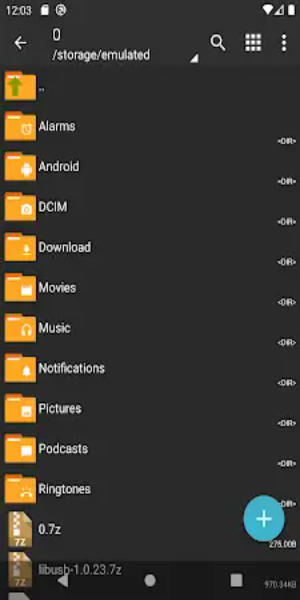
ZArchiver Donate is the premium edition of the well-known ZArchiver app, delivering advanced archive management in a clean, modern interface. It lets you create and extract various formats—including 7z and zip—preview images directly, and edit files inside archives. Choose between light and dark themes, protect archives with passwords, and install APK or OBB files directly from backups.
Benefits of ZArchiver Donate:
1. Customizable Interface: Personalize your experience with ZArchiver Donate’s flexible interface. Switch between light and dark themes for a look that matches your style and improves usability.
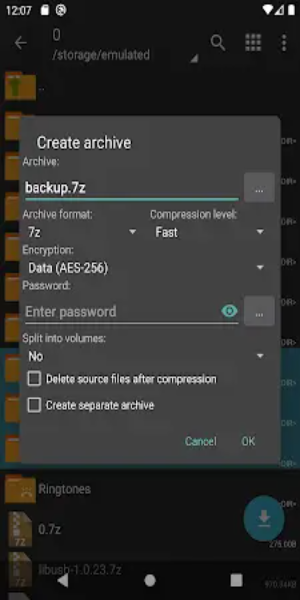
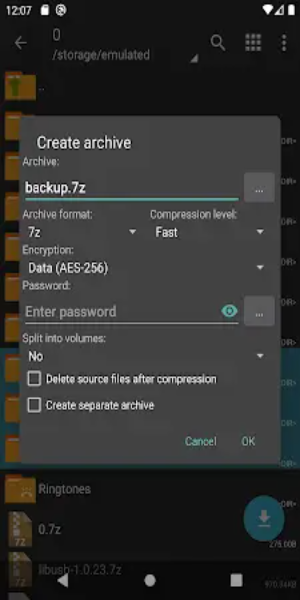
2. Enhanced Security: Keep your files safe with ZArchiver Donate’s built-in password manager. Securely create and decompress password-protected archives, adding strong protection for sensitive data.
3. Image Preview Feature: Manage images more easily with the built-in preview function. View thumbnails directly from archives to quickly identify and handle your visual files.
4. File Editing Capability: Edit documents, text, and resources directly inside archives. This works with formats like zip, 7zip, tar, apk, and mtz, making on-the-fly changes simple.
5. Privacy Protection: ZArchiver Donate works without internet access, so your private data never leaves your device. Your files and passwords stay completely confidential.
Enhanced Performance:
- Optimized Startup from Android 9: ZArchiver Donate launches and processes small files smoothly, even on devices running Android 9 and above, improving overall responsiveness.
- Multithreading Support: Leverage the power of multicore processors with multithreading, which speeds up compression and extraction, especially for large files and demanding tasks.
- UTF-8/UTF-16 Filename Support: Use special characters, emojis, and international symbols in filenames thanks to full UTF-8/UTF-16 encoding support—ideal for multilingual file organization.
Other Advanced Features:
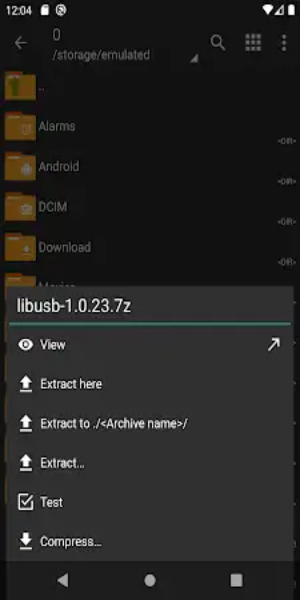
1. Archive Types Supported: Create and decompress a wide variety of archive formats, such as 7z, zip, bzip2, gzip, XZ, lz4, tar, and zst, for better file management.
2. Archive Content Viewing: Browse the contents of archives—including 7z, zip, rar, bzip2, gzip, XZ, iso, and tar—without extracting them first.
3. Password-Protected Archives: Set and use passwords to encrypt sensitive archives, keeping your important information secure from unauthorized access.
4. Multi-Part Archive Support: Easily handle split archives, including 7z and rar (decompression only), to work with large files divided into smaller parts.
5. APK and OBB Installation: Install APK and OBB files straight from archive backups, making app restoration and data recovery fast and straightforward.
6. Partial Archive Decompression: Save time and storage by decompressing only the files you need from inside an archive.
7. File Extraction from Split Archives: Fully compatible with split archives like 7z.001, zip.001, part1.rar, and z01, allowing you to extract files seamlessly across formats.
Conclusion:
ZArchiver Donate stands out as a complete and user-friendly archive management tool. With advanced capabilities, strong security features, and support for many archive types, it helps users organize, protect, and edit digital files with ease. Whether you're a casual user or a power user, ZArchiver Donate delivers a reliable and efficient solution for all your archival needs.