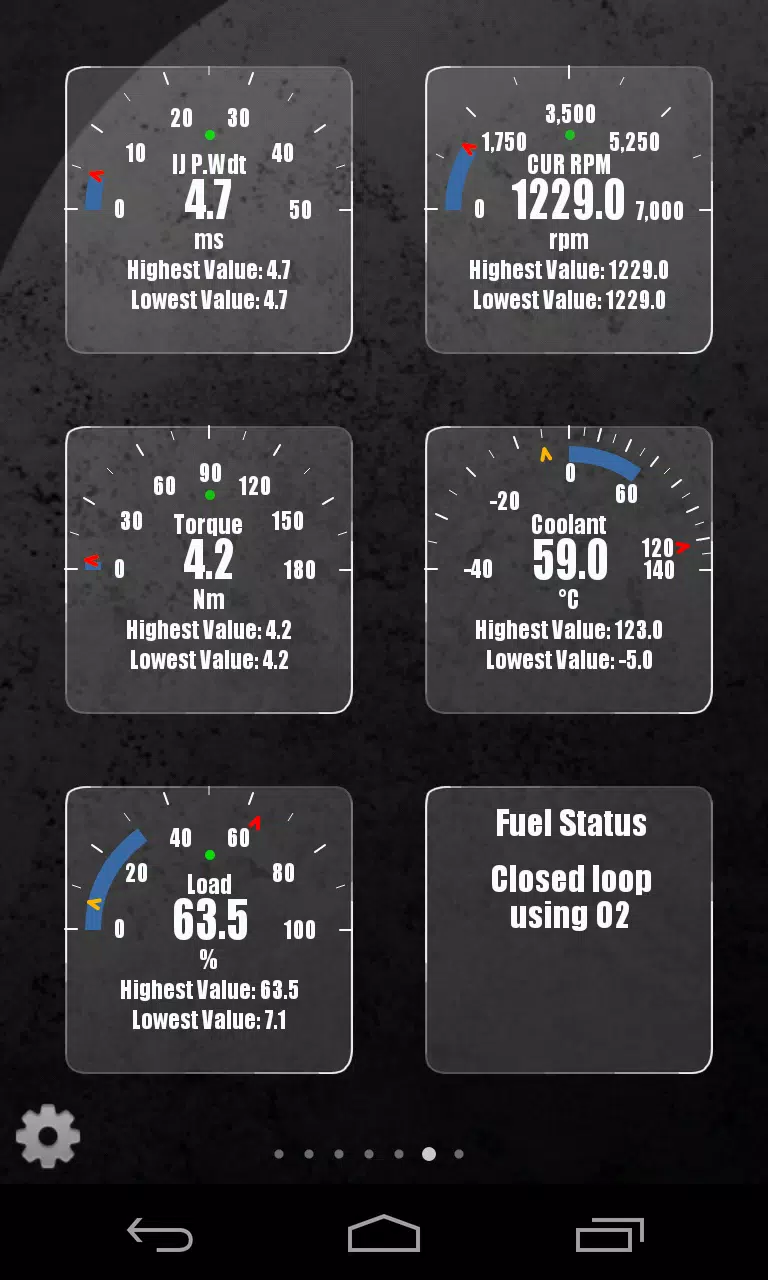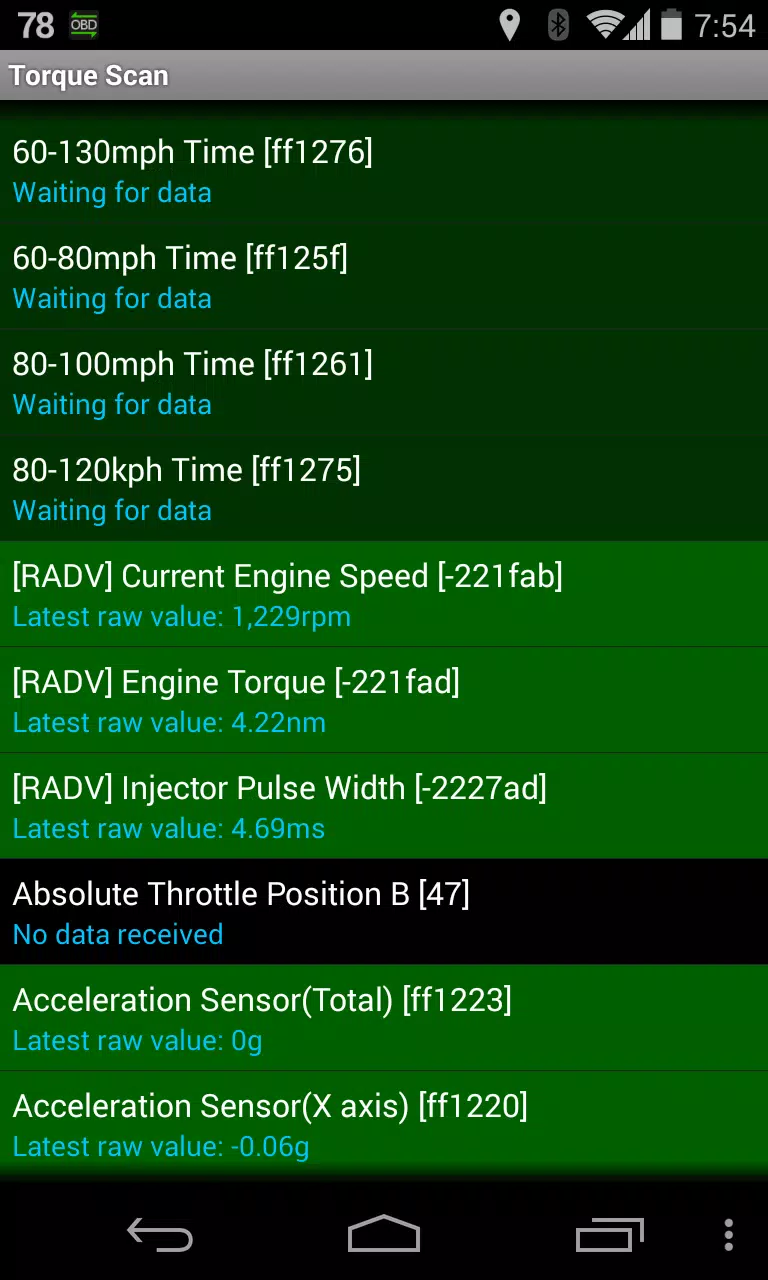
This Torque Pro plugin unlocks real-time monitoring of specific Renault vehicle parameters, including advanced engine sensor data. It expands Torque Pro's PID/sensor list with Renault-specific data. Try the limited sensor version before purchasing the full plugin; calculated sensors like Injector Duty Cycle (%) are not included in this version.
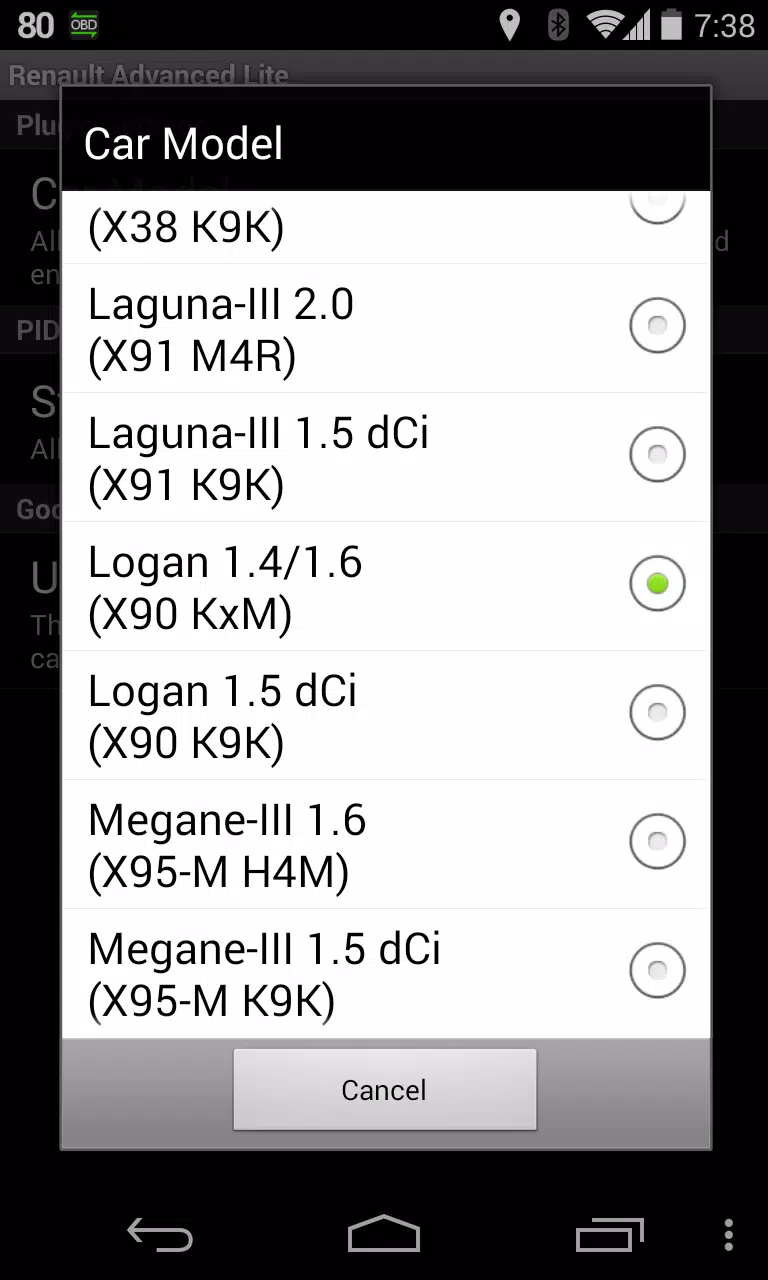
Supported Renault Models/Engines (DiagOnCan/CANBUS ONLY):
- Captur 1.2 (X87 H5F)
- Captur 1.5 dCi (X87 K9K)
- Clio-III 1.6 (X85 KxM)
- Clio-III 1.5 dCi (X85 K9K)
- Duster 1.6 (X79 K4M)
- Duster 1.5 dCi (X79 K9K)
- Fluence 1.6 (X38 H4M)
- Fluence 1.5 dCi (X38 K9K)
- Laguna-III 2.0 (X91 M4R)
- Laguna-III 1.5 dCi (X91 K9K)
- Logan 1.4/1.6 (X90 KxM)
- Logan 1.5 dCi (X90 K9K)
- Megane-III 1.6 (X95-M H4M)
- Megane-III 1.5 dCi (X95-M K9K)
- Sandero 1.6 (B90 KxM)
- Sandero 1.5 dCi (B90 K9K)
- Scenic-III 1.6 (X95-S H4M)
- Scenic-III 1.5 dCi (X95-S K9K)
- Symbol 1.6 (L35 KxM)
For more Renault engine details, see http://en.wikipedia.org/wiki/List_of_Renault_engines.
Requirements: The latest version of Torque Pro is required. This is not a standalone app.
Plugin Installation:
- Install the plugin from Google Play. Verify its presence in your installed apps.
- Open Torque Pro and tap the "Advanced LT" icon.
- Select your engine type and return to the Torque Pro main screen.
- Access Torque Pro "Settings" > "Plugins" > "Installed Plugins". Confirm the plugin is listed.
- Go to "Manage extra PIDs/Sensors."
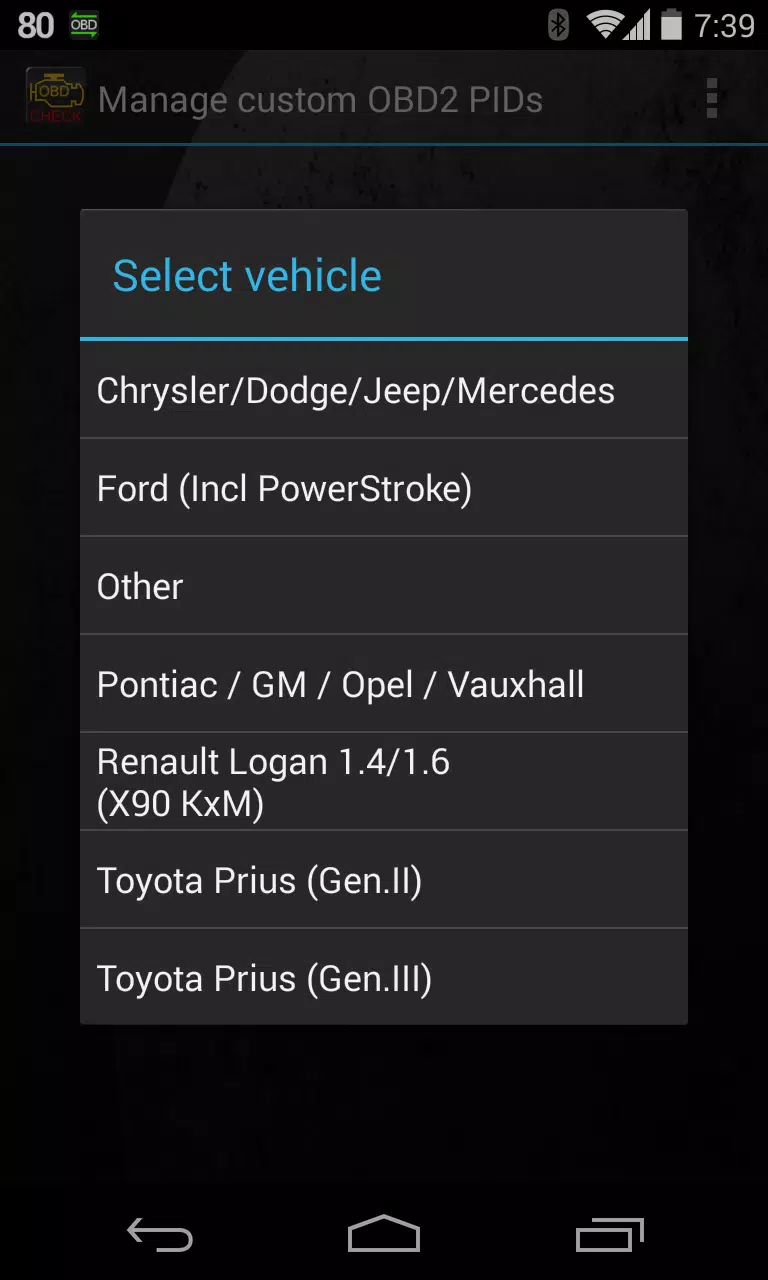
- Select "Add predefined set." Choose the correct set for your Renault engine.
- New sensors will appear in the "Extra PIDs/Sensors" list.
Adding Displays:
- Navigate to Realtime Information/Dashboard.
- Tap the menu button and select "Add Display."
- Choose a display type (Dial, Bar, Graph, etc.).
- Select a sensor. Advanced LT sensors begin with "[RADV]".
Future updates will include more features and parameters. Feedback is welcome!
Version 2.0 Updates (Dec 14, 2019)
- Improved API 26+ compatibility for third-party plugins.