
Are you looking for an efficient way to convert and edit your audio files on the go? Look no further! The **Audio Converter** app for Android is your ultimate solution for converting audio files between various formats and trimming them to your liking. Whether you need to convert audio to MP3, AAC, WMA, OPUS, OGG, M4A, FLAC, or any other format, this powerful tool makes the process easy and fast.
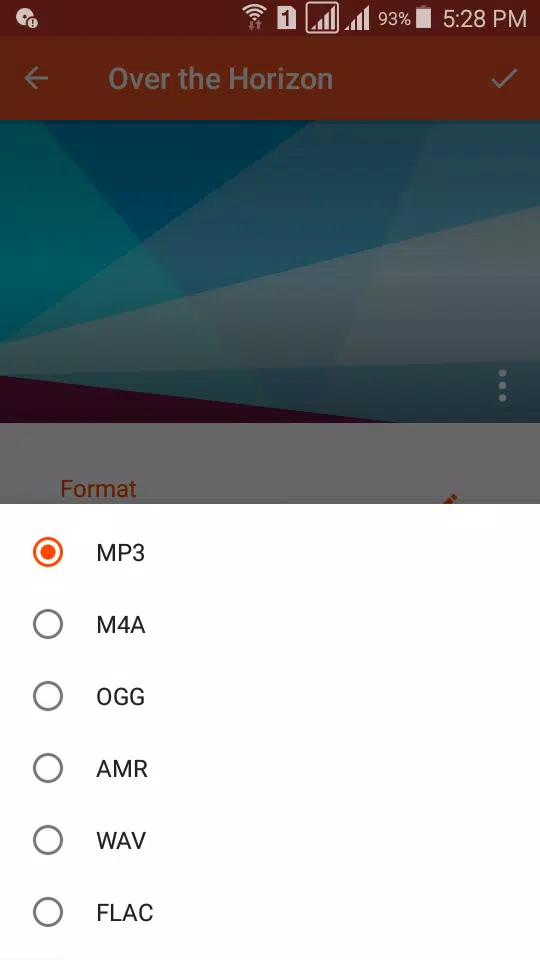
With **Audio Converter**, you can effortlessly convert your audio files into multiple formats including MP3, AAC, M4A, OGG, AMR (AMR-NB and AMR-WB), OPUS, WAV, FLAC, WMA, and AC3. Not only can you convert your music, but you can also extract audio from videos and turn them into MP3s, perfect for creating personalized ringtones. The app supports a wide range of bitrates from 8 kb/s to 320 kb/s, allowing you to save your files at various quality levels to suit your needs.
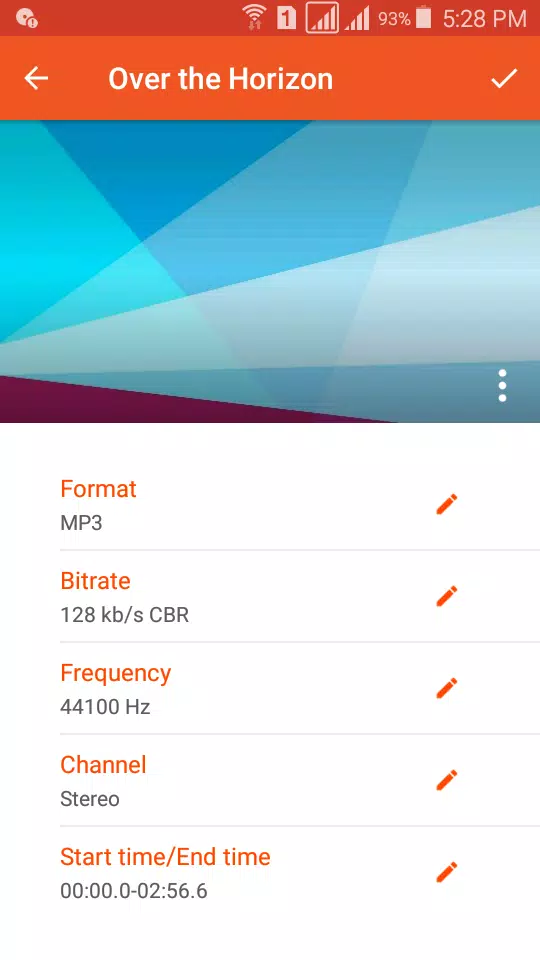
No need to create an account; simply select the audio file you want to convert, choose your desired output format, and hit "convert." The process is straightforward and user-friendly, enabling you to handle thousands of files without any hassle. Plus, you can customize audio settings such as bitrate, frequency, and channel, and even add a music cover to your MP3 files.
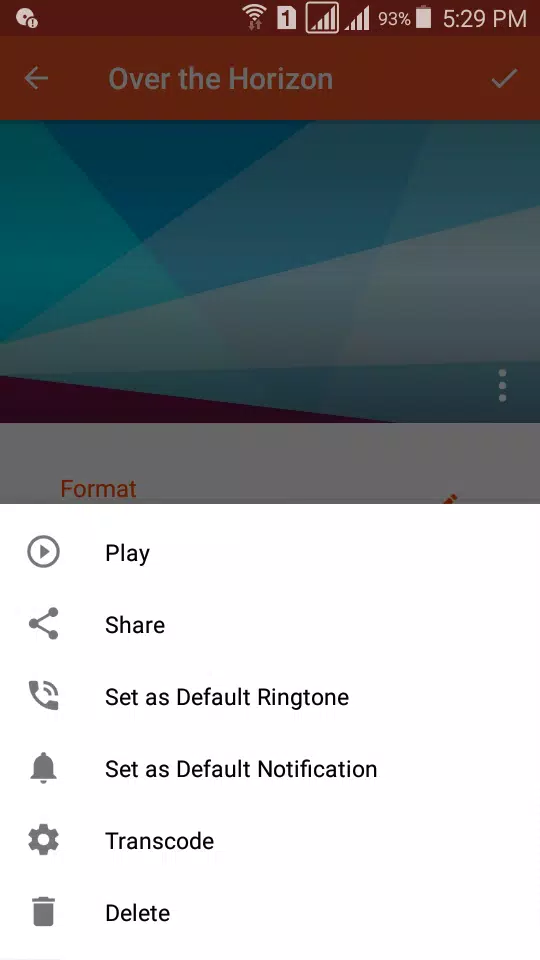
The **Audio Cutter** feature is equally impressive, supporting an unlimited list of audio formats such as MP3, AAC, OGG, and OPUS. It's fast, accurate, and imposes no duration limits, allowing you to trim your audio files and save them as music, alarms, notifications, or ringtones. You can also set your trimmed audio clips as default notifications or tones for incoming calls on your device.
Sharing your creations is a breeze with **Audio Converter**. You can easily share your converted and edited music with friends on social media platforms like WhatsApp, SoundCloud, and Facebook. Additionally, you can upload your songs to Google Drive, Dropbox, and SoundCloud for safekeeping and easy access.
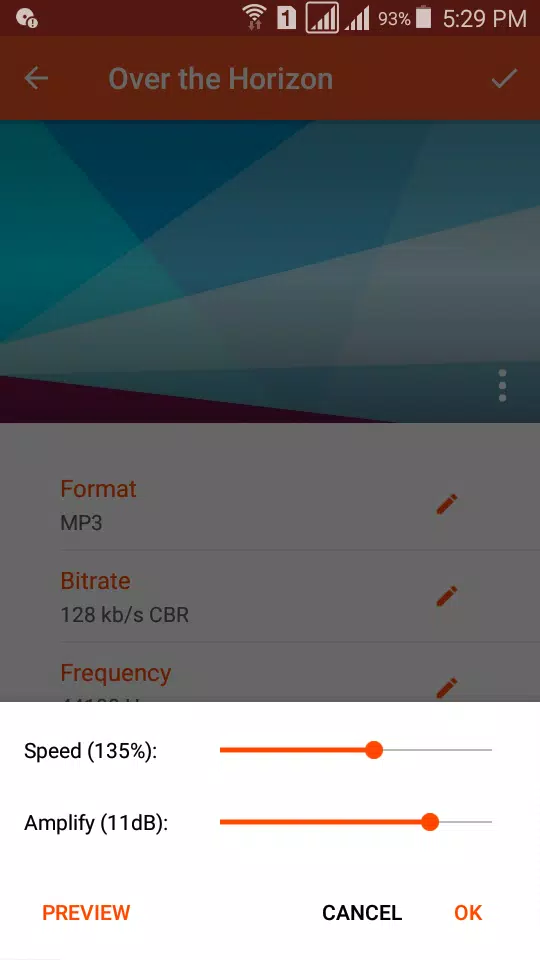
For a more personalized touch, the app allows you to edit music tags like title, artist, and album. It also offers advanced features such as changing the speed and amplifying the audio file before conversion, ensuring you get the exact sound you want.
**Audio Converter** is the best audio format converter for Android, offering a simple, powerful, and free solution for all your audio editing and conversion needs. We're confident you'll find everything you need in our app to manage your favorite music files effectively.
We value your feedback and are always looking to improve. Feel free to share your suggestions or questions with us at **[email protected]** to help us make the app even better.






























![City Devil: Restart [v0.2]](https://img.icssh.com/uploads/38/1719554737667e52b102f12.jpg)