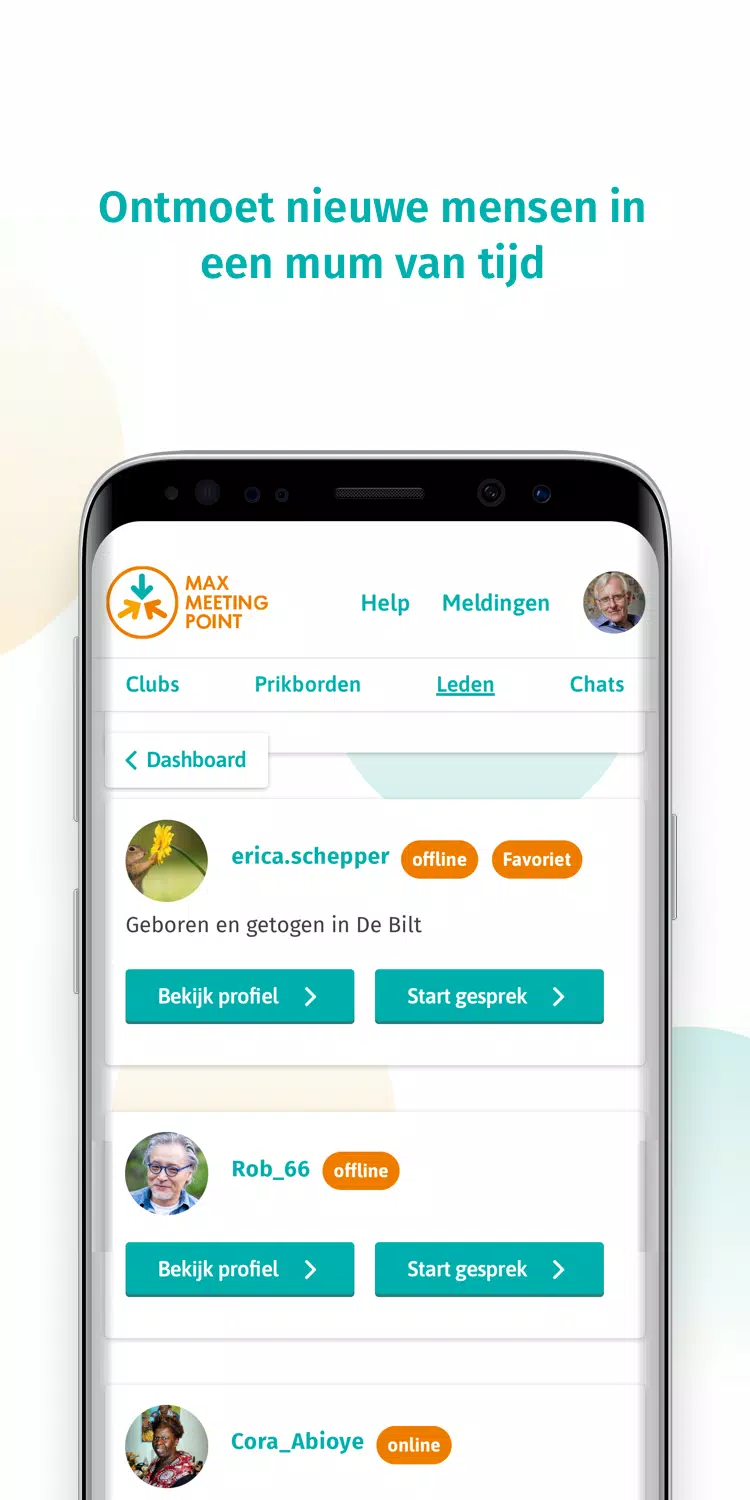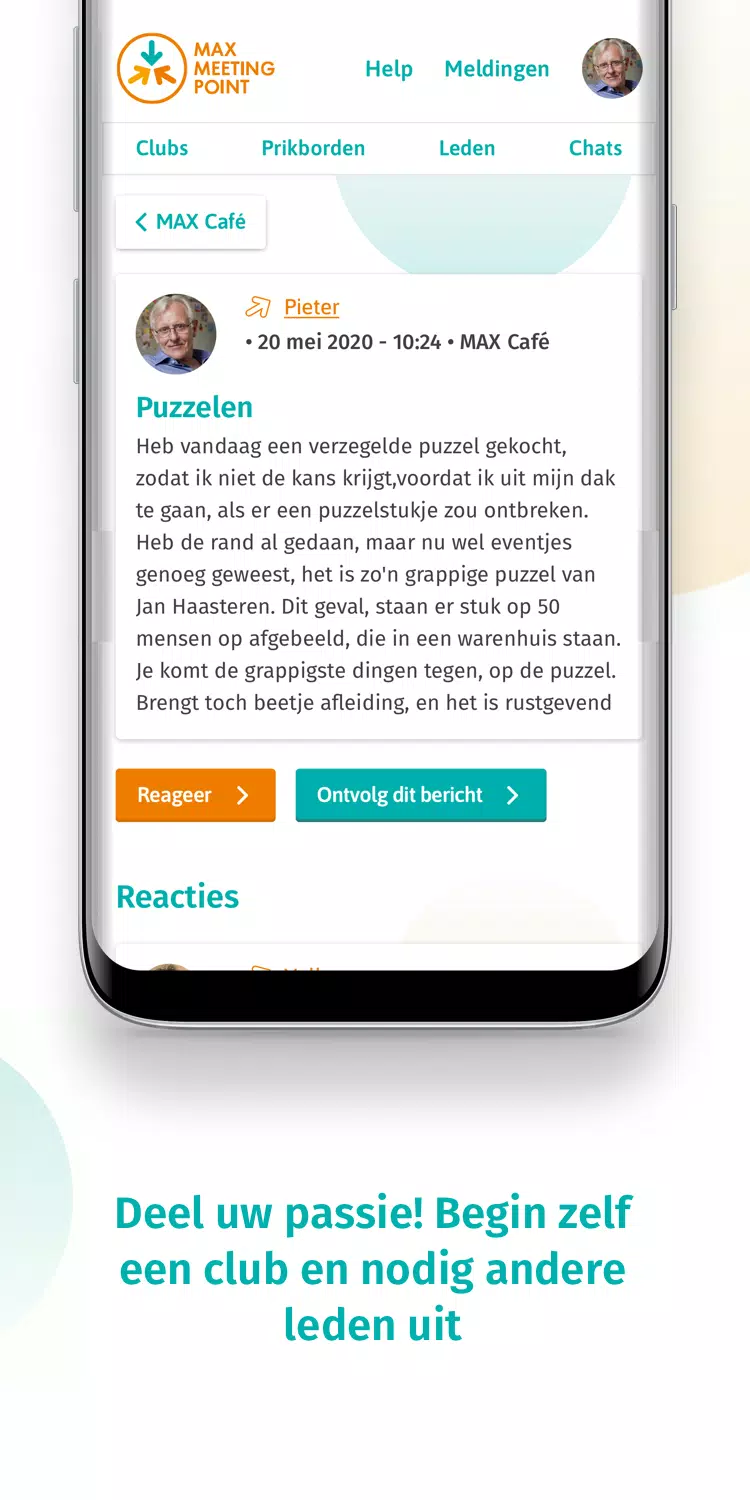
MAX Meeting Point is a social networking app created by Omroep MAX, designed to help users aged 50 and over connect safely and easily. It provides a platform to meet like-minded people in your local community, building a sense of belonging around shared interests. With this app, you can join clubs, take part in group activities, or even start your own club—making it a great tool for socializing and staying engaged.
Key Features of MAX Meeting Point:
* Customize your profile: Add photos, list your interests, and write a bio to express your personality.
* Group chats: Join chat rooms centered around hobbies or interests to talk with others who share your passions.
* Event calendar: Keep track of local social events, meetups, and activities where you can meet people in person.
* Verified accounts: User accounts and profiles can be verified to promote safety and authenticity before making connections.
Tips for Users:
* Participate actively in group chats to broaden your social network and connect with more people.
* Attend events from the calendar to meet other MAX Meeting Point members face-to-face.
* Make the most of profile customization to highlight your personality and attract potential friends.
* Verify your account to enjoy a safer and more trustworthy experience on the platform.
How to Use This App:
1. Download the App: Install MAX Meeting Point from your device's app store.
2. Create an Account: If you aren’t already a MAX member, sign up to get started.
3. Log In: Use your MAX Meeting Point credentials to log in after installing the app.
4. Explore Clubs: Browse clubs and group activities that match your interests.
5. Start a Club: Take the initiative and create your own club, then invite others to join.
6. Participate: Join existing clubs or group activities that align with your hobbies.
7. Meet New People: Use the app to quickly and safely connect with people in your area.
8. Stay Safe: Always follow the app’s safety guidelines when interacting with others.
9. Get Support: Visit the app’s support page if you need help or run into any issues.
10. Update the App: Keep your app updated to access the latest features and enjoy the best experience.