Postershop: Effortlessly Create Stunning Posters & Designs
Postershop is a user-friendly app designed for creating professional-quality posters and typographic designs. Its intuitive interface and powerful tools empower you to craft unique and eye-catching visuals with ease. Beyond its simplicity, Postershop boasts a range of exclusive features not found in comparable apps. It's the ultimate mobile poster maker for both photo editing and design projects, including logos and quotes.
Key Features:
Design Creation Options:
- Choose from 39 customizable templates.
- Start with a solid-colored canvas.
- Use your own photos as a base.
- Begin with a transparent canvas.
Design Elements:
- Text with extensive formatting options.
- Images from your gallery.
- Shapes (rectangles, circles, polygons, etc.).
- Drawing tools (brushes).
- Editable icons.
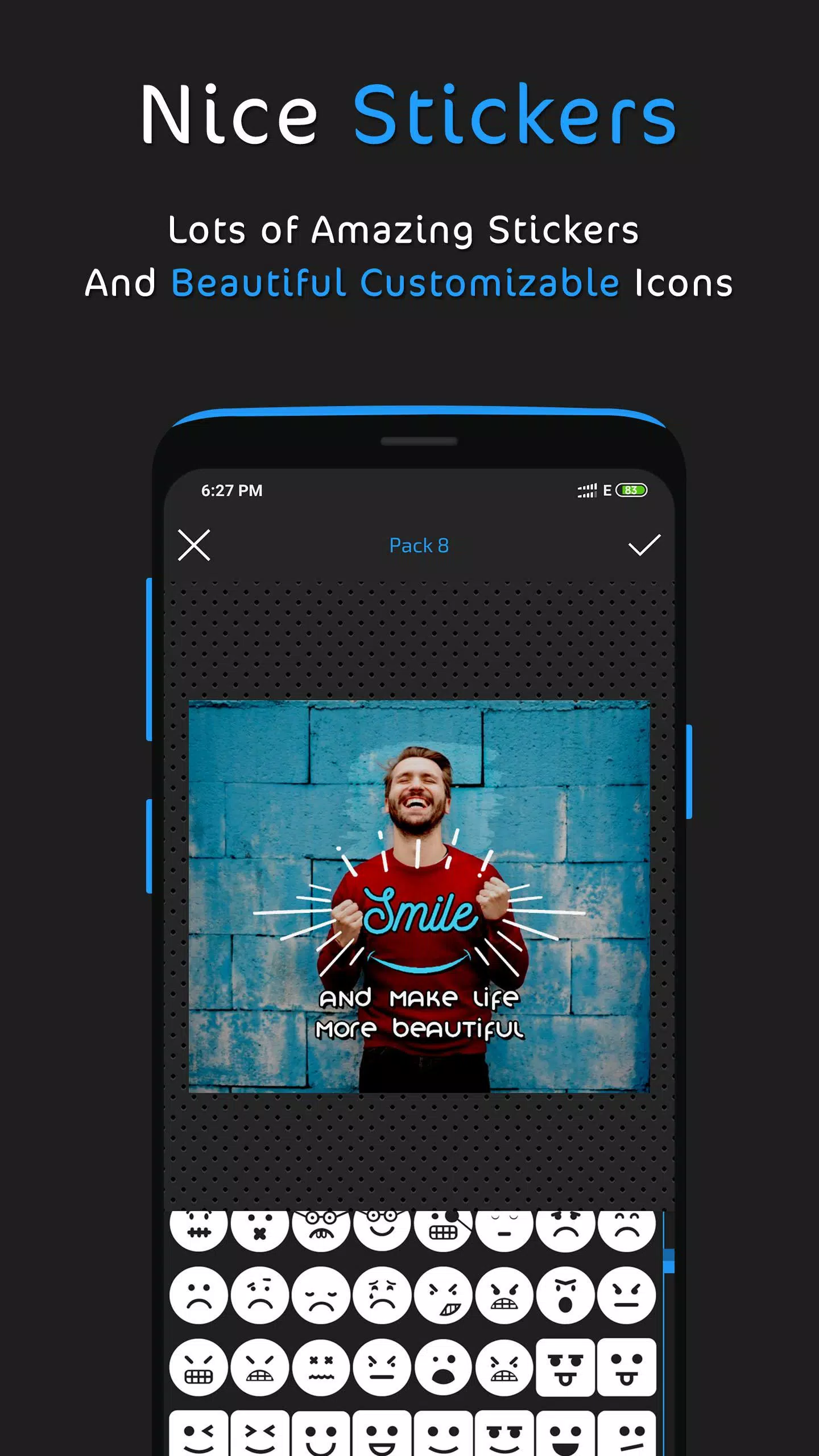
- Stickers.
Advanced Text Tools:
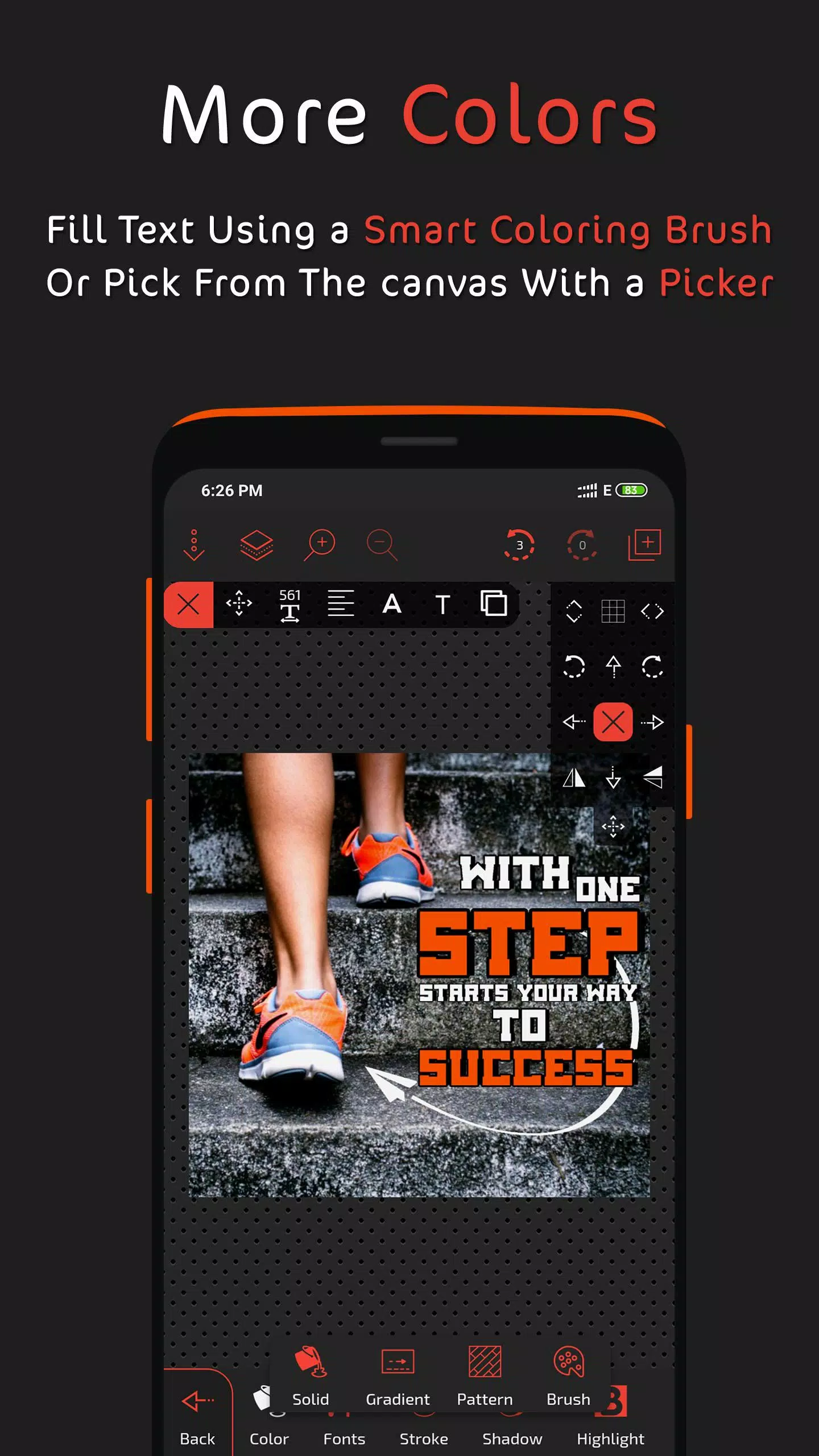
- Multiple fill options.
- Extensive font library with custom font support.
- Opacity control.
- Stroke adjustments.
- Shadow effects.
- Highlighting.
- Reflection effects.
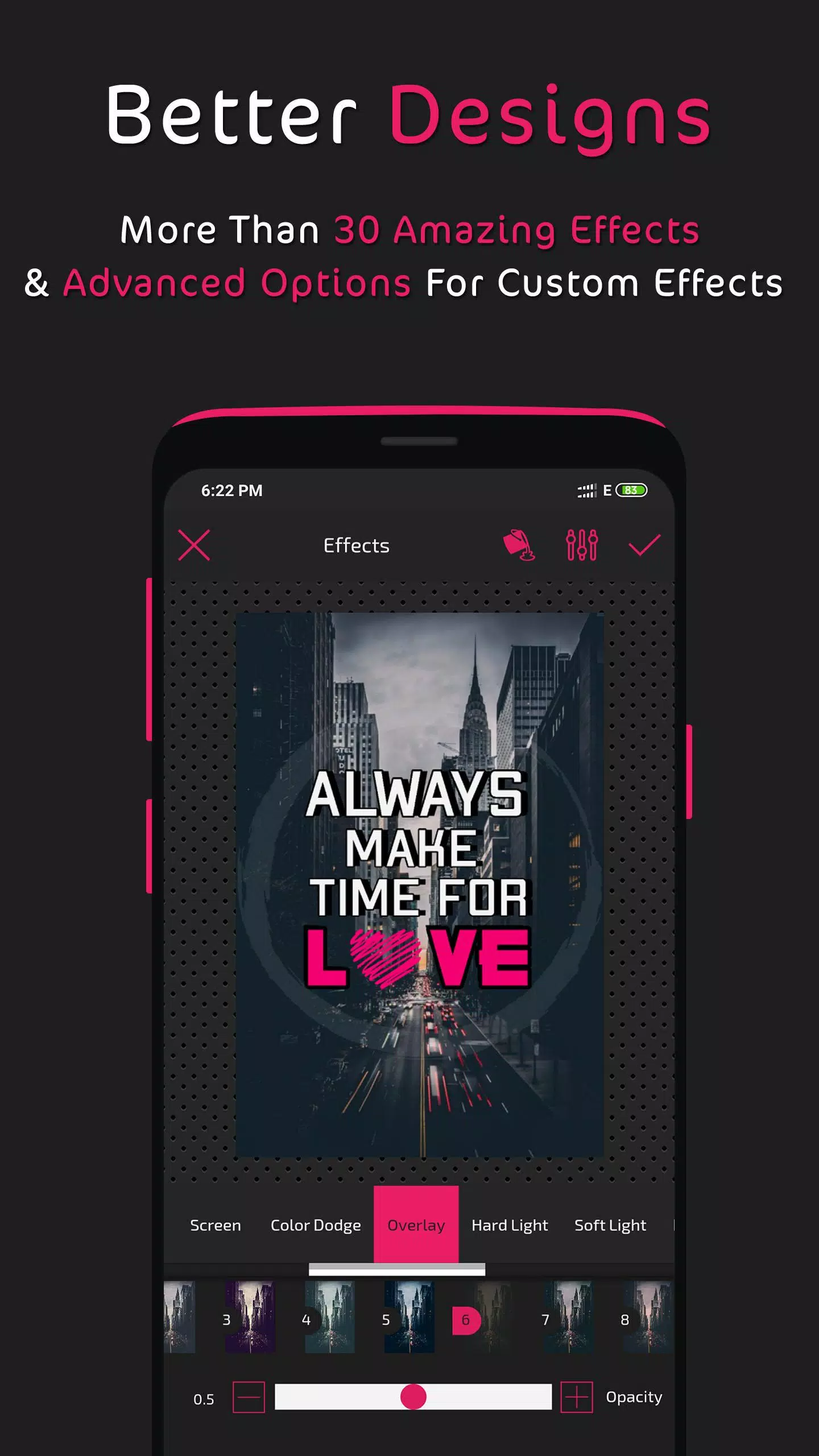
- Blend modes (layer exposure).
- Filters.
- Additional tools.
Layer Management:
- Reorder and arrange layers.
- Layer cloning.
- Lock, hide, or delete layers.
- Center and adjust layer width.
- Blend modes (layer exposure).
Fill Options:
- Solid color fills.
- Linear and radial gradients.
- Pattern fills.
- Color brush fills.
- Image fills from your gallery.
- Color picker.
- Color wheel.
Photo Editing Capabilities:
- Cropping and rotation.
- AI-powered background remover.
- Eraser tool.
- Effects and filters (with custom effect creation).
- Blend modes (layer exposure).
- Border addition.
- Image radius control.
- Additional tools.
Saving and Exporting:
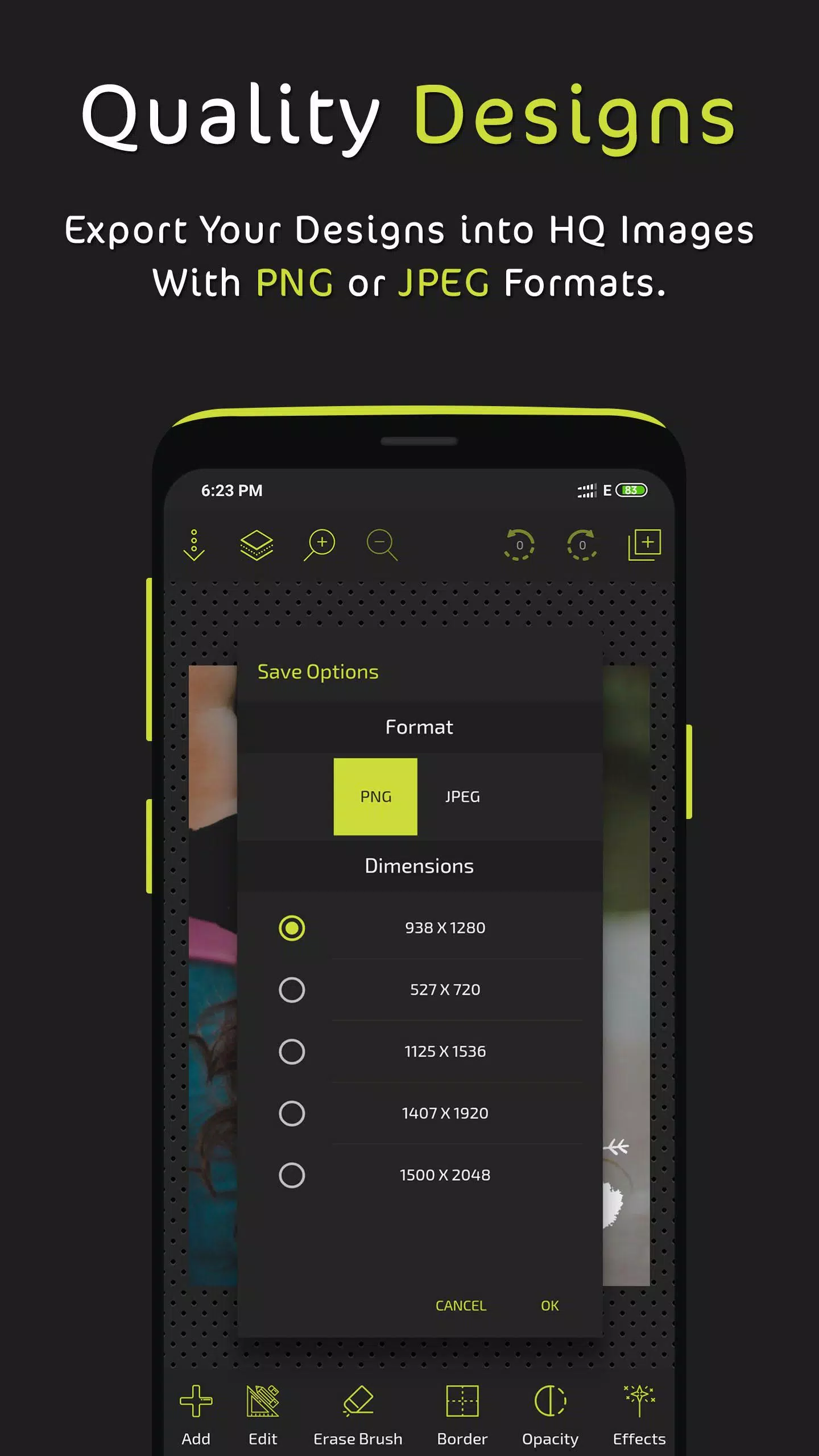
- Save as PNG with multiple resolution options.
- Save as JPEG with adjustable quality and multiple resolution options.
- Save as an editable design (auto-save feature).
Additional Features:
- Brush drawing with adjustable width and fill.
- Grouping and ungrouping of elements.
- Dashed strokes and borders.
- Zoom functionality.
- Customizable tool shortcuts.
- Grid and pixel-precise movement.
- Image sharing options.
Numerous other features await discovery within the app. We actively review user feedback to improve future updates. Share your creations with us on social media: www.facebook.com/postershopeditor
What's New in Version 3.2 (Last updated August 30, 2024)
- Added AI background remover tool.
- Resolved an issue with imported fonts.