We hope one day we will meet in the same Terrarium...
Welcome to the digital interaction habitat where all the signals that will brighten your day are gathered in one place.
We understand that our introduction might not have been fully descriptive, but rest assured, every moment you spend in your Terrarium will be both highly entertaining and interactive.
So, how does it work?
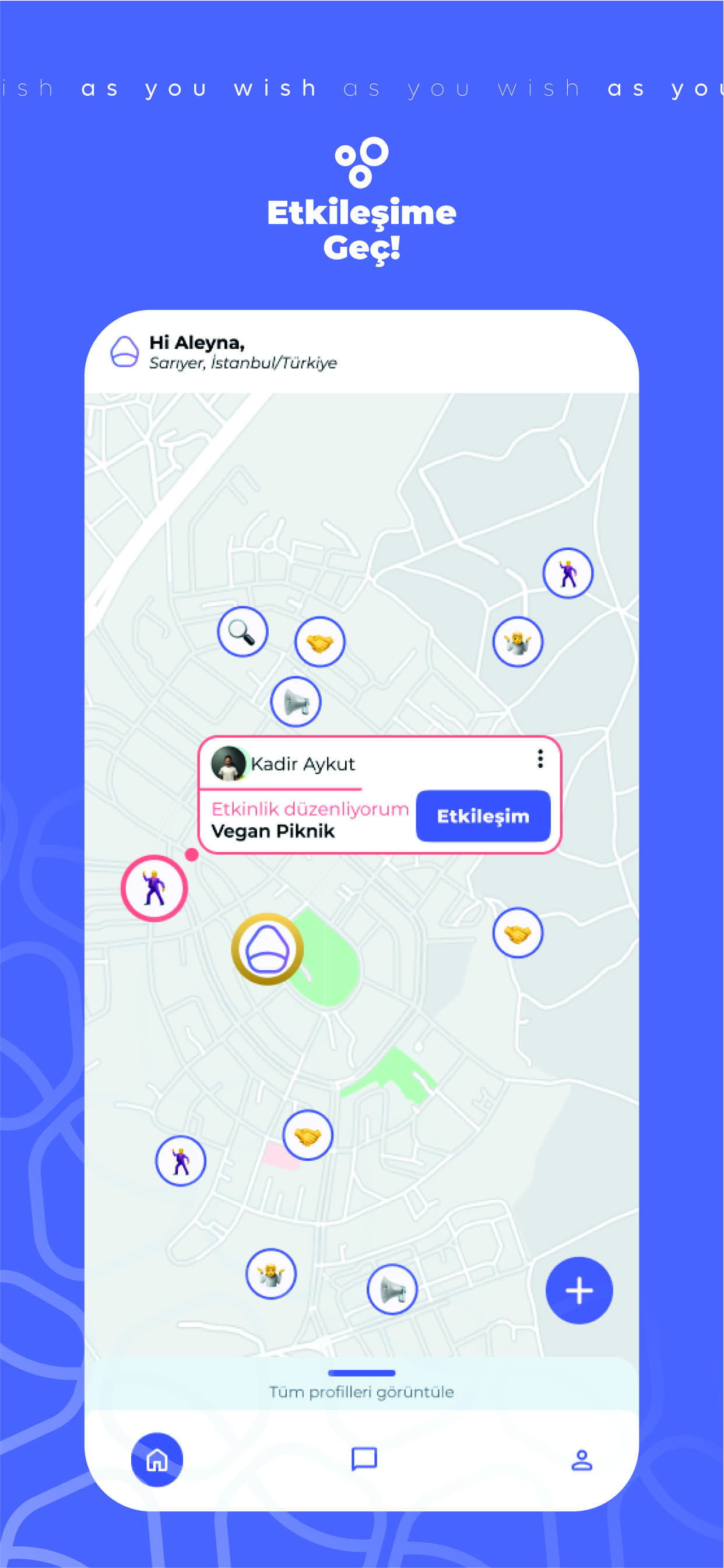
Upon entering the application, start by confirming that you've reviewed our security measures and safely entrusted your data to us. Next, navigate to the map page to discover what's happening around you. This page will be your constant companion for all your interaction needs within your Terrarium. Engage with the signals, and remember, the more you interact, the more visible you become. However, visibility isn't just about interaction. It's crucial to add a photo of yourself—capturing your happiest moment—and a heartfelt biography that feels like a friend is describing you, making it easier for others to connect with you.
Now, let's delve into what a "signal" is.
Take a closer look at the emojis on the map page. They could signify someone nearby needing assistance or an event about to unfold around you. Choose a signal that resonates with you and dive into the interaction. Whether you want to be a superhero or a social butterfly, this is your Terrarium to shape.
We're here to support your free and engaging interactions within your digital habitat, encouraging you to take action.
Let's build your Terrarium together, step by step.
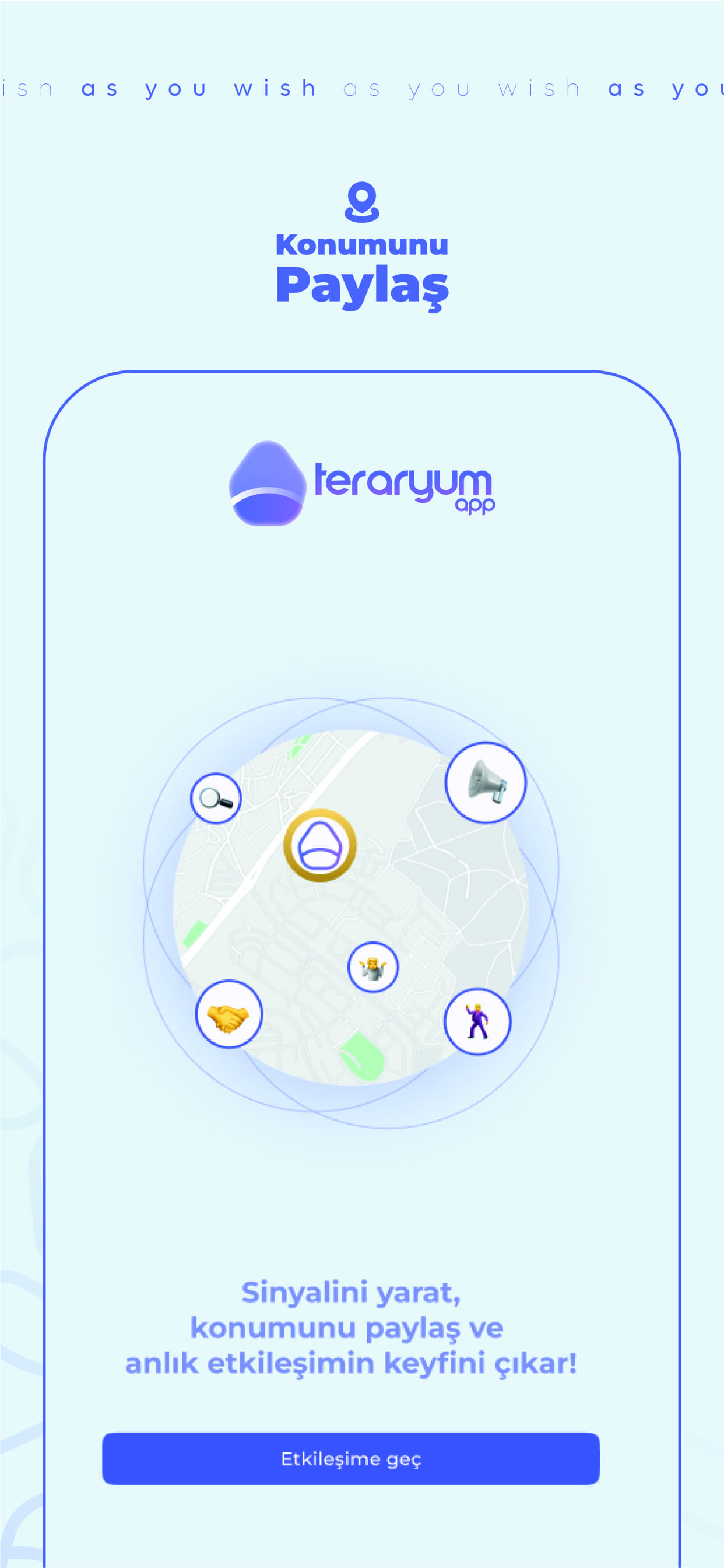
Start by enabling your location and selecting a signal that represents your interaction purpose. We currently offer five signal options, with more to come in future updates, enhancing your digital habitat.
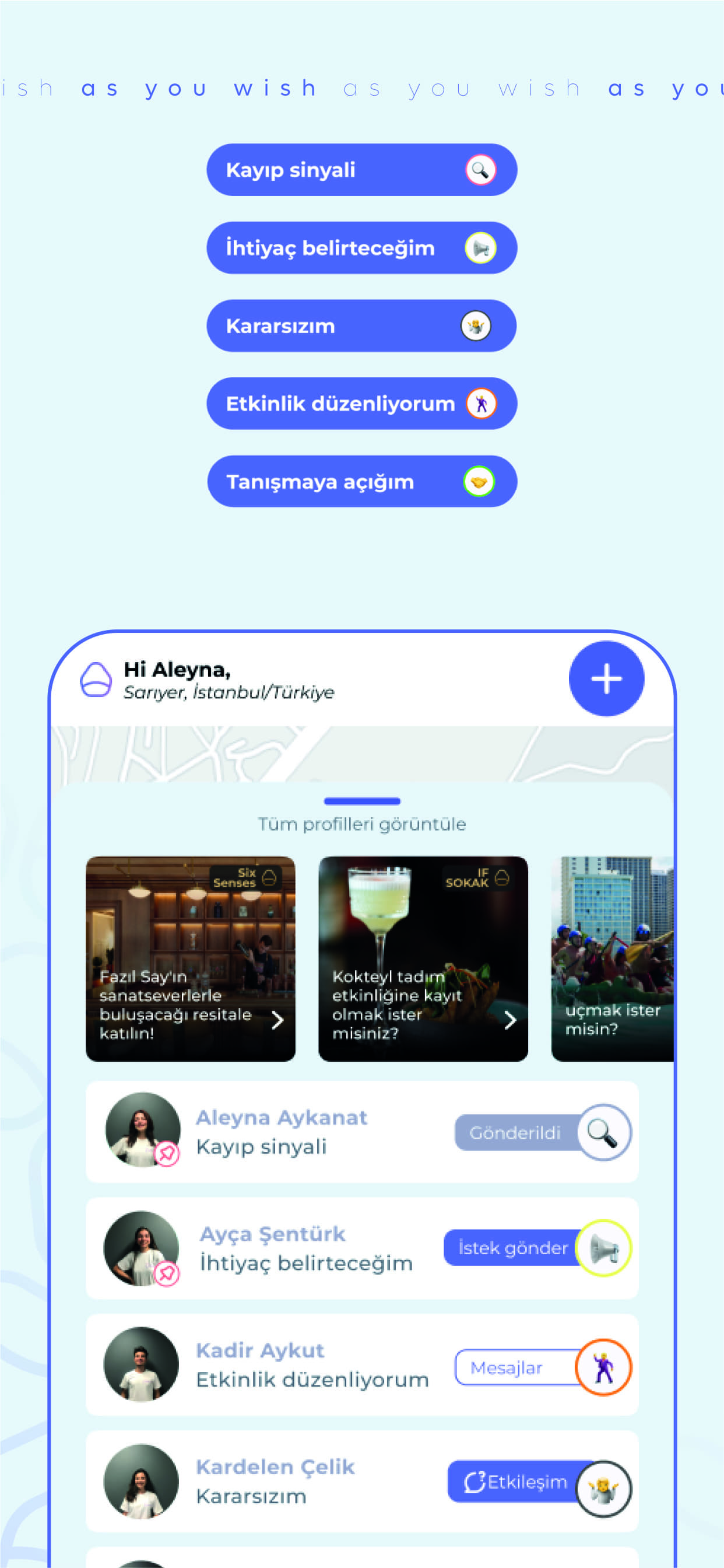
Your currently active signal options include:
- I'm open to meeting: This signal helps you connect with new people in your surroundings.
- I will state a need: Use this to broadcast an immediate need to others in your area.
- Lost signal: This aids in recovering lost items within your environment.
- I'm organizing an event signal: Organize events to socialize and have fun with others, quickly connecting through dedicated group rooms.
- I'm undecided: This allows you to explore what's happening around you.
Each signal is represented by an emoji. By clicking these emojis on the map, you can access signal details and send message requests to signal senders. If there's an event nearby, join the group room to socialize effortlessly. If someone needs help or has lost something, step up and be the hero of your Terrarium.
Next, explore the event panel to broaden your interaction scope. This feature lets you stay informed about concerts, festivals, theater performances, and even venue promotions, with direct links to their websites for further details.
To expand your interaction range or access more signal options, consider a premium subscription, which allows you to engage without limits.
Now, we'll leave you to explore your digital habitat, while we continue to enhance it into the world's most entertaining interaction space.
We hope one day we will meet in the same Terrarium...