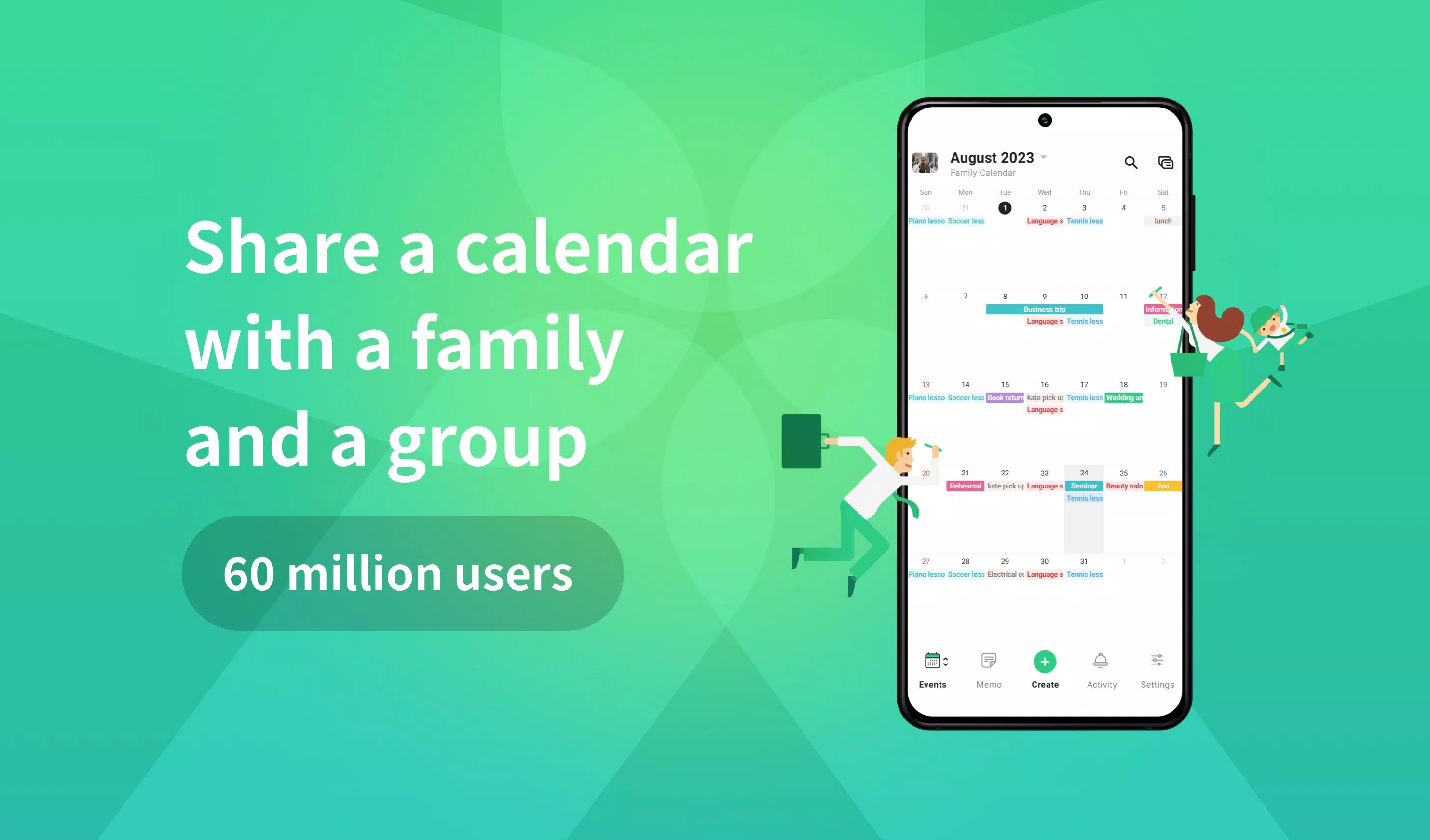
Creating a shared calendar with TimeTree is a breeze, taking just 60 seconds to streamline your time management and enhance connectivity with loved ones, colleagues, and friends. With a staggering 60 million users worldwide and having won the "App Store Best of 2015" award, TimeTree stands as a testament to its effectiveness in fostering stronger bonds through better time coordination.
Sharing with TimeTree
- **Family Use**: TimeTree elegantly resolves double-booking issues within families. It's perfect for coordinating tasks such as picking up the kids or running errands. With TimeTree, your family calendar is always at your fingertips, accessible anytime, anywhere.
- **Work Use**: Simplify the complexities of work schedules by using TimeTree to plan employee shifts. This feature ensures that everyone is on the same page, enhancing productivity and reducing scheduling conflicts.
- **Couple Use**: For couples struggling to align their busy lives, TimeTree offers a seamless solution. By viewing each other's available slots within the shared calendar, planning dates becomes effortless and enjoyable.
Key Features
- **Shared Calendar**: TimeTree makes it easy to share calendars among families, couples, work teams, and other groups, ensuring everyone is synchronized.
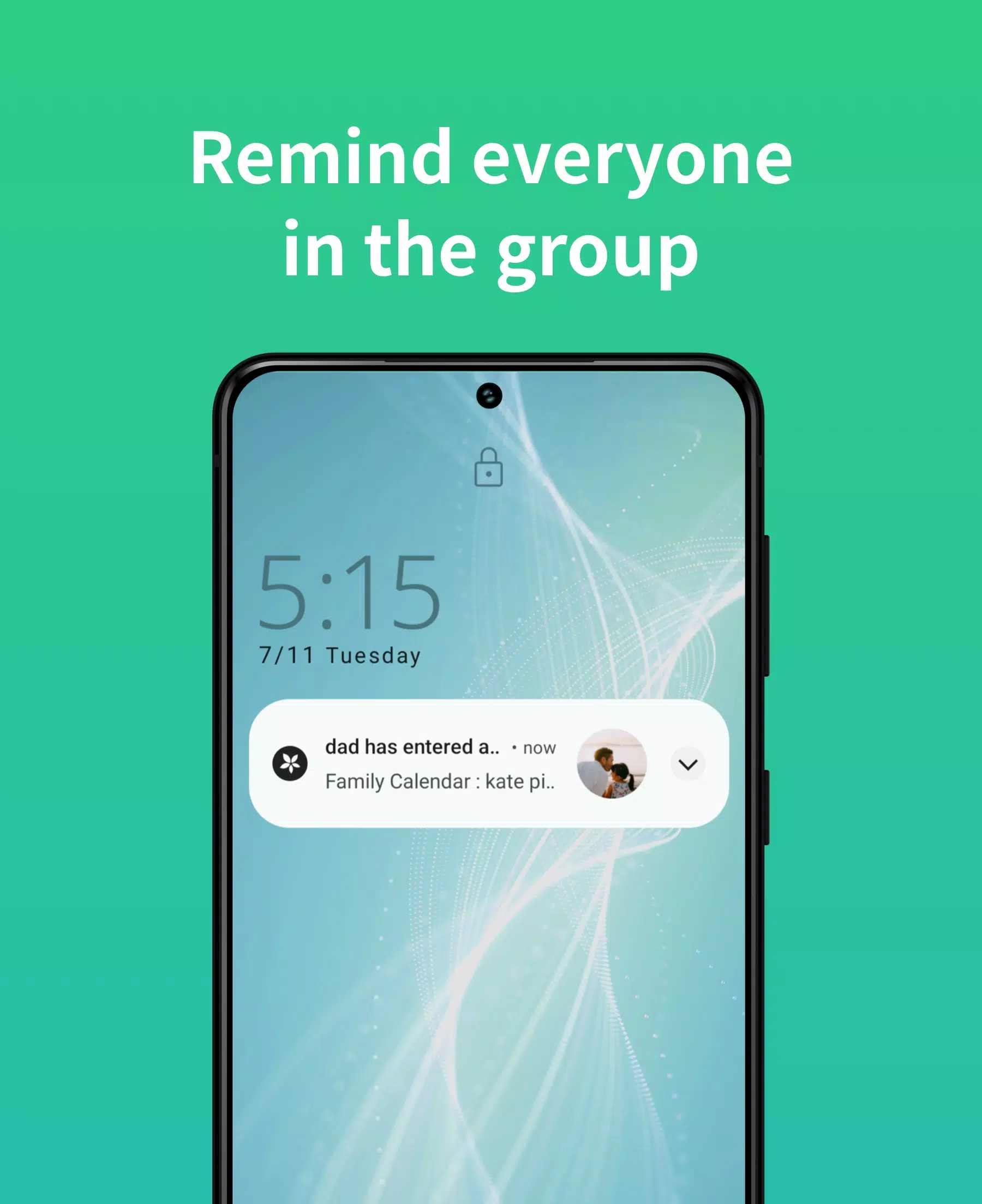
- **Notifications and Reminders**: Stay updated with new events, changes, and messages without constantly checking the app, thanks to timely notifications.
- **Sync with Device Calendar**: Quickly start using TimeTree by syncing it with your device's existing calendars, such as Google Calendar.
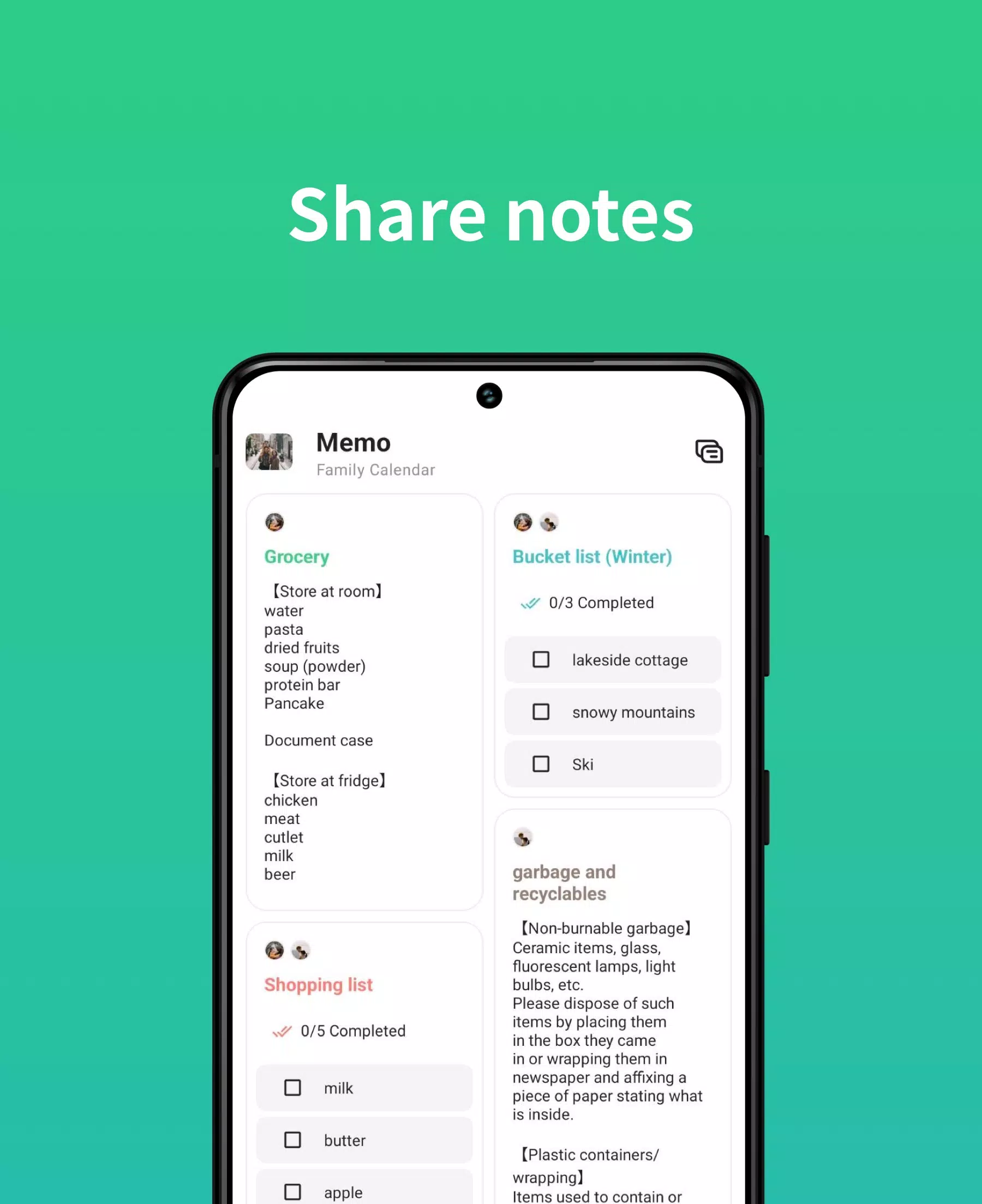
- **Memo and To-Do Lists**: Enhance communication by sharing notes or using memos for events that are yet to be finalized.
- **Chat Within Events**: Facilitate discussions about event details directly within the event, making coordination smoother.
- **Web Version**: Access your TimeTree calendars from any web browser, ensuring flexibility and convenience.
- **Photos in Events**: Enrich your events by adding images, providing more context and engagement.
- **Multiple Calendars**: Create separate calendars for different purposes, keeping your schedules organized and clear.
- **Schedule Management**: Designed from a notebook planner's perspective, TimeTree offers a user-friendly approach to managing your time.
- **Widgets**: Quickly view your daily schedule without opening the app, thanks to convenient widgets.
Solving Time Management Issues
- **Hard to Keep Up with Partner's Schedule**: Eliminate the anxiety of whether your partner knows your schedule by sharing a TimeTree calendar. No more constant confirmations needed!
- **Forgetful of School Events and Tasks**: Keep school schedules and tasks at your fingertips with TimeTree, turning it into a digital diary to meet all your deadlines.
- **Missing Out on Events of Interest**: Never miss an artist's performance, movie premiere, or any other important event again. Save these dates in TimeTree and share them with friends who share your interests.
TimeTree Official Resources
- **Official Website**: https://timetreeapp.com/
- **PC (Web) TimeTree**: https://timetreeapp.com/signin
- **Social Media**: Connect with TimeTree on Facebook, Twitter, Instagram, and TikTok.
- **User Support Email**: For any inquiries or feedback, reach out at [email protected].
Use TimeTree as your go-to scheduling tool for the year and share your experiences with us. We value your feedback and are eager to hear from you!
TimeTree uses the following permissions. You can still enjoy all its features even if you opt out of optional permissions:
- **Required Permissions**: None.
- **Optional Permissions**: Calendar access to sync with your device, Location information for accurate event locations, Files and Media to post and save images, and Camera access to capture and add photos directly.