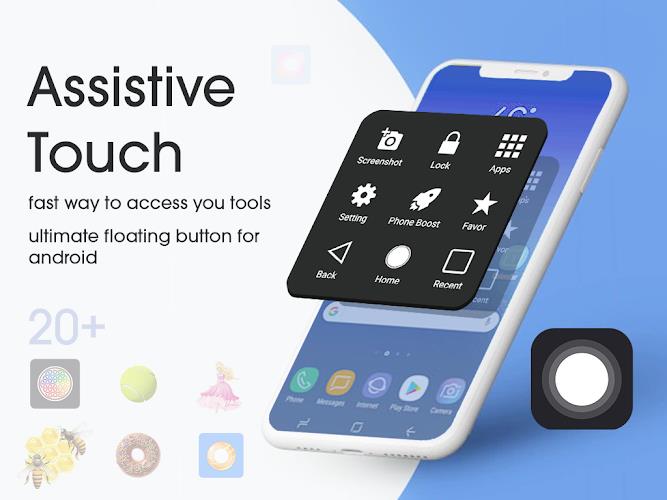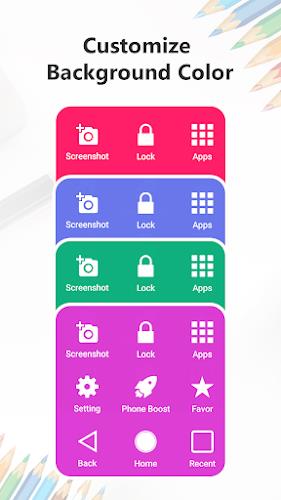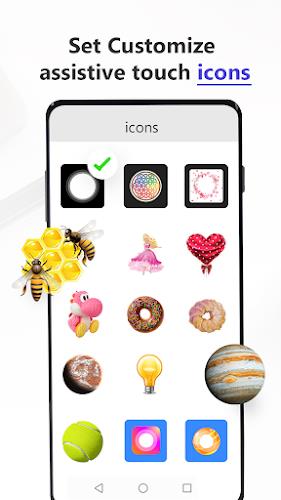
One-handed mobile use just got easier! Assistive Touch: Screenshot app is a game-changer for large-screen phone users. This handy app provides a persistent, on-screen control panel, offering instant access to essential functions. Capture screenshots, adjust volume, lock your screen, and more – all without stretching your fingers to reach those hard-to-press buttons. Highly customizable, you can personalize the app's look and feel with various icons, themes, and backgrounds, creating a truly unique assistive touch experience. Extend the life of your physical buttons and enjoy a smoother, more comfortable mobile experience. Contact us at [email protected] with any questions.
Assistive Touch: Screenshot App Features:
- Instant Access: The floating interface gives you immediate access to frequently used tools.
- Enhanced One-Handed Use: Perfect for larger phones, simplifying tasks with a single hand.
- Multifunctional: Includes home button, screenshot function, volume controls, screen lock, and more.
- Customizable Interface: Personalize your app with a variety of icons, themes, and backgrounds.
- Button Protection: Reduce wear and tear on physical buttons by using the app's touch controls.
- Flexible Layout: Arrange and reposition tools to fit your preferences.
In Summary:
Assistive Touch: Screenshot app significantly improves mobile usability. Its floating interface, quick access to numerous functions, and extensive customization options make one-handed operation effortless and extend the life of your phone's buttons. Download the app today for a seamless mobile experience!