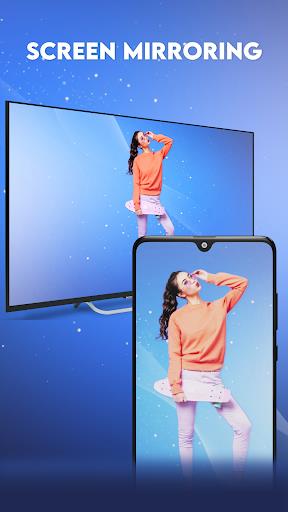
Experience seamless screen mirroring with the innovative "Screen Mirroring: SmartView" app! Connect your Android phone to a wide range of smart devices, including Chromecast, Roku, LG TVs, Amazon Fire TV, Fire Stick, Samsung, Sony, and more. This Miracast-enabled app lets you mirror your phone's display on a larger screen, perfect for sharing videos, presentations, PDF files, and other media content.

Key Features of Screen Mirroring: SmartView:
- Miracast Functionality: Effortlessly mirror videos, movies, and web series onto your Android TV.
- Built-in PDF Reader: View and stream PDF files on a big screen.
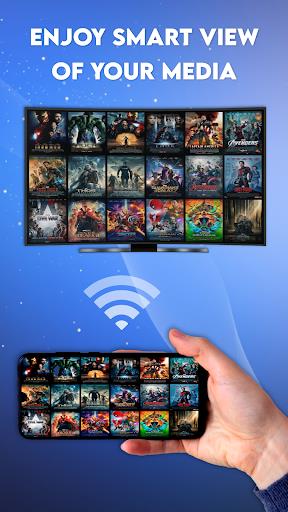
- Versatile Media Casting: Share all your media content with ease on your smart TV.
- Audio Streaming: Listen to your audio files through your smart TV's speakers.
User-Friendly Tips:
- Roku TV Support: Customize the app language to match your preferences.
- Interactive Whiteboard: Draw and write on a digital whiteboard for collaborative sessions.
- Direct PDF Access: Browse and display all your PDF files from your device's internal storage.
- Group Viewing: Share the SmartView experience with friends and family on a larger screen.
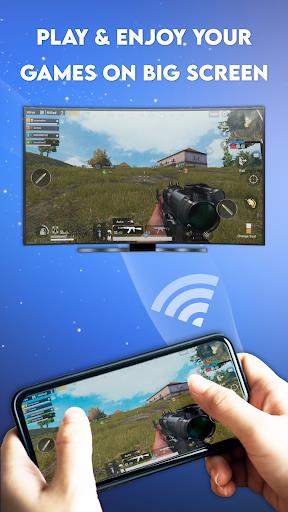
- High-Quality Streaming: Enjoy smooth, real-time mirroring of videos, music, and games.
- Free Whiteboard Tool: Utilize the integrated digital whiteboard for a modern learning or presentation experience.
Simple Connection Steps:
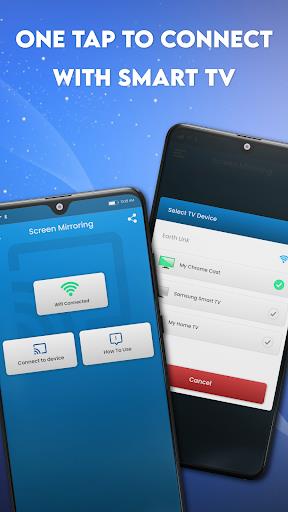
- Ensure your phone and smart TV are connected to the same Wi-Fi network.
- Tap the "Connect" button within the app to establish a link between your devices.
- Enjoy high-quality, real-time streaming of your favorite content on a larger screen.
Conclusion:
Download "Screen Mirroring: SmartView" today for a superior screen mirroring experience. Share your media library and enjoy high-quality viewing with family and friends on a larger display. This user-friendly app provides a convenient and powerful way to enhance your viewing experience.