Home Apps Travel & Local Fly GPS-Location fake/Fake GPS
Fly GPS-Location fake/Fake GPS

Fly GPS-Location fake/Fake GPS Rate : 4.4

Download
Application Description

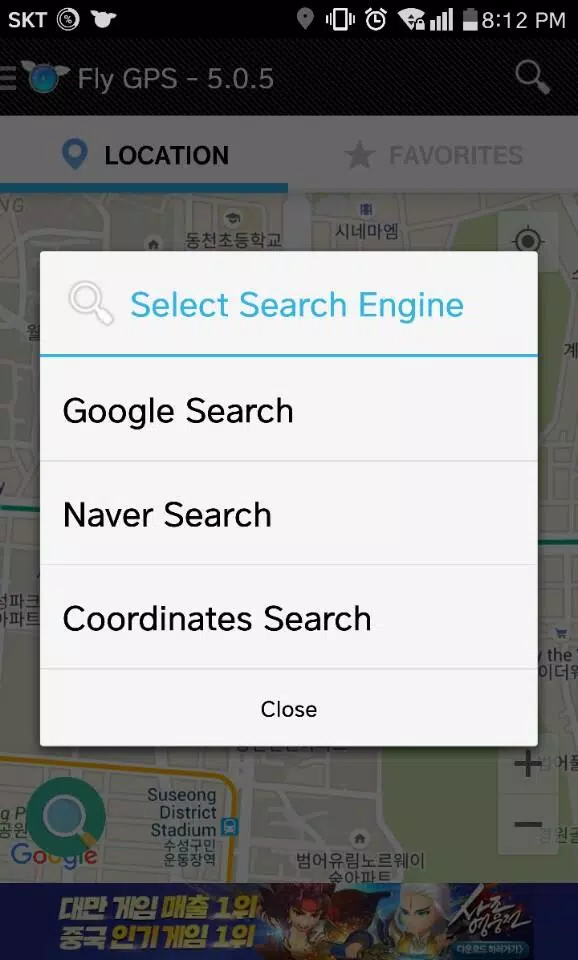
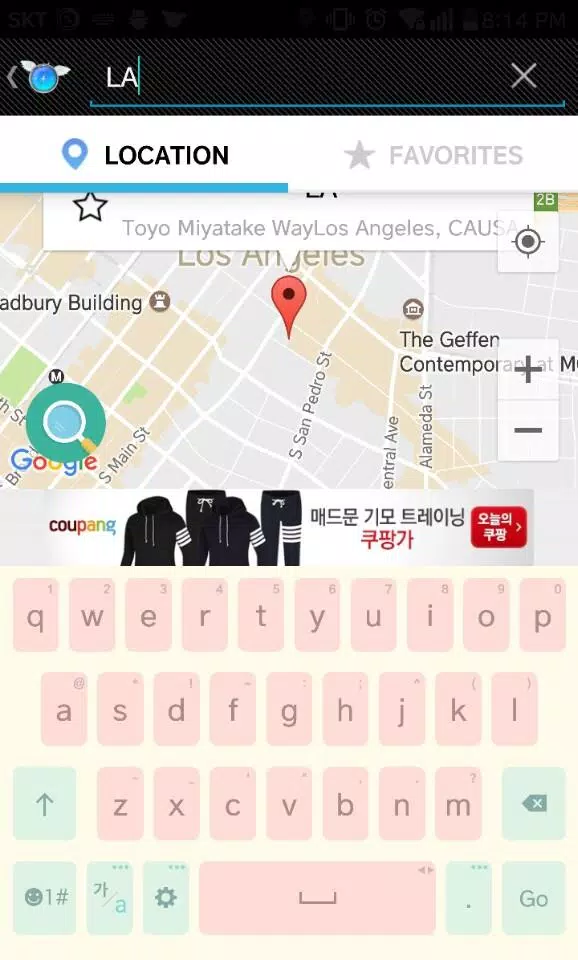
If you're interested in enhancing your experience with location-based apps, understanding the Fly/Fake/GPS settings and features such as favorites, search, and recent history can be quite beneficial. These features make navigating and managing your location data more efficient and user-friendly.

Using the Joystick

1. **Positioning the Joystick:** You can easily position the joystick by dragging it around the screen. This allows for a more personalized and comfortable gaming or navigation experience.
2. **Hidden Features:** By clicking and holding the joystick, you can access hidden features around it. This adds an extra layer of control and functionality to your device.
3. **Adjusting Joystick Position:** If you prefer the joystick to be in a different location, you can move it away from the default position through the Preferences settings. This customization ensures optimal usability.

Developer Mode

To unlock the full potential of your device, you can activate Developer Mode. Here’s how you do it:

1. **Activating Developer Mode:** Go to Settings > About phone > Software > Build number and tap it seven times. This will enable Developer Mode on your device.
2. **Using Developer Options:** Once activated, navigate to Settings > Developer Options. Here, you can select 'Allow mock locations' and choose apps like FlyGPS to simulate your location. This feature is invaluable for developers and testers who need to test apps in different locations.

What's New in the Latest Version 7.2.4

Last updated on Jul 13, 2024, the latest version 7.2.4 includes minor bug fixes and improvements. To experience these enhancements, make sure to install or update to the newest version. Keep your app up to date to enjoy a seamless and optimized user experience.
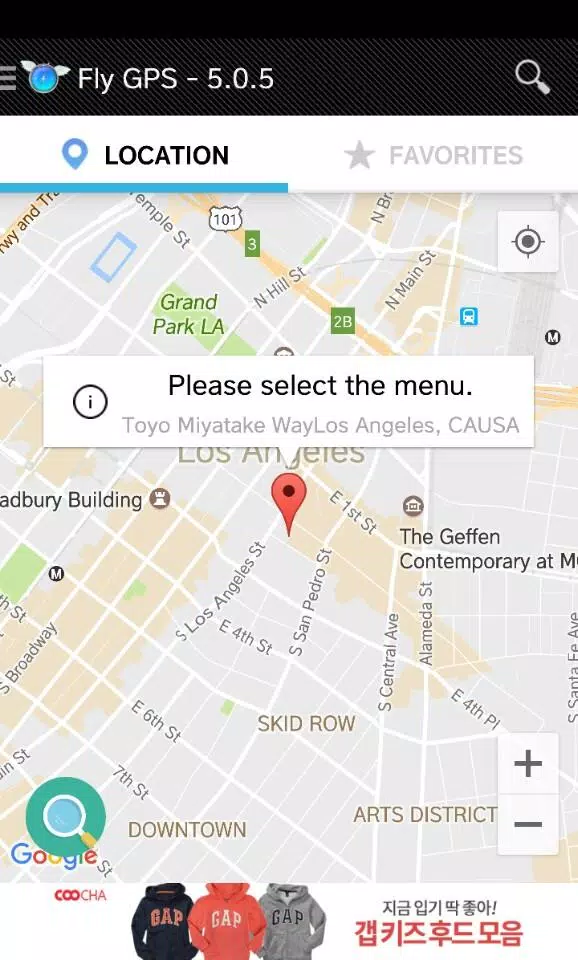
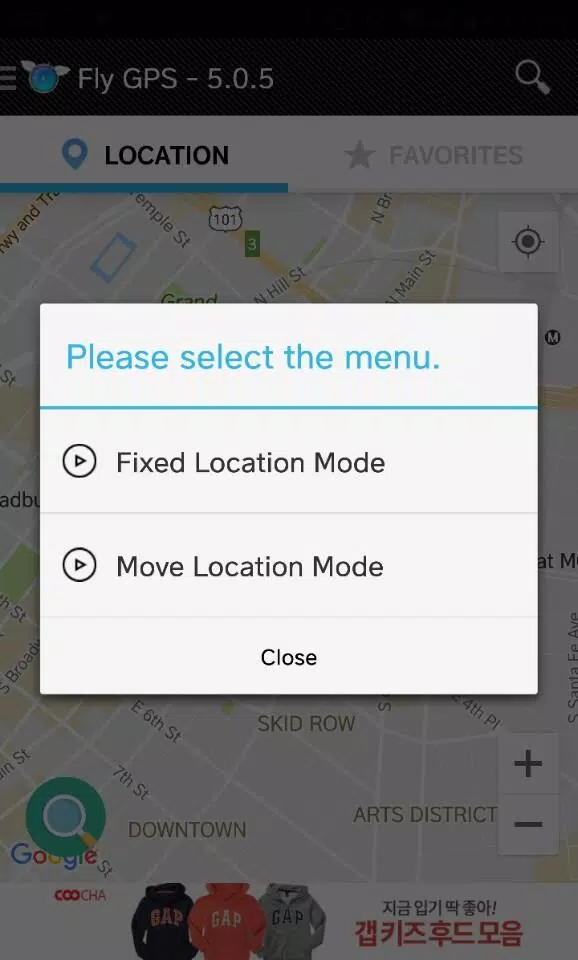
Screenshot
Fly GPS-Location fake/Fake GPS Screenshot 0
Fly GPS-Location fake/Fake GPS Screenshot 1
Fly GPS-Location fake/Fake GPS Screenshot 2
Fly GPS-Location fake/Fake GPS Screenshot 3
Latest Articles More
  • Dune: Awakening Removes Vehicle Damage From PvP

    Remember Funcom's pledge to address those frustrating helicopter squishes ruining PvP matches? Well, they've delivered a solution. Sort of.Instead of tweaking the Ornithopters directly, developers implemented a simpler fix where "vehicles no longer d

    Dec 27,2025
  • Reverse: 1999 Debuts Chinatown Showdown Pt. 1

    Reverse: 1999 version 2.5 Part 1 is now live.Featuring the new limited character Liang Yue and the five-star Loggerhead.New events, garment series, and additional content are now available.If you've been anticipating the Hong Kong cinema-inspired "Sh

    Dec 27,2025
  • Avatar: Last Airbender Film Pushed to 2026

    Paramount Pictures has reshuffled its release schedule, pushing back two major Nickelodeon films: The Legend of Aang: The Last Airbender and Teenage Mutant Ninja Turtles: Mutant Mayhem 2. Both movies will now debut several months later than originall

    Dec 26,2025
  • "Haikyu!! Anime Inspires New Volleyball Game"

    Haikyu!! Fly High is the highly anticipated game based on the legendary anime series, now open for pre-registration.Garena will bring the game to North America, Europe, and other major global markets.Assemble your dream team with beloved characters a

    Dec 26,2025
  • Best Gaming OLED Monitors for 2025

    After nearly a decade, Clash Royale has finally introduced an evolutionary upgrade for the Inferno Dragon. Supercell marked this milestone with a special collaboration featuring Finnish comedian Ismo Leikola.A Fiery Negotiation Takes Center StageThe

    Dec 26,2025
  • The Outer Worlds 2 Physical Copies Are PS5-Exclusive, Priced at $80

    The Outer Worlds 2 marks Xbox's first $80 game, though physical copies will only be available on PS5. Continue reading to explore Xbox's updated pricing strategy and its shift toward an all-digital future for upcoming releases.Pricing and Physical Av

    Dec 26,2025