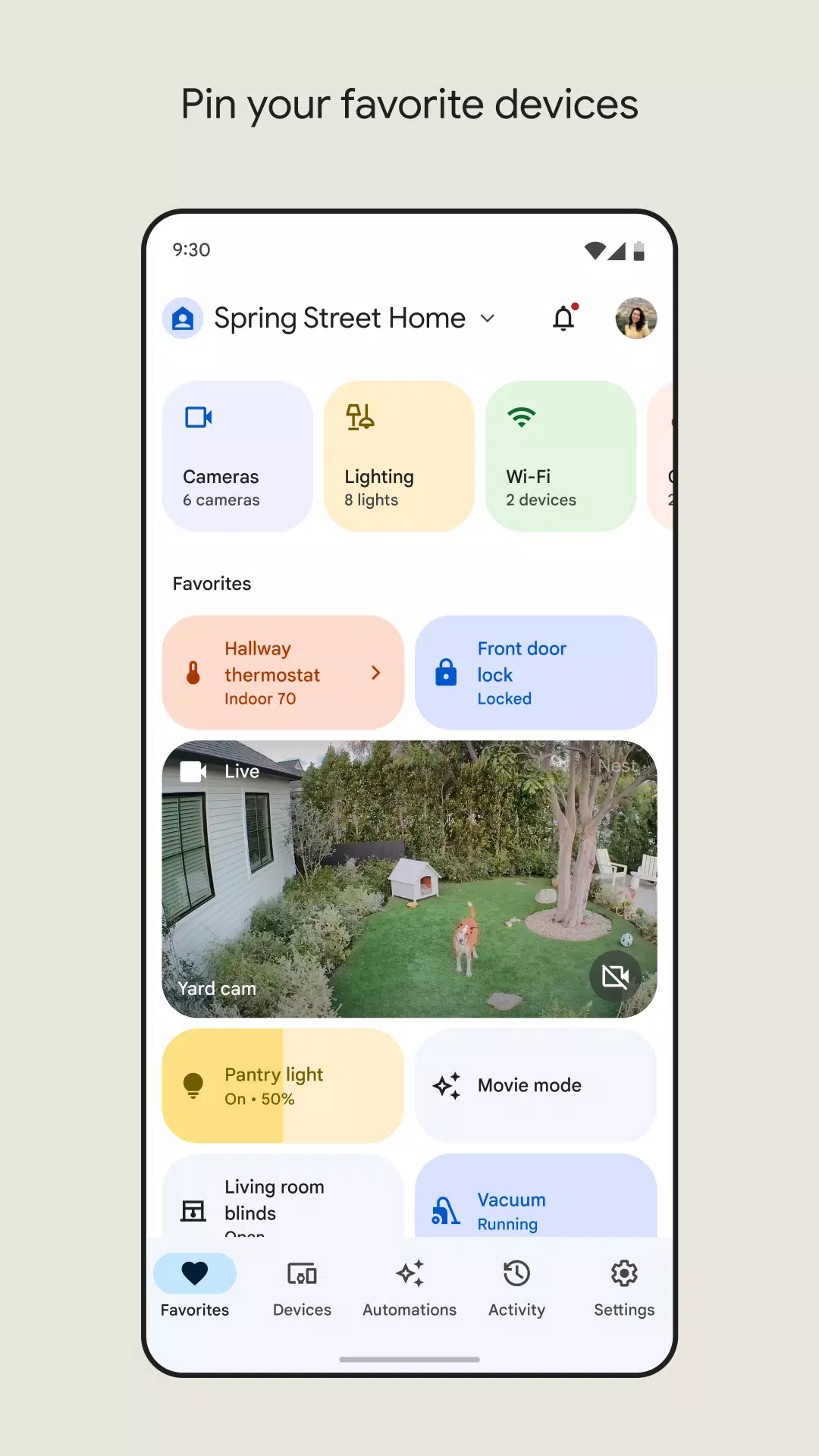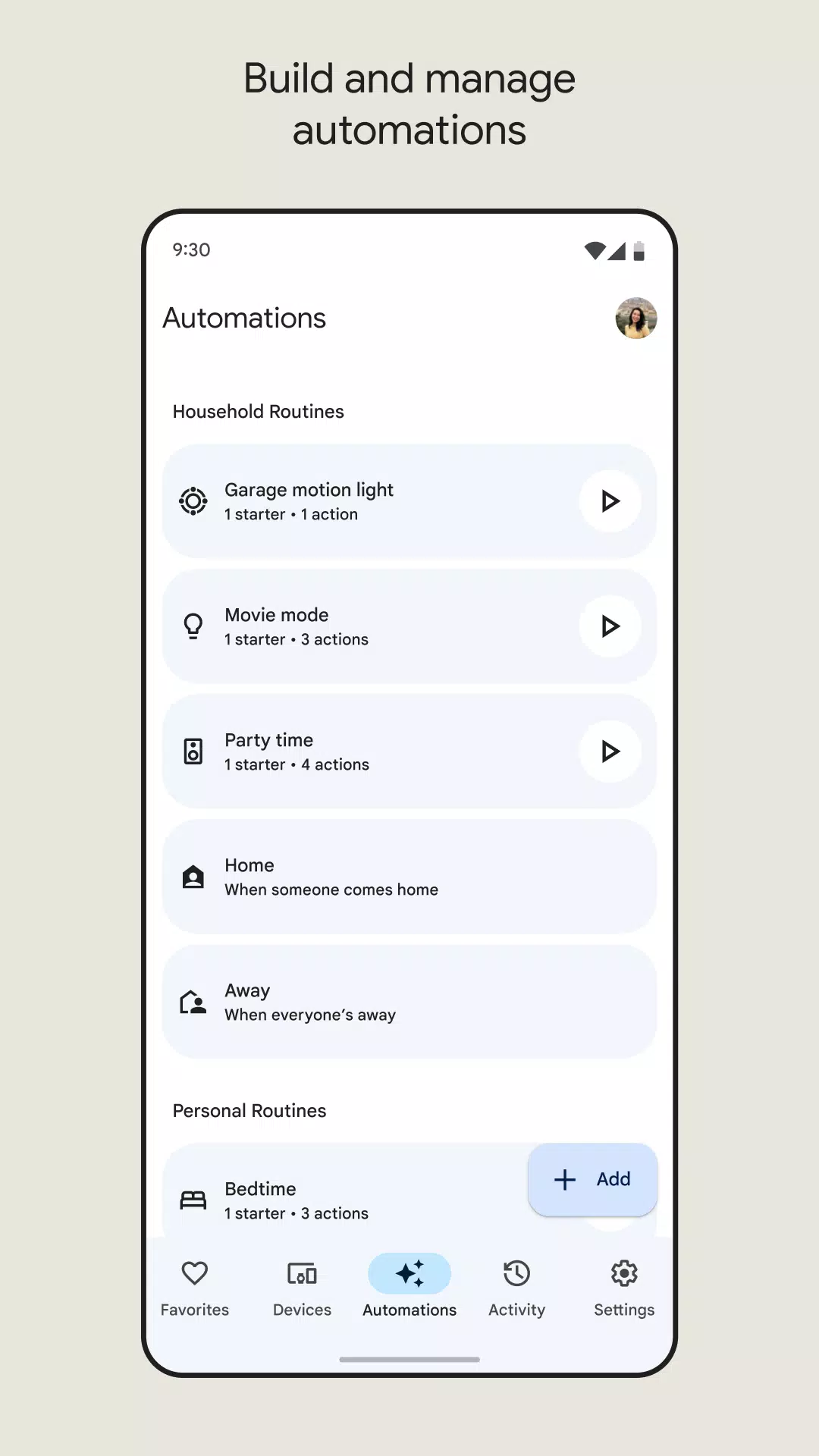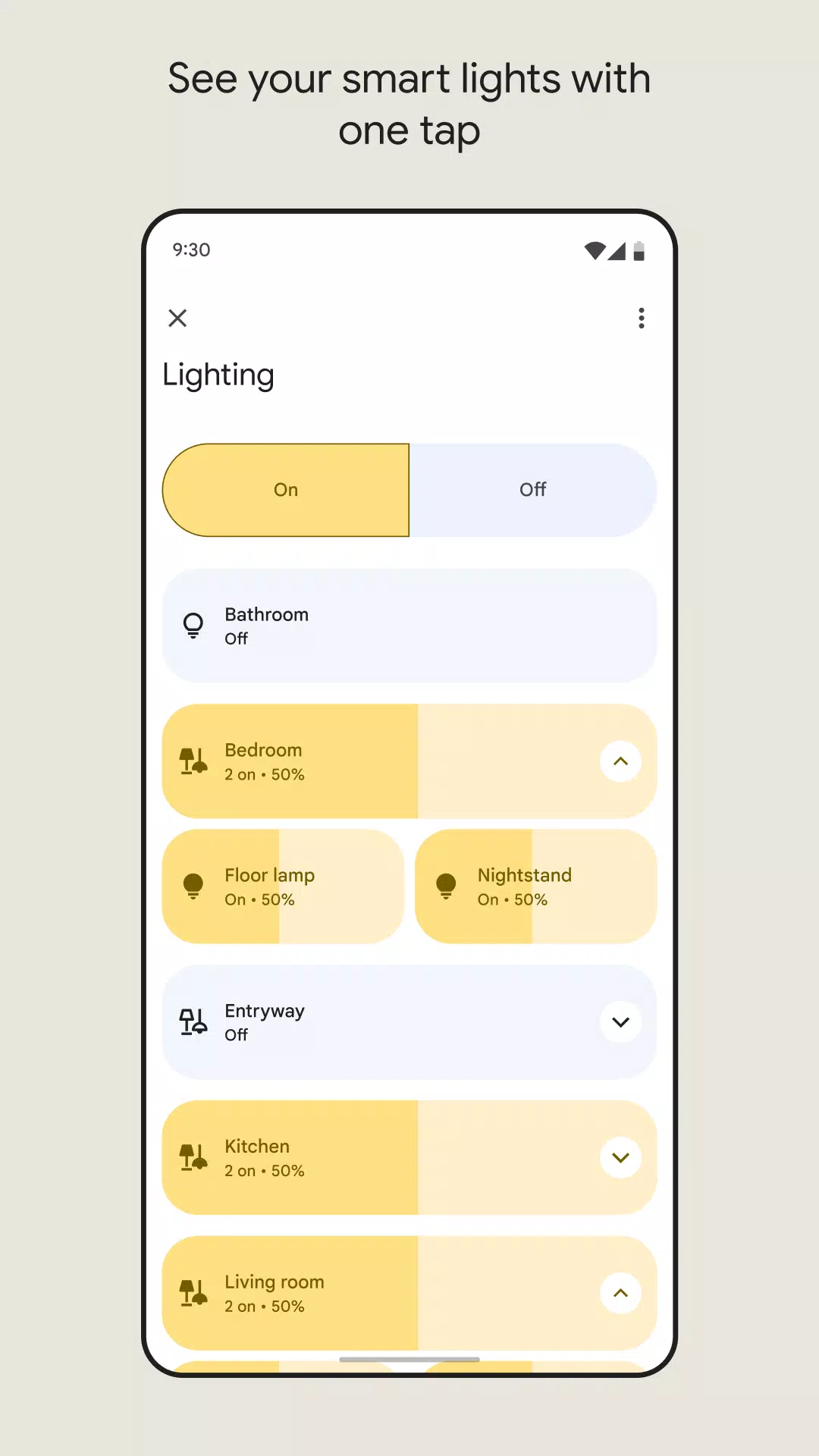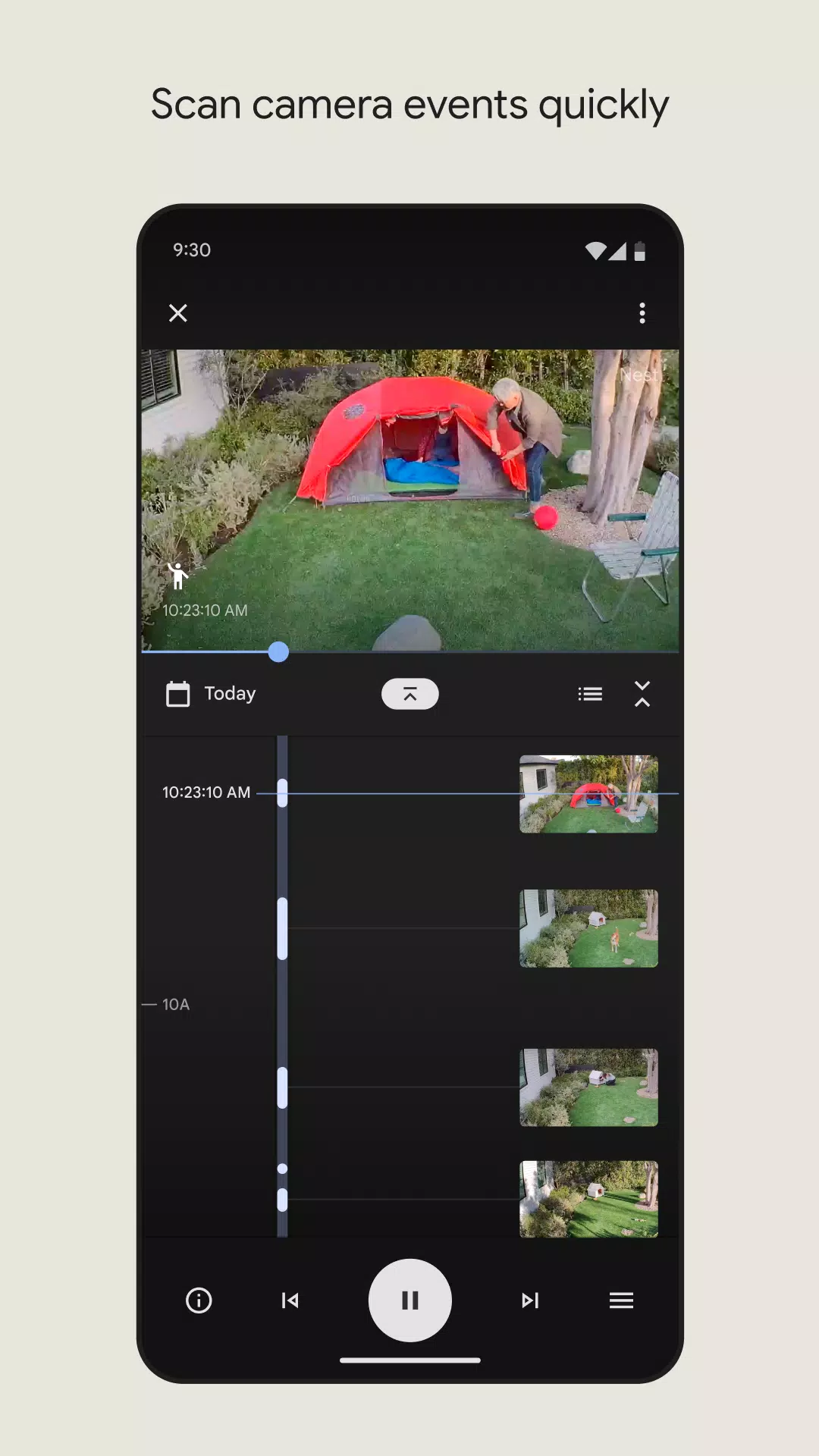
As your reliable assistant, Google Home enhances your home management by seamlessly connecting you with your home environment.
Control All Appliances: With compatible connected appliances, you can effortlessly manage them from your phone. For instance, you can activate your air conditioner before arriving home, ensuring a comfortable environment upon your entry.
Protect Your Privacy: During extended trips, you can monitor activities both inside and outside your home, as well as keep an eye on visitors, all through the Google Home system.
Easy Steps: Despite its robust capabilities, Google Home maintains a user-friendly interface and straightforward operations, ensuring accessibility for all users.
Utilize the Google Home app to set up, manage, and control a wide array of devices including Google Nest, Google Wifi, Google Home, and Chromecast, along with thousands of compatible smart home products such as lights, cameras, thermostats, and more.
One View of Your Home
The Home tab offers shortcuts to your most frequent actions, like playing music or dimming lights for movie time. With just a couple of taps, you can swiftly navigate to your preferred functions. The Feed tab consolidates significant events within your home, providing insights and suggestions to enhance your setup. Create Routines to simultaneously activate compatible lights, check the weather, listen to the news, and more with a single command. Additionally, you can manage all active audio and video streams on your devices from one centralized location, adjusting volume, skipping tracks, or switching speakers with ease.
Understand What’s Going on at Home with a Glance
Designed to keep you informed, the Google Home app displays the current status of your home and provides updates on any events you might have missed. You can check in on your home at any time and receive notifications about important occurrences when you're away.
Effortlessly set up your Nest Wifi and Google Wifi using the Google Home app. Conduct speed tests, establish a guest network, and share your Wi-Fi password with ease. Employ parental controls like Wi-Fi pause to manage your children's online time. Automatically prioritize video calls and gaming traffic across all devices or choose specific devices for prioritized traffic. Gain detailed insights into your network, including notifications about new device connections and troubleshooting tips for internet connectivity issues.
A Helpful Home is a Private Home
Google prioritizes your privacy with one of the world's most advanced security infrastructures, integrated directly into Google products for default security. Your Google Account's built-in security actively detects and blocks threats, ensuring your personal information remains protected.
We Build Privacy Tools That Keep You in Control
Manage your Google Assistant activity, privacy settings, information, and personal preferences through the Google Home app. You can review your activity, delete it manually, or set it to auto-delete. Use voice commands to control your privacy settings on Google Assistant by asking questions like, “Where can I change my privacy settings?” to access answers to common privacy and security queries.
For more details on how Google safeguards your information and respects your privacy, visit the Google Nest Safety Center at safety.google/nest.
*Please note that some products and features may not be available in all regions, and compatible devices are required.
What's New in the Latest Version 3.24.1.4
Last updated on Oct 4, 2024
New in this update: Support for Google TV Streamer (4K) has been added, featuring performance enhancements, superior visuals and audio, and the ability to control compatible smart home devices directly from your TV.