Home News How to Fix Your Aim in Marvel Rivals

How to Fix Your Aim in Marvel Rivals

Author : Gabriella Jan 05,2025

《Marvel Rivals》赛季0:末日崛起玩家反馈指南:如何禁用鼠标加速和瞄准平滑

《Marvel Rivals》赛季0:末日崛起获得了玩家的广泛好评。大家熟悉了地图、英雄和技能,并找到了最适合自己游戏风格的角色。然而,随着玩家在初始游戏中不断进步并开始参与竞争性游戏排名,一些玩家开始注意到他们感觉自己对瞄准的控制力很弱。

如果您在适应《Marvel Rivals》及其不同角色的过程中,发现自己对瞄准感到沮丧且感觉有点不准,那么您并不孤单。事实上,许多玩家已经开始使用一个简单的修复方法来禁用瞄准不准的主要原因之一。如果您好奇为什么您的瞄准可能感觉有点不准确,以及如何修复这个问题,那么您可以在下面的指南中找到所需的所有信息。

如何在《Marvel Rivals》中禁用鼠标加速和瞄准平滑
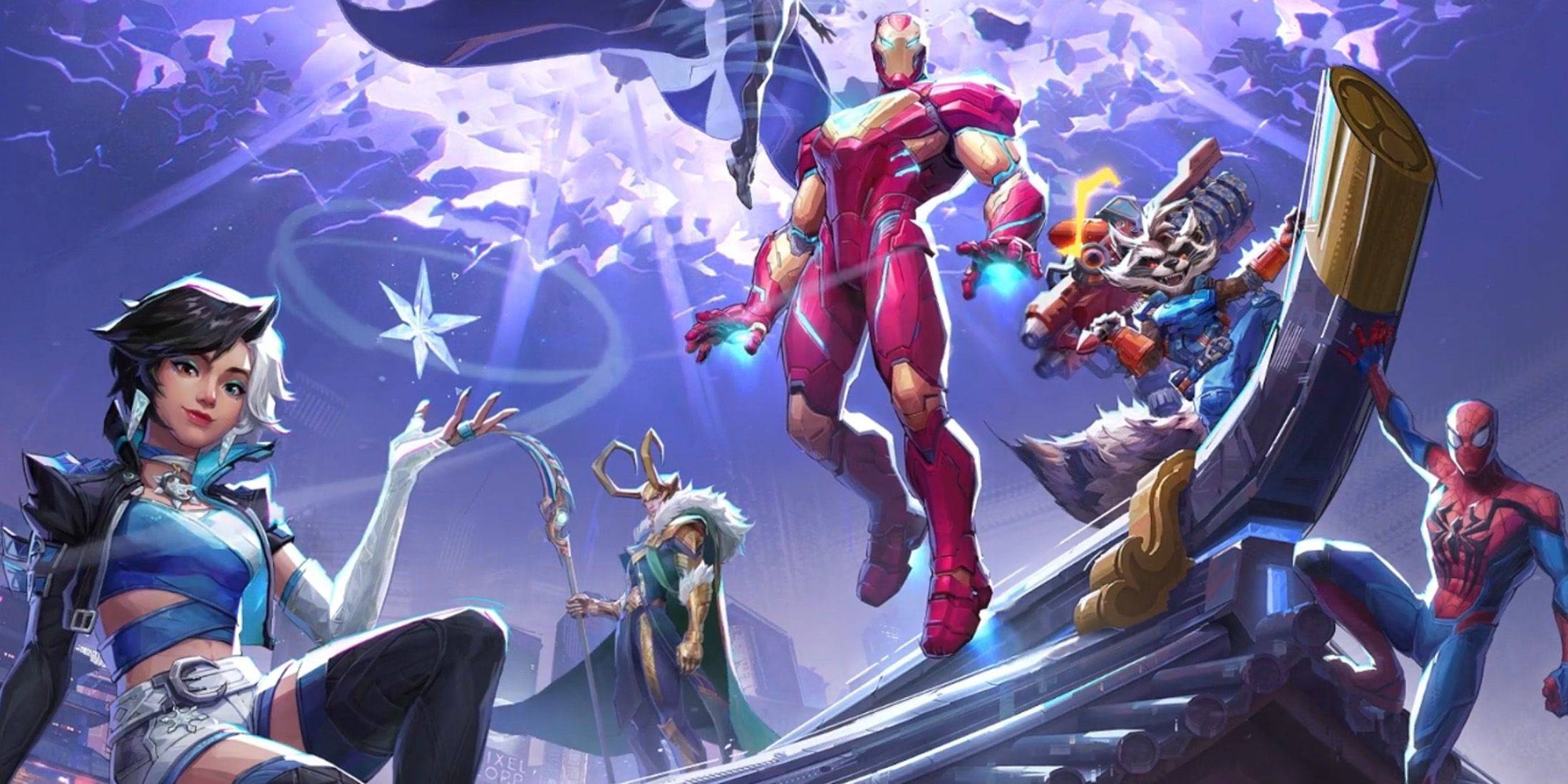
在《Marvel Rivals》中,一个名为鼠标加速/瞄准平滑的功能默认启用,与其他电子游戏不同,目前游戏中没有设置来启用或禁用此功能。虽然鼠标加速/瞄准平滑对于使用控制器的玩家特别方便,但鼠标和键盘玩家通常更倾向于将其关闭,因为它会使快速射击和敏捷瞄准更难以持续实现。从本质上讲,一些玩家可能更喜欢启用它,而另一些玩家则更喜欢禁用它——这完全取决于个人以及他们玩的英雄类型。

幸运的是,玩家可以在 PC 上执行一个简单的修复程序来关闭此功能并启用其高精度鼠标输入,方法是使用文本编辑器应用程序(如记事本)手动更改游戏设置文件。玩家无需担心,这绝不被认为是修改/作弊——您只是关闭大多数游戏已经可以选择启用/禁用的设置,而不是安装任何额外文件或大幅更改数据。具体来说,每当您更改《Marvel Rivals》游戏中的设置(例如您的准星或灵敏度)时,都会更新此游戏文件,因此您正在更改这些众多设置之一。

逐步禁用《Marvel Rivals》中的瞄准平滑/鼠标加速

  1. 打开“运行”对话框(快捷键是 Windows + R)。
  2. 复制并粘贴以下路径,但将“YOURUSERNAMEHERE”替换为您保存数据所在的用户名。
    1. C:\Users\YOURUSERNAMEHERE\AppData\Local\Marvel\Saved\Config\Windows
    2. 如果你不知道你的用户名,你可以通过导航到“此电脑”<“Windows”<“用户”来找到它。
  3. 按 Enter 键,这将显示系统设置保存文件的位置。右键单击 GameUserSettings 文件,然后在记事本中打开它。
  4. 在文件的底部,复制并粘贴以下代码行:

[/script/engine.inputsettings]

bEnableMouseSmoothing=False

bViewAccelerationEnabled=False

现在保存并关闭文件。您现在已成功为您的《Marvel Rivals》游戏禁用了鼠标平滑和加速。此外,您还可以添加第二行代码在您之前添加的代码下方,以覆盖任何其他瞄准处理序列并确保原始鼠标输入优先。

[/script/engine.inputsettings]

bEnableMouseSmoothing=False

bViewAccelerationEnabled=False

bDisableMouseAcceleration=False

RawMouseInputEnabled=1

Latest Articles More
  • Dune: Awakening Removes Vehicle Damage From PvP

    Remember Funcom's pledge to address those frustrating helicopter squishes ruining PvP matches? Well, they've delivered a solution. Sort of.Instead of tweaking the Ornithopters directly, developers implemented a simpler fix where "vehicles no longer d

    Dec 27,2025
  • Reverse: 1999 Debuts Chinatown Showdown Pt. 1

    Reverse: 1999 version 2.5 Part 1 is now live.Featuring the new limited character Liang Yue and the five-star Loggerhead.New events, garment series, and additional content are now available.If you've been anticipating the Hong Kong cinema-inspired "Sh

    Dec 27,2025
  • Avatar: Last Airbender Film Pushed to 2026

    Paramount Pictures has reshuffled its release schedule, pushing back two major Nickelodeon films: The Legend of Aang: The Last Airbender and Teenage Mutant Ninja Turtles: Mutant Mayhem 2. Both movies will now debut several months later than originall

    Dec 26,2025
  • "Haikyu!! Anime Inspires New Volleyball Game"

    Haikyu!! Fly High is the highly anticipated game based on the legendary anime series, now open for pre-registration.Garena will bring the game to North America, Europe, and other major global markets.Assemble your dream team with beloved characters a

    Dec 26,2025
  • Best Gaming OLED Monitors for 2025

    After nearly a decade, Clash Royale has finally introduced an evolutionary upgrade for the Inferno Dragon. Supercell marked this milestone with a special collaboration featuring Finnish comedian Ismo Leikola.A Fiery Negotiation Takes Center StageThe

    Dec 26,2025
  • The Outer Worlds 2 Physical Copies Are PS5-Exclusive, Priced at $80

    The Outer Worlds 2 marks Xbox's first $80 game, though physical copies will only be available on PS5. Continue reading to explore Xbox's updated pricing strategy and its shift toward an all-digital future for upcoming releases.Pricing and Physical Av

    Dec 26,2025